Why Your Tracking Method Matters
Choosing a budgeting tool is less about features and more about sustainability. The most sophisticated app in the world won't improve your finances if you stop opening it after two weeks — and a spreadsheet won't help if manual data entry feels so tedious you avoid it entirely.
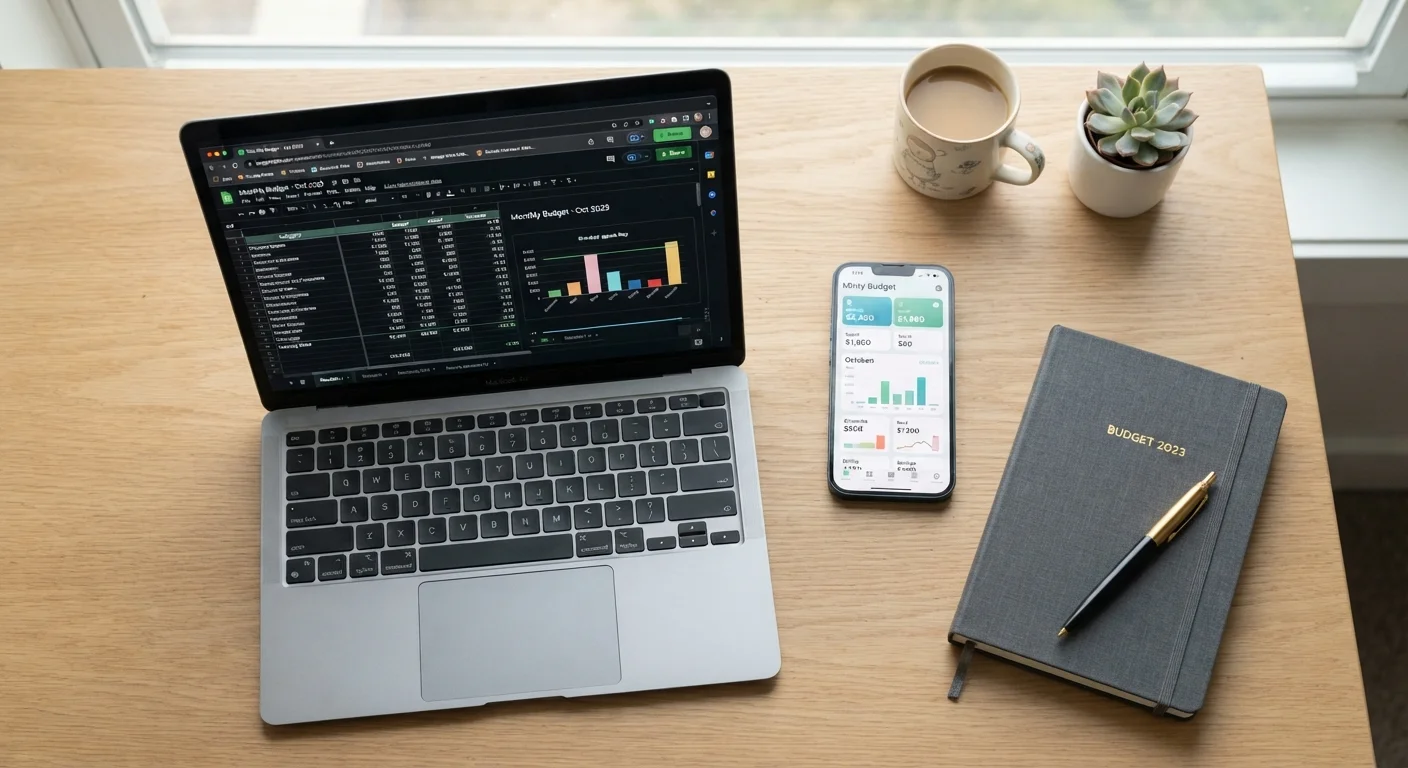
Both spreadsheets and budgeting apps can support the same fundamental goal: giving you a clear, honest picture of income versus spending so you can make intentional choices. If you're just starting out, see our plain-English guide to building your first monthly budget before deciding which tool to use. The method you pick should fit the way you actually think about and interact with money, not just the way you hope you will.
| Spreadsheet | Budgeting App | |
|---|---|---|
| Setup effort | High — build from scratch or customize a template | Low — guided setup with linked accounts |
| Ongoing time commitment | 20–30 min/week manual entry | 5–10 min/week review of automated imports |
| Customization | Unlimited — you control every category and formula | Limited to app's built-in structure |
| Data privacy | High — data stays in your file | Variable — requires linking financial accounts |
| Cost | Free (Google Sheets) or low one-time cost | Free to paid subscription tiers |
| Best for irregular income | Strong — easily model variable scenarios | Varies by app; some handle it poorly |
| Accountability features | Self-directed only | Alerts, dashboards, goal tracking built in |
The Case for Spreadsheets
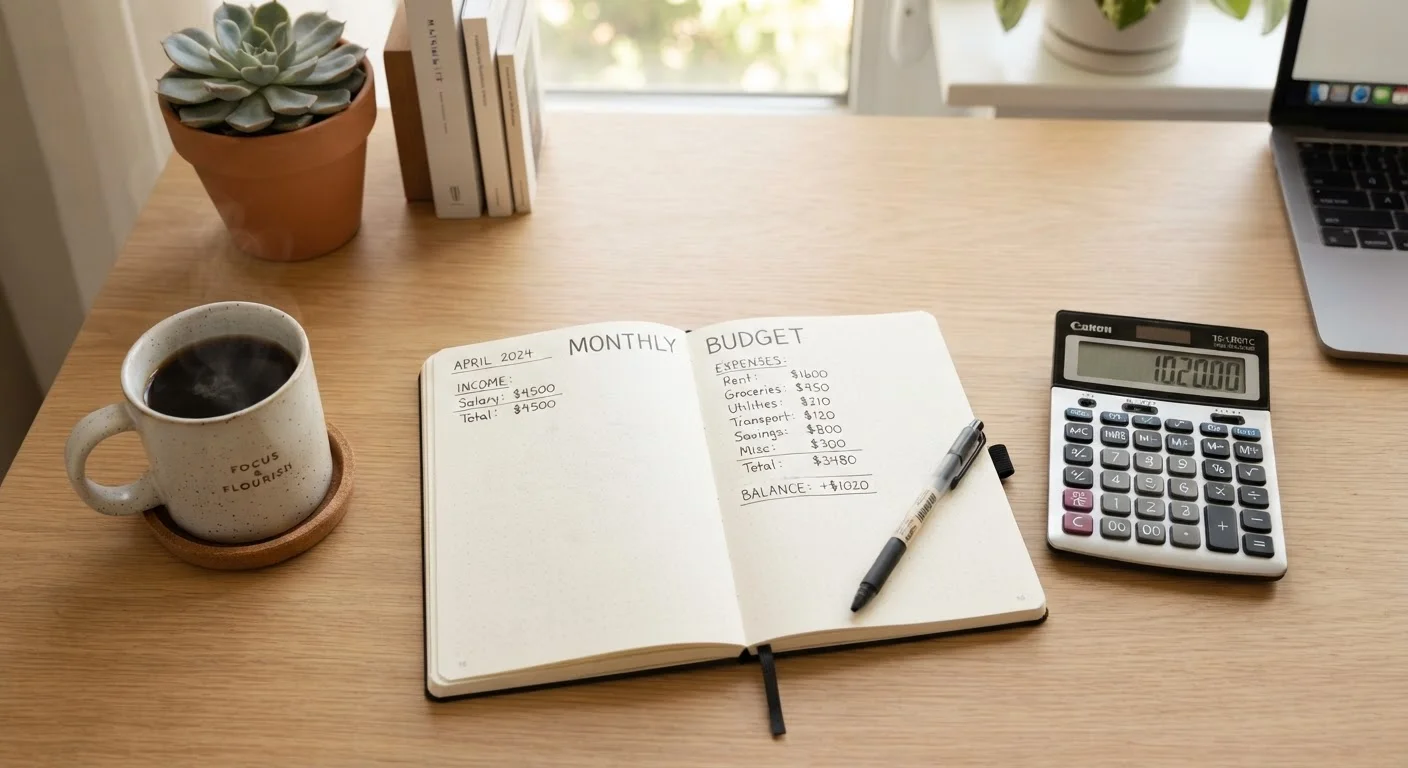
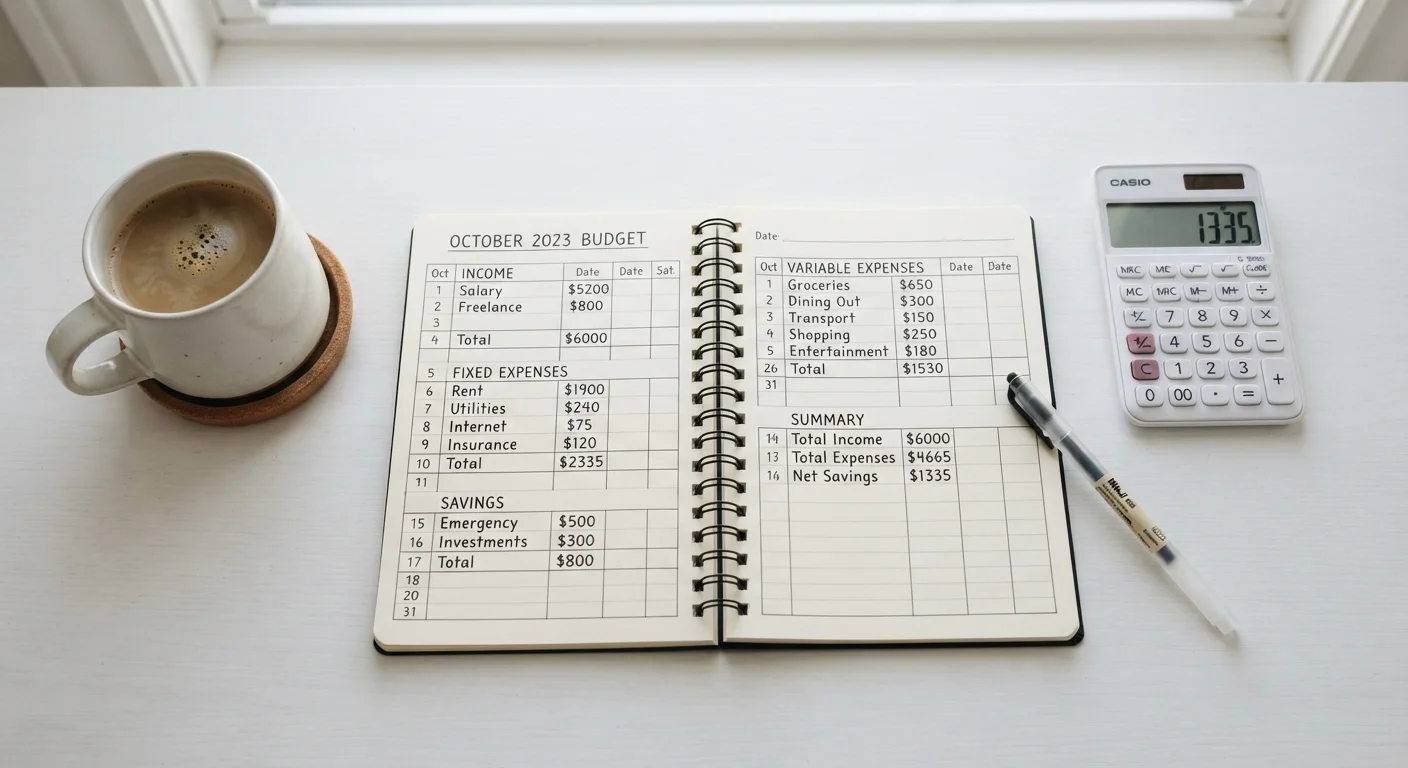
Spreadsheets — whether built in a free tool like Google Sheets or a desktop program — give you complete authorship over your budget. You define every category, formula, and layout. That flexibility is genuinely powerful for people who have unusual income structures, multiple savings goals, or who simply prefer to know exactly how their numbers are calculated.
The trade-off is effort. Every transaction requires manual entry unless you export data from your bank and paste it in. That process can take 20–30 minutes per week for an average household. If that kind of deliberate, hands-on review sounds appealing — many people find it clarifying — then a spreadsheet is a strong fit.
Make Manual Entry Work For You
If you choose a spreadsheet, schedule a fixed 15-minute weekly session — Sunday evening works well for many households — to enter the week's transactions. Treating it as a recurring appointment rather than an ad-hoc task dramatically improves consistency. Keeping receipts or using your bank's transaction export feature can speed up the process.
Spreadsheets also win on privacy. Your financial data stays in a file you control rather than being shared with a third-party platform. For users who are uncomfortable linking bank accounts to external services, this matters. Our complete guide to managing your money month to month covers how to structure spreadsheet categories for common household scenarios.
The Case for Budgeting Apps
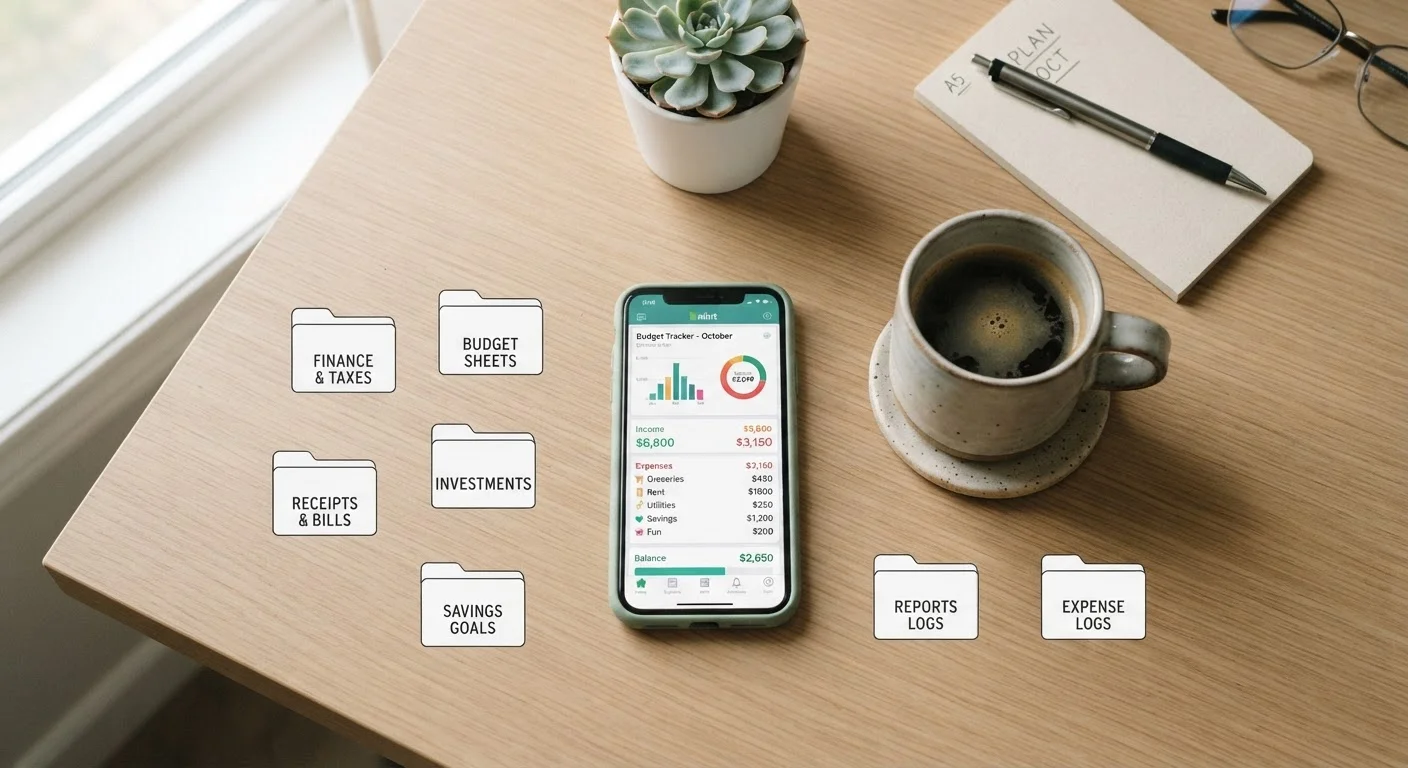
Budgeting apps earn their place by reducing friction. Most connect directly to bank accounts and credit cards, categorizing transactions automatically and presenting spending summaries in visual dashboards. For households managing multiple accounts or cards, that automation can save meaningful time and catch expenses that might slip through manual tracking.
Apps also tend to offer alerts — spending threshold notifications, bill reminders, and goal-progress updates — that serve as built-in accountability. For people who benefit from external prompts rather than self-directed review sessions, this structure can be the difference between an active budget and an abandoned one.
The considerations worth weighing: apps typically require linking financial accounts, which involves granting a third party read access to your transaction data. Review any app's privacy policy and security practices before connecting sensitive accounts. Subscription costs also vary; some capable apps carry annual fees, which is a modest but real expense to factor in.
For those interested in a more hands-on digital approach, the digital envelope budgeting method blends app-style convenience with the structured spending logic of traditional cash envelopes.
Key Factors to Help You Decide
Rather than defaulting to whichever method sounds more impressive, consider these practical questions:
- How do you handle routine tasks? If you regularly maintain other self-directed habits — exercise logs, meal planning, journaling — spreadsheet upkeep is likely manageable. If you rely on reminders and automation in other areas of life, an app may be more realistic.
- How complex is your financial picture? Irregular income, freelance work, or multiple savings goals can be easier to model in a spreadsheet where you control the logic. Simpler income and spending patterns work fine in most apps.
- What's your data privacy comfort level? If linking bank accounts to a third-party platform feels uncomfortable, a spreadsheet eliminates that concern entirely.
- What's your history with budgets? If past attempts have failed due to inconsistency, an app's automation and alerts may help you build momentum. If past attempts failed because you didn't trust the numbers, a spreadsheet you built yourself may feel more reliable.
Don't Let Perfect Be the Enemy of Started
A common mistake is spending so much time designing the ideal spreadsheet or evaluating app options that budgeting itself never begins. Both methods can be adjusted after you start. Pick one, use it for 60 days, and then evaluate whether it's genuinely working for your habits before switching.
Once you've chosen a method, pair it with a structured monthly review. Our guide on running a monthly money check-in can help you make that habit stick regardless of which tool you use.
This article is for general informational and educational purposes only and does not constitute personalized financial advice. Consult a qualified financial professional for guidance specific to your situation.