Why This Checklist Exists
Smartphone makers release new models every year, and carriers make trading in feel frictionless. But "can I upgrade?" and "should I upgrade?" are different questions. This checklist helps you answer the second one honestly—so you spend money when it genuinely improves your life, not just because a cycle has passed.
Work through each category below. If you find yourself checking off mostly "must" items in the red-flag direction, an upgrade likely makes sense. If most answers point toward your current phone still functioning well, hold off and save your money. For a broader view of what owning a new phone actually costs beyond the sticker price, see our full guide to smartphone ownership costs.
Battery & Hardware Health
Software Support & Security
Performance & Daily Usability
Financial Considerations
Readiness to Switch
Tools That Help You Audit Your Current Phone
Before working through the checklist, pull up a few built-in diagnostics. These take under five minutes and give you objective data rather than gut feeling.
Battery Health (Built-in Settings)
Shows your battery's maximum capacity compared to when it was new—find it under Settings > Battery on most devices.
Storage Analyzer
Your phone's built-in storage breakdown (Settings > Storage) identifies what is consuming space and whether cleanup could restore performance.
Manufacturer Support Page
Each manufacturer publishes an official list of which devices receive ongoing OS and security updates—check this to confirm your end-of-support date.
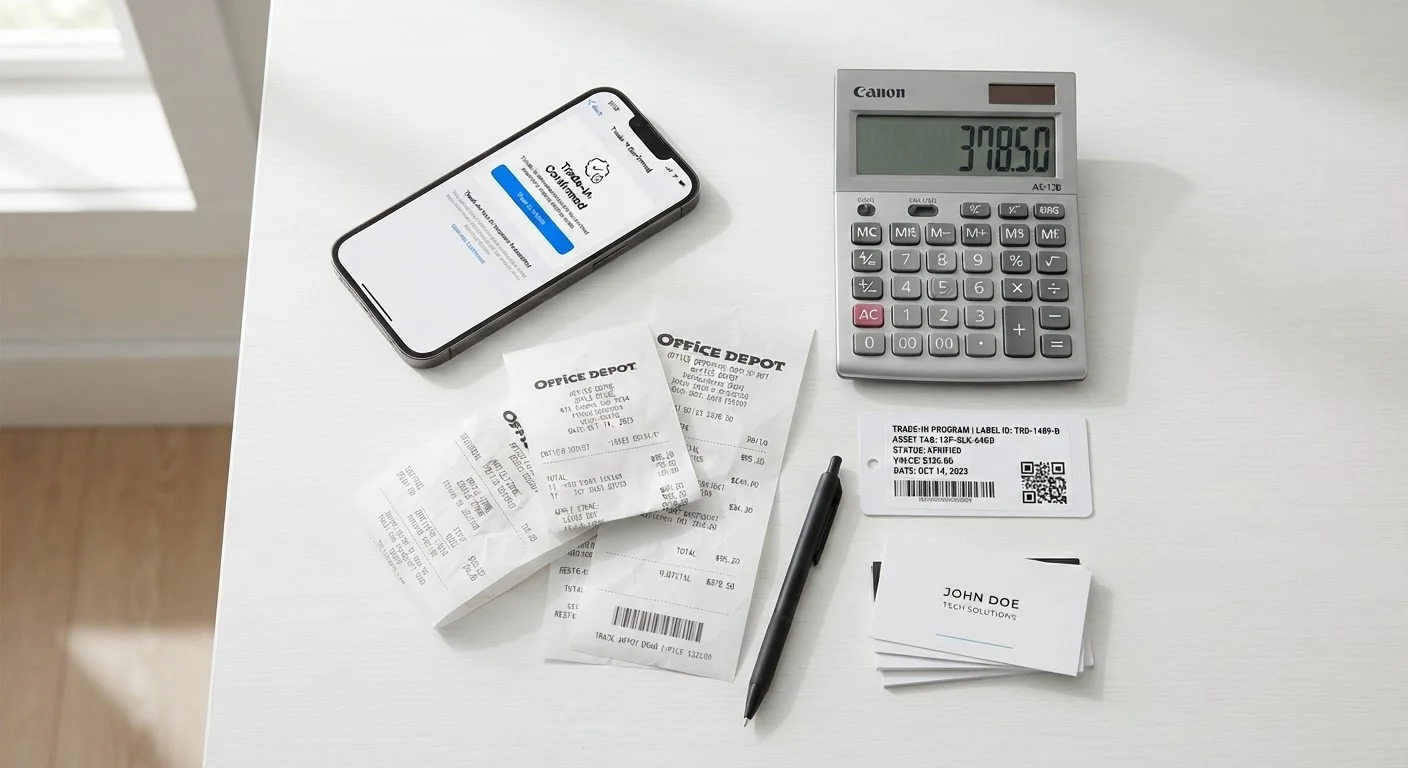
Carrier Trade-In Estimator
Most major carriers offer an online trade-in value estimator; use it to establish a baseline value before visiting a store.
Don't Rely on Feel Alone
A phone that "feels slow" may simply need a restart, a storage cleanup, or an OS update—not a replacement. Run the diagnostics above before drawing conclusions. Skipping this step often leads to unnecessary spending on hardware that wouldn't have solved the real problem.
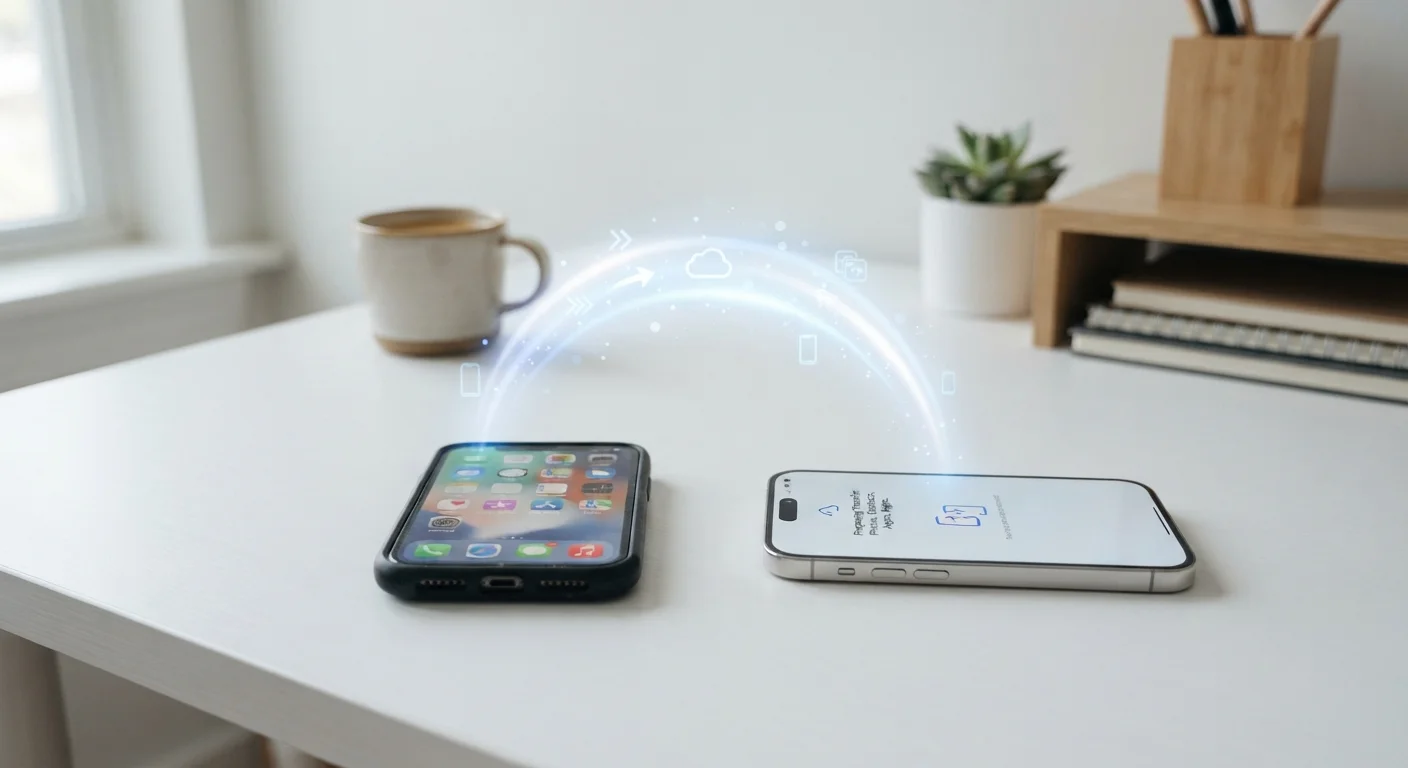
Once you have your answers, the checklist items below will mean much more. If you do decide to move forward, our guide on transferring everything to a new phone walks you through moving contacts, photos, and apps safely.
What to Do With Your Answers
If your audit reveals that battery health is strong, your software is still supported, and your phone handles everyday tasks without frustration, the evidence points toward waiting. A cleaning pass—clearing cached data, offloading unused apps, and restarting regularly—can recover surprising performance on a phone that seems sluggish.
On the other hand, if your phone no longer receives security updates, drops calls frequently, or the battery barely lasts half a day even after a replacement, those are concrete functional problems, not marketing-driven wants.
Security Updates Are Non-Negotiable
A phone that no longer receives security patches is exposed to known vulnerabilities over time. This is the one technical factor that should drive an upgrade regardless of how well the hardware still performs. If your device has been cut off from security updates, prioritize replacing it even if the screen looks fine and the battery still holds a charge.
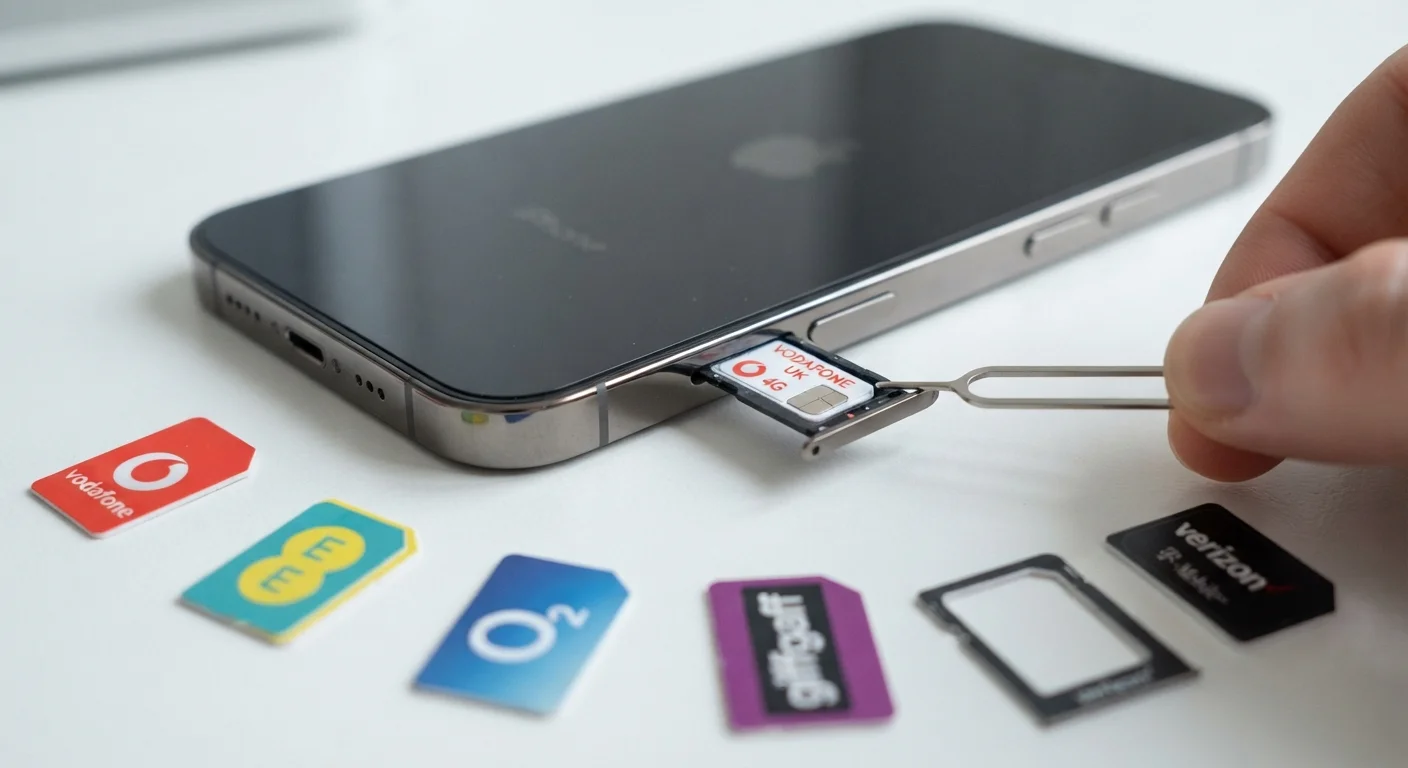
Keep carrier compatibility in mind too. If you're considering switching providers around the same time as upgrading, review how phone compatibility and carrier locking works before committing to any device. And if this is your first time navigating the smartphone landscape, the beginner's guide to smartphone ownership covers setup and essential settings from scratch.