
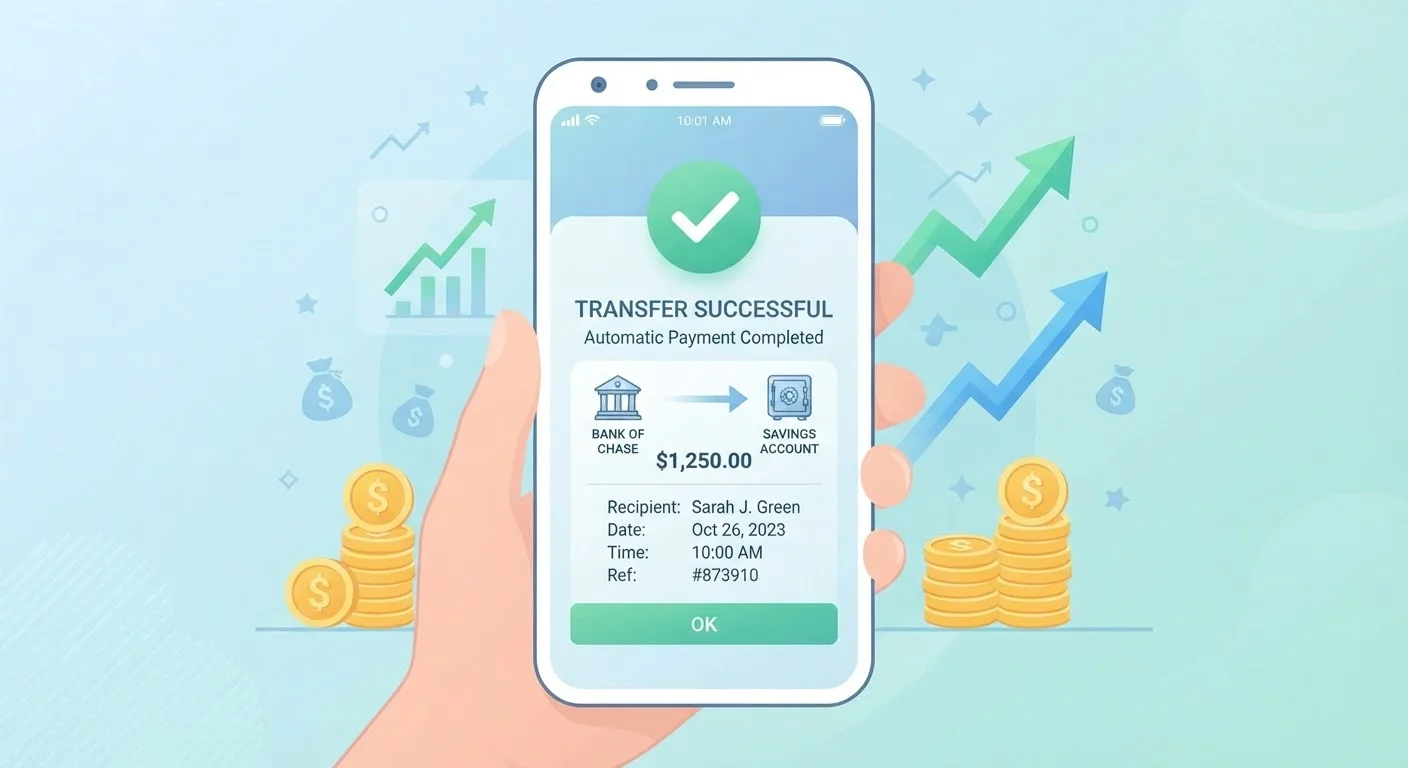
Why Automation Changes the Saving Equation
Behavioral economists have long observed that most people intend to save what's "left over" at the end of the month — and most months, there's very little left over. Savings automation flips this sequence: money moves to a designated account immediately after each paycheck, before discretionary spending has a chance to absorb it. This is sometimes called the "pay yourself first" principle, and it's one of the most consistently recommended frameworks in personal finance.
The psychological advantage is real. When savings are transferred automatically, you stop making an active decision to save each month. That decision is made once — when you set up the system — and then it runs in the background. This reduces both the mental load and the temptation to delay or skip contributions during busy or stressful periods.
For a broader look at how savings frameworks compare, see our overview of widely discussed savings strategies including the 50/30/20 rule and zero-based budgeting.
Small Amounts Still Build Meaningful Habits
The compounding benefit of automated savings comes not just from interest earned, but from the consistency of contribution. Even a modest recurring transfer, maintained over years, can accumulate significantly — and the habit of saving becomes self-reinforcing. Starting small is far more effective than waiting until you can save a larger amount.
What You'll Need Before You Start
Setting up savings automation doesn't require advanced financial knowledge, but having a few things in place makes the process smoother and ensures you're directing money productively.
What you will need
Once you've confirmed these basics, you're ready to choose your automation method and target accounts. Consider whether your goals are short-term — like an emergency fund or vacation — or longer-range, such as a home down payment. Short-term and long-term savings goals call for different accounts and tactics, so clarifying your intent upfront helps you route money more effectively.
Employer Payroll Portal
Allows you to split your direct deposit between multiple accounts, so a fixed dollar amount or percentage goes straight to savings each pay period.
Bank or Credit Union Online Banking
Used to set up recurring automatic transfers from your checking account to a savings account on a schedule you define.
High-Yield Savings Account
Earns a higher annual percentage yield (APY) than a standard savings account, making it a more productive destination for automated transfers.
Budgeting Worksheet or App
Helps you determine a realistic savings transfer amount by mapping your income against essential and discretionary spending.
Step-by-Step: Setting Up Your Savings Automation
The steps below walk through the most common setup paths available to US consumers — both employer-based and bank-initiated. Choose the method that fits your employment and banking situation; many people use both simultaneously.
Determine a Realistic Transfer Amount
Before configuring any automation, calculate how much you can consistently move to savings each pay period without risking overdraft. Review two to three months of bank statements to identify your average fixed expenses (rent, utilities, loan payments) and estimate your variable spending. The gap between your take-home pay and total typical spending is your starting upper limit.
Start conservatively — it's easier to increase an automated transfer than to reverse overdraft fees or anxiety. A common starting benchmark is 10% of take-home pay, but any consistent amount builds the habit. Use our budgeting basics resources to map your income and expenses if you haven't already.
Choose Your Destination Account
Decide where automated savings will land. At minimum, you need an account that is separate from your everyday checking — physical separation makes it less tempting to spend accumulated savings on impulse. Options commonly available to US consumers include traditional savings accounts at their existing bank, high-yield savings accounts (often at online banks), or dedicated goal-based sub-accounts if your bank offers them.
High-yield and traditional savings accounts differ in structure, interest, and access — reviewing those differences can help you decide which fits your automation goals. If you're saving for multiple purposes, consider whether your bank allows you to label or bucket funds by goal.
Set Up a Payroll Split (if applicable)
If your employer offers direct deposit, check whether their payroll system allows you to split your deposit between two accounts. Many payroll platforms — including common providers used by US employers — allow you to designate a fixed dollar amount to a second account, with the remainder deposited to your primary checking. This is the most seamless form of automation because the money never touches your spending account.
Log in to your employer's HR or payroll portal and look for a "direct deposit" or "payment preferences" section. You'll need your savings account's routing number and account number. Enter a fixed savings amount and designate your checking account as the remainder recipient.
Set Up a Recurring Bank Transfer
If payroll splitting isn't available, or if you want to automate savings in addition to a payroll split, set up a recurring transfer through your bank's online platform. Log in, navigate to the transfers section, and create a new scheduled transfer from your checking account to your savings account. Set the frequency to align with your pay schedule — weekly, biweekly, or monthly — so the transfer occurs shortly after each deposit clears.
Choose a transfer date one to two business days after your expected pay date to ensure the funds are available. Most US banks allow you to schedule recurring transfers at no charge through their standard online or mobile banking interfaces.
Verify the First Transfer and Monitor for One Month
After setting up your automation, actively monitor the first two or three transfer cycles. Confirm the correct amount left your checking account on the expected date, arrived in your savings account, and that your remaining checking balance is sufficient to cover your regular expenses without triggering overdraft fees.
If the timing or amount creates cash flow pressure, adjust before making the system permanent. The goal is a transfer size that works reliably without requiring manual intervention each cycle.
Adjusting Your Automation as Life Changes
A savings automation system isn't meant to be permanent and static. It should reflect your current income, expenses, and goals — all of which shift over time. Major life events — a raise, a new bill, a job change, or a new financial goal — are all good triggers to revisit your transfer amounts and destination accounts.
A common approach is to apply a portion of any income increase directly to savings before lifestyle costs grow to absorb the full amount. If your take-home pay rises, consider redirecting at least half of that increase to your automated transfer. This makes savings growth feel less like sacrifice.
If your income is irregular — freelance, seasonal, or commission-based — fixed automation amounts can create overdraft risk. In those cases, percentage-based transfers (if your bank or payroll system supports them) or conservative fixed amounts paired with manual top-ups can work better. Our guide on building a savings plan around real life covers this in more depth.
Don't Let Automation Become Set-and-Forget Forever
Automated transfers that made sense at one income level may be too large — or too small — a year later. Review your transfer amounts at least once a year, or after any significant income change. An amount that causes overdrafts will undermine both your savings and your credit standing, while an amount that's become too conservative means you're missing an opportunity to save more.
For readers thinking about organizing savings by purpose rather than a single pool, goal-based saving is a useful mental model to explore alongside automation.
This article is for general informational and educational purposes only and does not constitute personalized financial advice. Consult a licensed financial professional for guidance specific to your situation.