Why Not Every Phone Works on Every Network
Wireless carriers don't all use the same infrastructure. Each provider transmits data across specific radio frequency bands — licensed slices of the electromagnetic spectrum. A phone needs the right internal radio hardware to communicate on those bands. If your device doesn't support a carrier's primary bands, you may get limited service, slower speeds, or no connection at all — even with a valid SIM card inserted.
This is the core of compatibility: it's not just about the SIM fitting the slot. It's about whether the phone's hardware can speak the carrier's language. See our guide to how your phone connects for a broader look at how mobile data works.
Physical SIM vs. eSIM: A Growing Shift
Many newer phones support eSIM — an embedded digital SIM that doesn't require a physical card. With eSIM, switching carriers can be done entirely through software. However, carrier support for eSIM varies, so it's worth confirming that your carrier supports eSIM activation if you plan to use this feature.
Locked vs. Unlocked Phones: What the Difference Means for You
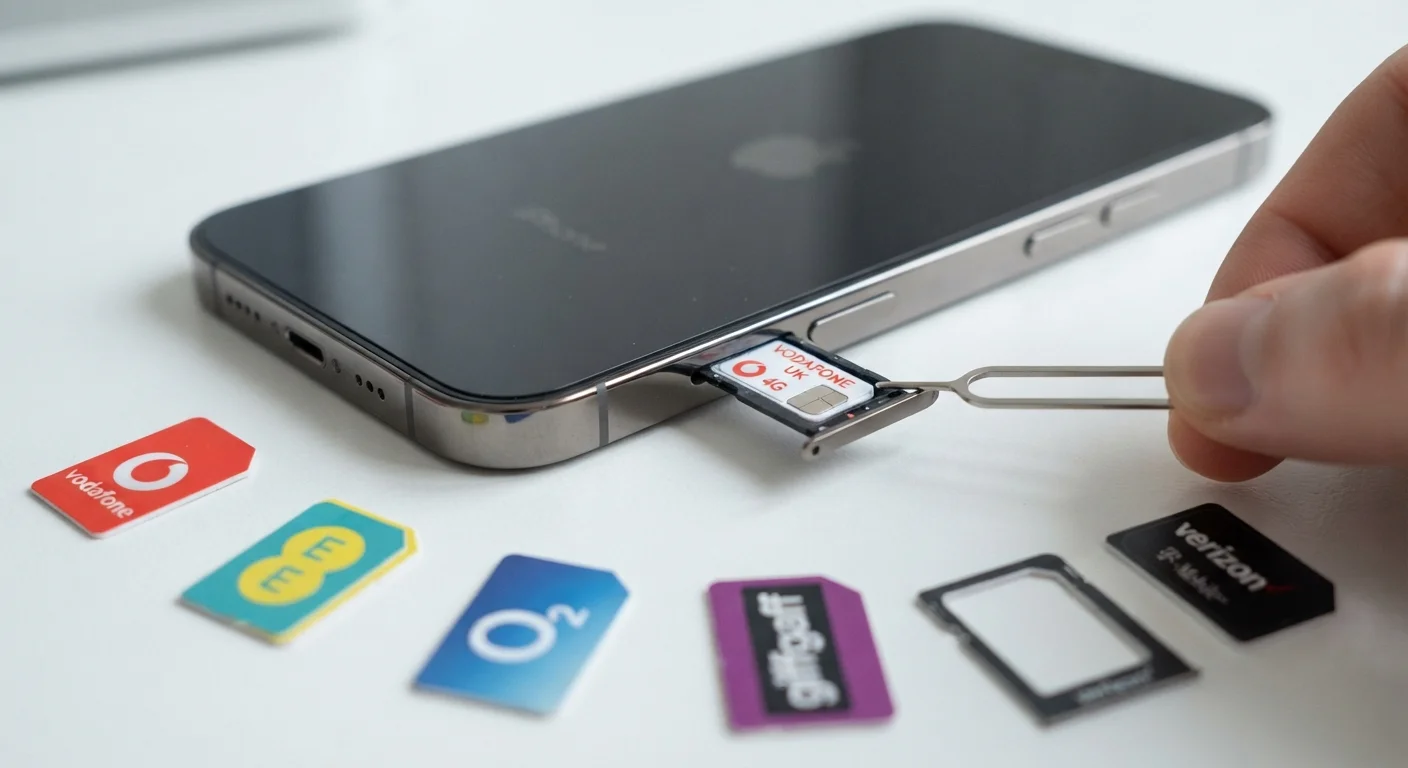
When you buy a phone directly from a carrier — especially through a payment plan or promotion — it often comes carrier-locked. This means the device is programmed to work only with that carrier's SIM cards. Inserting a competitor's SIM simply won't work until the lock is removed.
An unlocked phone, by contrast, has no such restriction. These are typically purchased outright from a manufacturer or retailer without a carrier contract. They accept SIM cards from any compatible carrier, giving you the freedom to switch providers or use a local SIM when traveling abroad.
Carriers are generally required to unlock devices once you meet their eligibility criteria — often completing a device payment plan and maintaining an account in good standing. The process usually involves contacting your carrier directly or submitting an online request.
Request Your Unlock Before You Need It
If you're thinking about switching carriers in the future, it's worth requesting an unlock from your current carrier as soon as you're eligible — even if you're not ready to switch yet. The process is typically free and straightforward, and having an unlocked device gives you flexibility without any urgency.
Network Technologies: LTE, 5G, and Legacy Standards
You may have encountered the terms GSM and CDMA in older discussions of compatibility. These were competing wireless technologies that historically divided the U.S. carrier landscape — some carriers used one, others the other, and phones weren't always interchangeable between them. Most modern networks have moved well beyond these standards.
Today, the dominant technologies are LTE (Long-Term Evolution, commonly called 4G LTE) and 5G. These are more standardized across carriers, which means newer phones are generally designed to work across a wider range of networks. That said, 5G operates on several different band types — low-band, mid-band, and high-band (millimeter wave) — and not every phone supports every type. For a deeper look at what 5G actually delivers, see our plain-language 5G explainer.
3+
Major band types used in U.S. 5G networks
U.S. carriers deploy low-band, mid-band, and high-band (mmWave) 5G, each with different speed and coverage tradeoffs — and not all phones support all three.
15 digits
Length of a standard IMEI number
The IMEI (International Mobile Equipment Identity) is the universal device identifier used by carriers to verify compatibility and track devices.
How to Check Compatibility Before You Switch
Before changing carriers or buying a used phone, taking a few minutes to verify compatibility can save significant frustration. Here's what to check:
- Find your IMEI number. This is your phone's unique identifier. On most devices, you'll find it under Settings > About Phone, or by dialing *#06#.
- Use the carrier's compatibility tool. Most major U.S. carriers provide an online checker where you enter your IMEI to confirm whether your device will work on their network.
- Review supported bands. If you want to go deeper, look up your phone's model specs and compare them against the carrier's published band list. Phone manufacturers typically list supported bands in their technical specifications.
- Confirm your phone is unlocked. Even a compatible phone won't work on a new carrier if it's still locked to the previous one.
If you're in the middle of evaluating whether to switch phones entirely, our article on whether you actually need an upgrade is a useful starting point.