How Wi-Fi Works on Your Phone
Wi-Fi connects your phone to the internet through a wireless router — the box your internet provider installs in your home, office, or coffee shop. Your phone communicates with that router using short-range radio signals, and the router handles the actual connection to the broader internet through a wired line.
The key practical point: Wi-Fi data does not come from your cellular plan. Streaming a two-hour movie over your home Wi-Fi costs you nothing in mobile data. This is why it makes sense to connect to trusted Wi-Fi networks whenever possible, especially for large downloads or video calls.
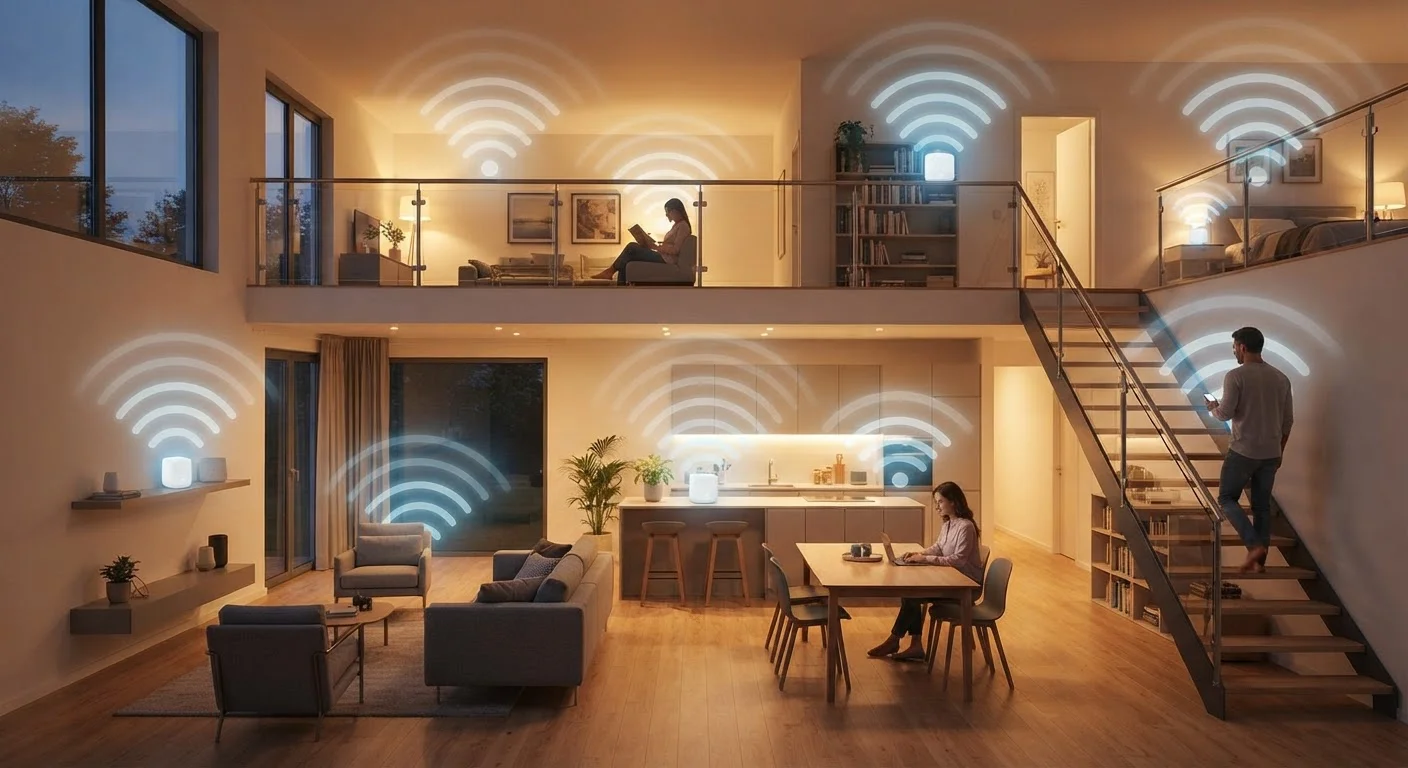
Wi-Fi range is limited — typically a few hundred feet at most — and walls, floors, and interference from other devices can reduce that range further. If your home has areas with poor Wi-Fi signal, mesh networking systems are one solution worth understanding.
Connect to Wi-Fi First When Possible
Make it a habit to join your home or work Wi-Fi network when you're in range. Most phones reconnect automatically once you've joined a network once. This keeps your mobile data available for when you actually need it away from home — and avoids unexpected overage charges.
What Mobile Data Actually Is
Mobile data — sometimes called cellular data — is internet access delivered through your carrier's cell towers. Unlike Wi-Fi, it works wherever your carrier has network coverage, whether you're in a car, a park, or somewhere without a router nearby.
Mobile data is measured in gigabytes (GB) and counts against whatever monthly allowance your plan includes. Activities like streaming video, video calls, and downloading large files consume data quickly, while checking email or browsing text-heavy websites uses very little.
~15 GB
Average monthly mobile data use per U.S. smartphone
According to Ericsson's Mobility Report, average monthly smartphone data consumption in North America has grown steadily, with video streaming as the dominant driver.
~60%
Share of global mobile traffic carried over Wi-Fi
Industry estimates from Cisco's Annual Internet Report suggest the majority of smartphone internet traffic offloads to Wi-Fi, reducing pressure on cellular networks.
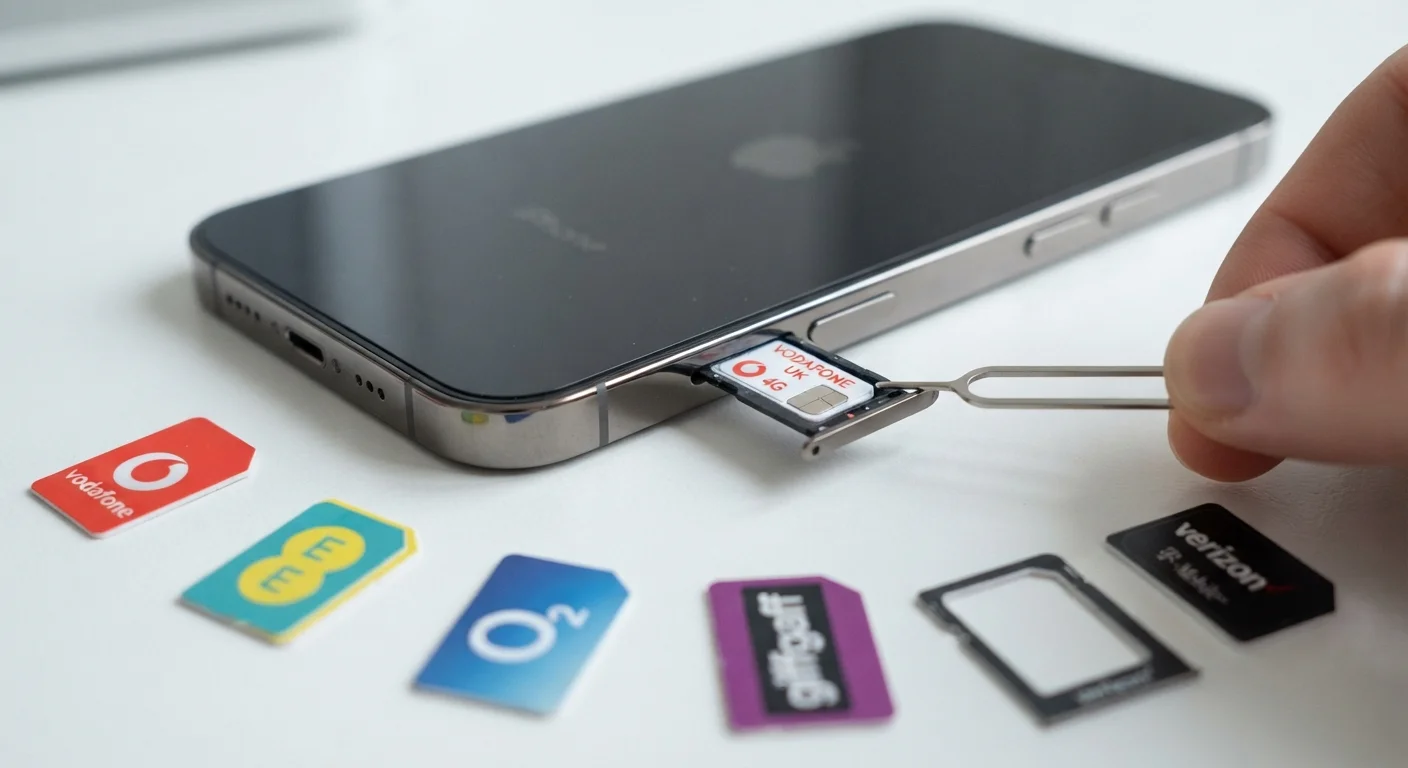
Network generation labels like 4G LTE and 5G describe the speed and technology of the cellular network your phone is using. For a deeper look at what those labels actually mean in practice, see our 5G explainer. Your carrier and phone model both determine which network generations you can access — and not every phone works on every carrier's network. Understanding carrier compatibility is useful before switching providers.
Personal Hotspots: Sharing Your Connection
A personal hotspot (sometimes called tethering) turns your phone into a portable Wi-Fi router. Other devices — a laptop, a tablet, a friend's phone — can connect to your hotspot just like they'd connect to any Wi-Fi network, and they'll use your phone's mobile data to reach the internet.
This is especially useful when you're traveling, working remotely, or in a location without reliable public Wi-Fi. The tradeoff is that hotspot usage draws from your mobile data allowance. If multiple devices are streaming or downloading simultaneously, data can deplete quickly.
Hotspot Data Limits Vary by Plan
Even on "unlimited" data plans, hotspot usage is often subject to a separate, lower cap — commonly between 10 GB and 50 GB per month depending on the plan tier. Once that cap is reached, hotspot speeds are typically throttled to a much slower rate. Review your plan details or contact your carrier to understand exactly what's included.
To enable a hotspot, look for "Personal Hotspot" in iPhone settings or "Hotspot" under network settings on Android. You can set a password to prevent unauthorized connections. Keep in mind that running a hotspot also uses more battery power than normal phone use.
Choosing the Right Connection for the Situation
Knowing when to use each connection type saves data, improves security, and often delivers a better experience.
- At home or a trusted workplace: Connect to Wi-Fi. It's typically faster than mobile data and doesn't use your data plan.
- On the go: Use mobile data. It's more secure than public Wi-Fi and works wherever you have cell coverage.
- In a public place with Wi-Fi: Use caution. Avoid accessing banking or sensitive accounts on open, password-free networks. Mobile data is often safer for those tasks.
- Connecting a laptop or tablet when there's no Wi-Fi: Enable your phone's hotspot, but monitor data usage if your plan has a cap.
If you're new to navigating these settings, the first-time smartphone owner's guide covers the basics of setting up and managing your device's connections. And if you're curious how Android and iOS handle connectivity settings differently, our comparison of Android and iOS breaks that down clearly.