Why Smartphone Security Is Worth Your Attention
Your smartphone holds more sensitive information than most people realize — banking credentials, personal photos, health app data, private messages, and saved passwords. Losing control of that data, whether through theft, a phishing scam, or an insecure app, can have real consequences. The good news: protecting yourself doesn't require a technical background. A handful of consistent habits covers the vast majority of everyday risks.
If you're also thinking about how your devices share data beyond the phone itself, our guide on smart home privacy covers what connected devices collect and how to limit exposure.
~50%
Americans who don't use a screen lock
Surveys by Pew Research Center have found that roughly half of smartphone users skip basic screen-lock protections, leaving devices open to immediate physical access.
60%+
Data breaches involving stolen credentials
According to Verizon's annual Data Breach Investigations Report, a majority of breaches involve compromised login credentials — a risk amplified by weak or reused passwords on mobile accounts.
Core Security Habits That Make a Real Difference
The practices below are straightforward to implement and have an outsized impact on your day-to-day security posture. None of them require you to be a tech expert.
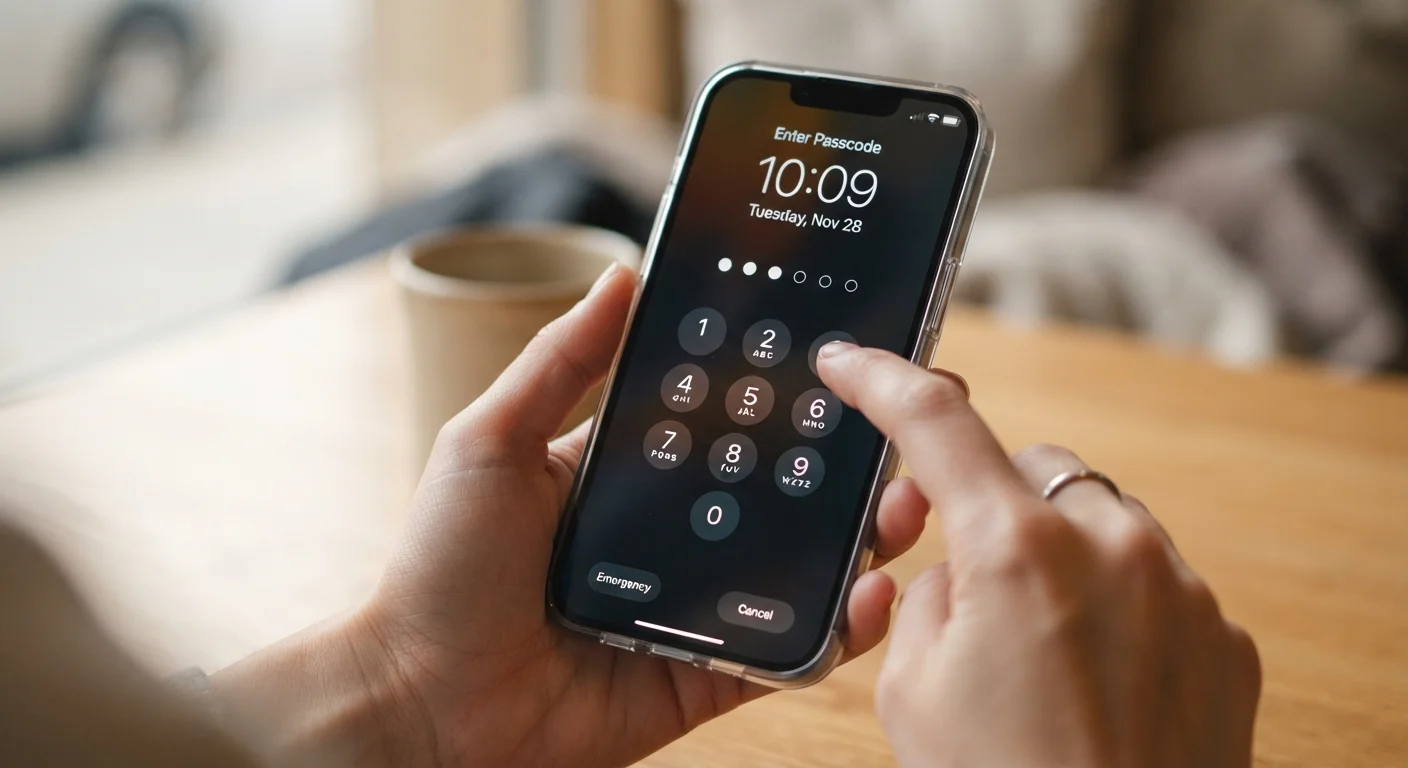
Use a strong screen lock — and actually use it every time.
A six-digit PIN, alphanumeric password, or biometric lock (fingerprint or face recognition) prevents unauthorized physical access to your device. Short PINs like "1234" or birth years are trivially guessable. Biometrics are convenient and generally strong, but pairing them with a solid backup PIN ensures you're protected if biometric recognition fails.
Install operating system and app updates promptly.
Most updates include patches for security vulnerabilities that researchers or developers have discovered. Delaying updates leaves known weaknesses open on your device. Enabling automatic updates means you benefit from fixes without having to remember to check.
Audit app permissions and revoke what isn't necessary.
Apps routinely request access to your location, microphone, camera, and contacts — often beyond what they functionally need. Each unnecessary permission is a potential data exposure point. Reviewing and restricting permissions limits how much any single app can access.
Avoid conducting sensitive transactions over public Wi-Fi.
Public networks in cafes, airports, and hotels can be monitored by others on the same network. Accessing banking apps, email, or entering passwords over these connections increases the risk of interception. Using your cellular data connection or a reputable VPN (virtual private network — software that encrypts your internet traffic) is meaningfully safer for sensitive tasks.
Enable automatic cloud backup for your data.
If your phone is lost, stolen, or damaged, a recent backup means you don't lose photos, contacts, and app data permanently. Both major mobile platforms offer built-in backup services that run automatically when your phone is charging and connected to Wi-Fi.
Be skeptical of unsolicited links, even from known contacts.
Phishing — where attackers disguise malicious links as legitimate messages — is one of the most common ways smartphones are compromised. Attackers can spoof contact names or send messages from hacked accounts, so a familiar sender name is not a guarantee of safety.
Quick Actions You Can Take Right Now
If you've been putting off any of these steps, today is a reasonable time to start. Small changes applied consistently add up to meaningful protection.
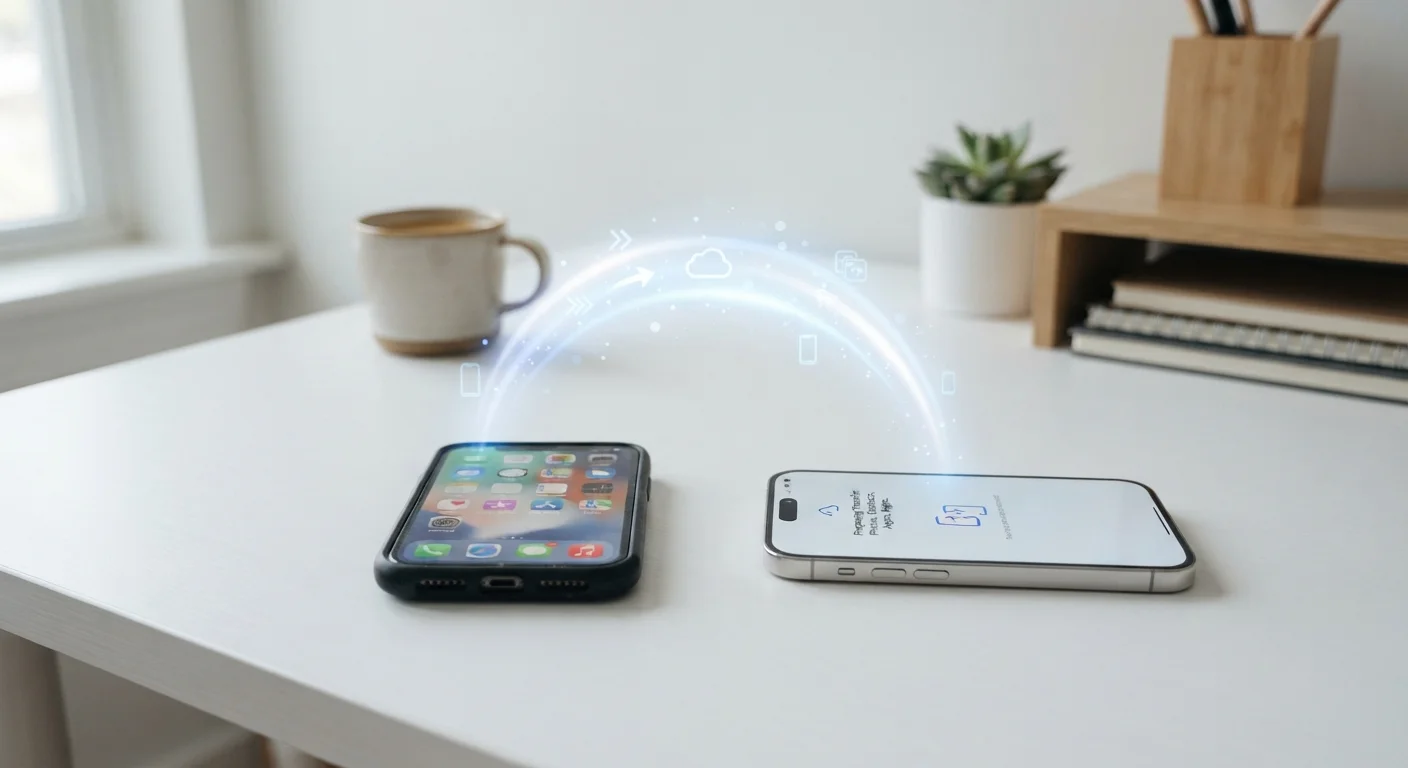
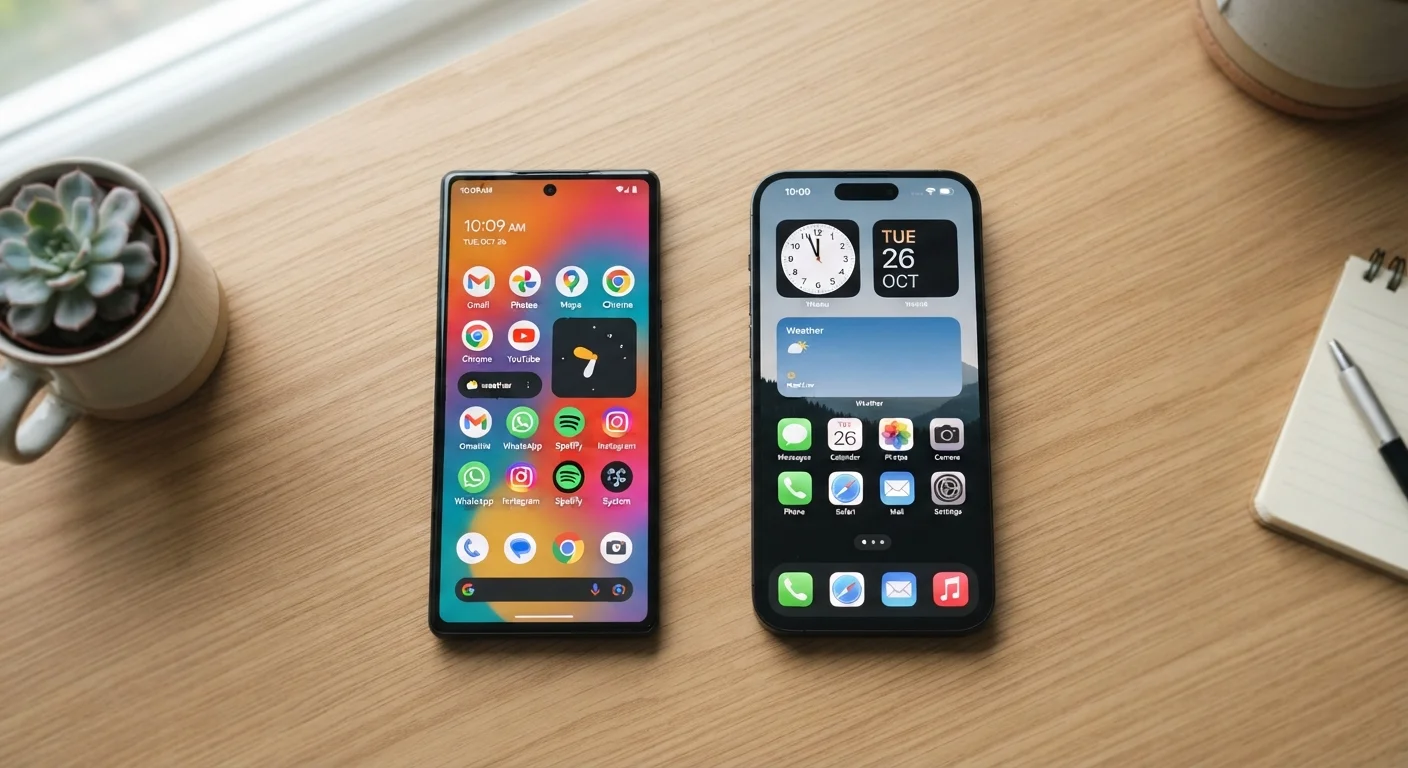
For readers switching to a new device, our walkthrough on transferring everything to a new phone explains how to move your data safely so you don't sacrifice security in the process. And if you're deciding between platforms, how Android and iOS differ breaks down the security implications of each in plain language.