Why These Myths Spread — and Why They Matter
Smart home marketing tends to lead with the dream: lights that respond to your voice, thermostats that learn your routine, locks you never have to fumble with. The gap between that pitch and the actual setup experience is where most buyer frustration originates.
These myths aren't harmless confusion. They lead shoppers to buy incompatible devices, skip necessary infrastructure, or feel blindsided by privacy implications they didn't anticipate. Getting the facts straight before you buy — or before you troubleshoot — saves real time and money. For a grounded look at what smart home ownership genuinely involves, see our honest look at the trade-offs before committing to a full setup.
Myth
All smart home devices work together — if it's labeled 'smart,' it's compatible with everything else I own.
Fact
Compatibility depends on shared communication protocols (like Zigbee, Z-Wave, or Wi-Fi) and ecosystem support, not just the 'smart' label.
Manufacturers build devices around specific wireless protocols and app ecosystems. A smart bulb that runs on Zigbee won't communicate directly with a Wi-Fi-only hub. The Matter standard, introduced to improve cross-brand compatibility, is gaining traction — but not every device supports it, and not every existing device will receive a Matter update. Before purchasing, check whether a device explicitly lists compatibility with your existing hub or voice assistant platform. Our article on what a smart home hub actually does explains how hubs bridge these protocol gaps.
Myth
Smart thermostats and smart lights automatically save energy the moment you install them.
Fact
Energy savings require deliberate programming and behavioral adjustment; the hardware alone doesn't reduce consumption without proper configuration.
A smart thermostat that's never programmed will behave much like a conventional one — it simply holds whatever temperature you set manually. Meaningful savings come from scheduling, geofencing (adjusting temperature when you leave), and occupancy-based settings that you configure based on your household's actual patterns. Similarly, smart bulbs used at full brightness with no automation schedules consume roughly the same energy as LEDs without the 'smart' label. The learning capability of modern thermostats also requires several days of input before it adapts meaningfully — it isn't instant. For a clear explanation of that process, see how smart thermostats actually learn.
Myth
Smart home devices are plug-and-play — setup takes minutes.
Fact
Initial setup often involves app accounts, firmware updates, network configuration, and troubleshooting that can take considerably longer than product packaging implies.
Most smart devices do have straightforward app-guided setup flows. But 'straightforward' and 'fast' aren't the same thing — especially when firmware updates download mid-setup, when a 2.4 GHz vs. 5 GHz network mismatch causes a device to fail pairing, or when a hub needs to discover devices that use a less common protocol. For wired smart doorbells specifically, installation may also require working with your home's existing doorbell wiring or hiring an electrician. Our wired vs. wireless doorbell comparison covers those nuances in detail.
Myth
Smart home devices don't raise meaningful privacy concerns — they're just appliances.
Fact
Smart speakers, cameras, and doorbells routinely collect audio clips, video footage, and usage data that may be stored on manufacturer servers.
Unlike a conventional light switch, a smart speaker with a wake-word feature is always passively listening for its trigger phrase — and short audio clips are sometimes logged to manufacturer servers for quality-review purposes. Smart cameras and doorbells store footage, often in the cloud, with retention policies that vary by provider and subscription tier. These aren't reasons to avoid smart devices, but they are reasons to actively configure privacy settings, review data-sharing options, and keep device firmware updated. Our guide to smart home privacy and data collection outlines specific steps to limit exposure.
Myth
You need a smart home hub to get started — it's the first thing to buy.
Fact
Many basic smart home setups work perfectly well through Wi-Fi and a manufacturer's app, with no separate hub required.
A hub becomes valuable when you're mixing devices across multiple protocols (Zigbee, Z-Wave, Thread) or want a single interface to manage a larger, more complex setup. For a household that just wants smart lighting and a voice assistant, a dedicated hub is often unnecessary overhead. As your ecosystem grows, that calculus can change — but starting with a hub before you understand your needs can mean spending on infrastructure you don't yet require. When you need a hub — and when you don't breaks down exactly when the investment makes sense.
Infrastructure Realities New Buyers Underestimate
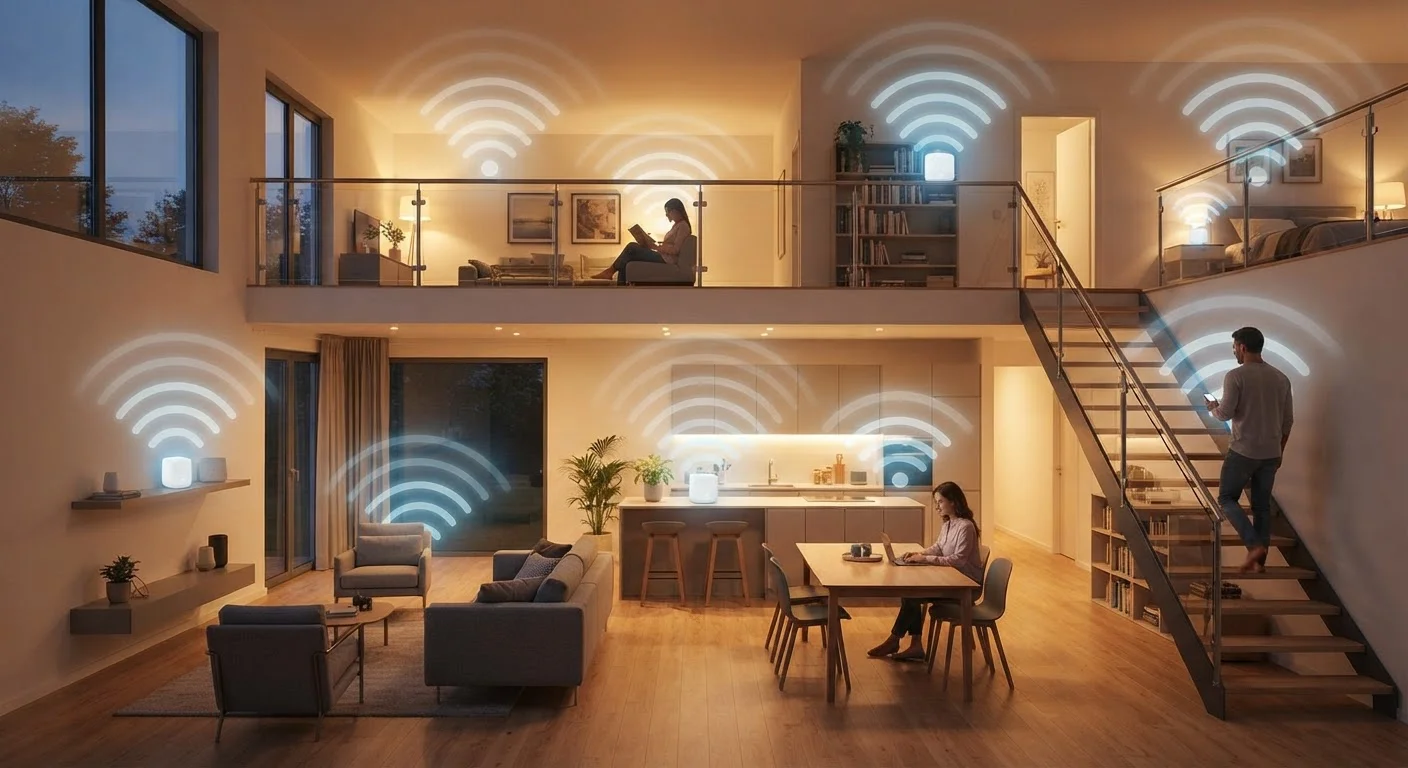
Beyond the device-level myths, new buyers consistently underestimate how much the underlying infrastructure matters. Your home's Wi-Fi network, router placement, and even the age of your electrical wiring can all affect whether smart devices perform as advertised.
~70%
Smart home issues tied to Wi-Fi connectivity
Industry support data consistently shows that Wi-Fi signal problems — not device defects — account for the majority of smart home setup failures and disconnections.
2–4 days
Time for a learning thermostat to begin adapting
Most learning thermostat manufacturers indicate their devices need several days of manual-adjustment data before occupancy-based scheduling becomes active.
Dead zones are a common culprit when smart lights drop off or smart doorbells fail to record reliably. If your home has multiple floors or thick interior walls, a mesh network may be necessary rather than optional. Our guide to Wi-Fi dead zones and mesh networks explains how to assess whether your current setup can handle added smart devices.
Don't Skip Firmware Updates After Setup
Many buyers complete the initial pairing process and consider setup finished — but newly shipped smart devices often have outdated firmware that patches security vulnerabilities and improves connectivity. Skipping these updates leaves devices more exposed and can cause instability. Make a habit of checking for firmware updates in the device's companion app immediately after installation, and enable automatic updates where available.
Planning your ecosystem thoughtfully from the start — choosing compatible protocols and a clear hub strategy — pays dividends far faster than adding devices ad hoc and troubleshooting later. Our first smart home guide walks through that planning process step by step.