What Smart Home Technology Actually Covers
The term "smart home" covers a wide range of devices: lighting systems you control by voice or schedule, thermostats that adjust based on occupancy, locks you can operate remotely, security cameras with motion alerts, and plugs that let you control ordinary appliances from your phone. What ties them together is network connectivity — typically Wi-Fi, Zigbee, or Z-Wave protocols — and an app or voice assistant interface.
Understanding the scope matters because the trade-offs vary significantly by device category. A smart bulb and a smart lock involve very different stakes when something goes wrong. If you're building from scratch, a structured starting plan can help you prioritize which devices to add first and in what order.
Automated routines reduce repetitive daily tasks
Scheduling lights to dim at bedtime, thermostats to adjust before you wake, or locks to engage at a set time eliminates small but frequent manual actions that accumulate over a week.
Remote access adds practical flexibility
Checking whether you left a door unlocked or adjusting the thermostat before arriving home are genuinely useful capabilities that don't require a stretch of imagination to use regularly.
Energy monitoring can surface hidden usage
Smart plugs with power monitoring and learning thermostats can reveal which devices draw standby power and when heating or cooling runs inefficiently — useful information for households tracking utility costs.
Security visibility improves without professional installation
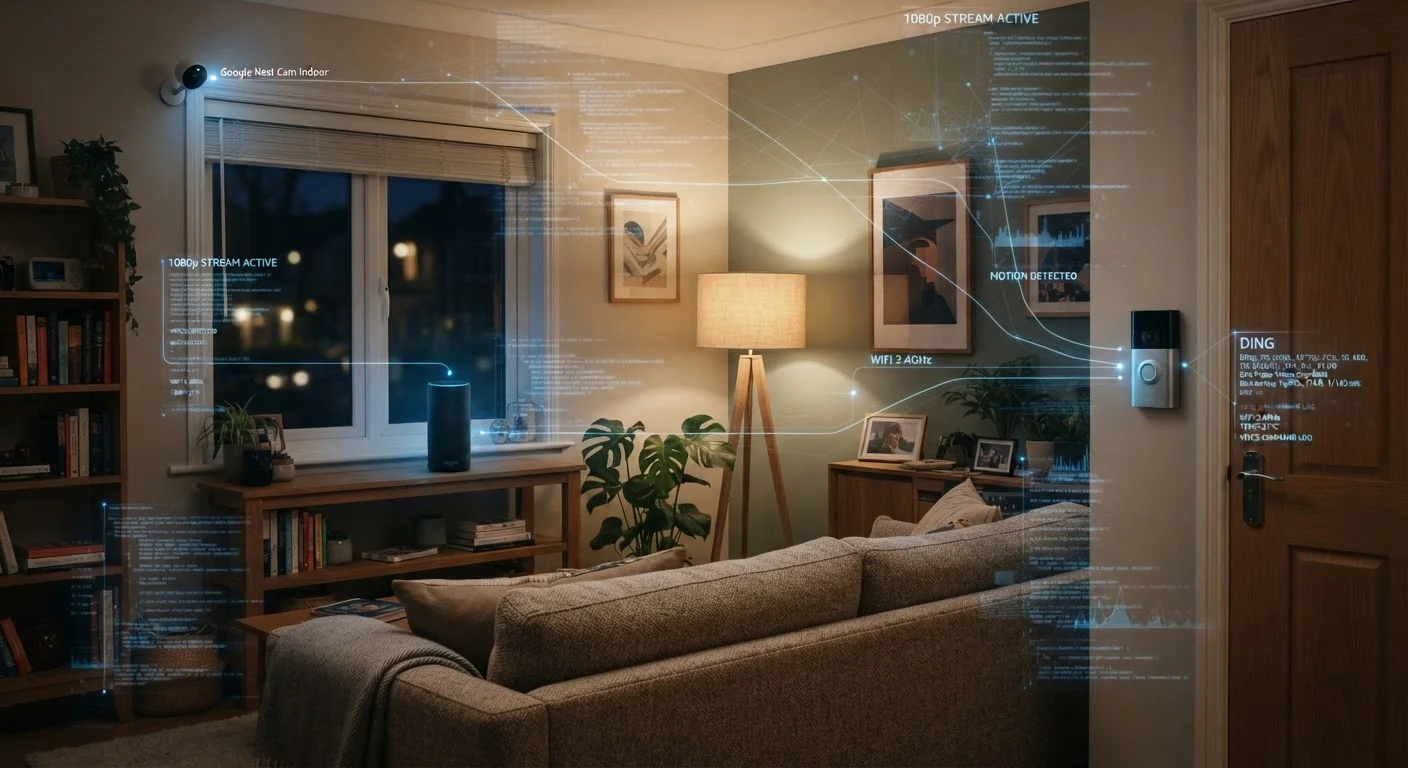
Motion-triggered cameras and video doorbells give households real-time awareness of activity at entry points — a capability that previously required wired systems and professional setup. See also: a practical walkthrough for self-installing a camera system.
Accessibility benefits for limited-mobility users
Voice-controlled lighting, locks, and appliances meaningfully reduce physical demands for individuals with mobility limitations, making smart home devices more than a convenience for some households.
The Real Disadvantages Worth Knowing Before You Start
The friction of smart home life tends to be understated in product marketing. The most common frustrations cluster around a few recurring problems: devices from different manufacturers that don't communicate reliably, apps that require separate accounts, and routines that silently break after a firmware update.
Initial setup takes more time than advertised
App downloads, account creation, firmware updates, and network pairing steps often exceed what packaging suggests. Multi-device setups routinely require troubleshooting before they function as intended.
App sprawl across multiple manufacturers is common
A typical multi-brand smart home may involve four or more separate apps, each with its own account, notification settings, and update cycle — adding management overhead rather than reducing it.
Cloud dependency creates single points of failure
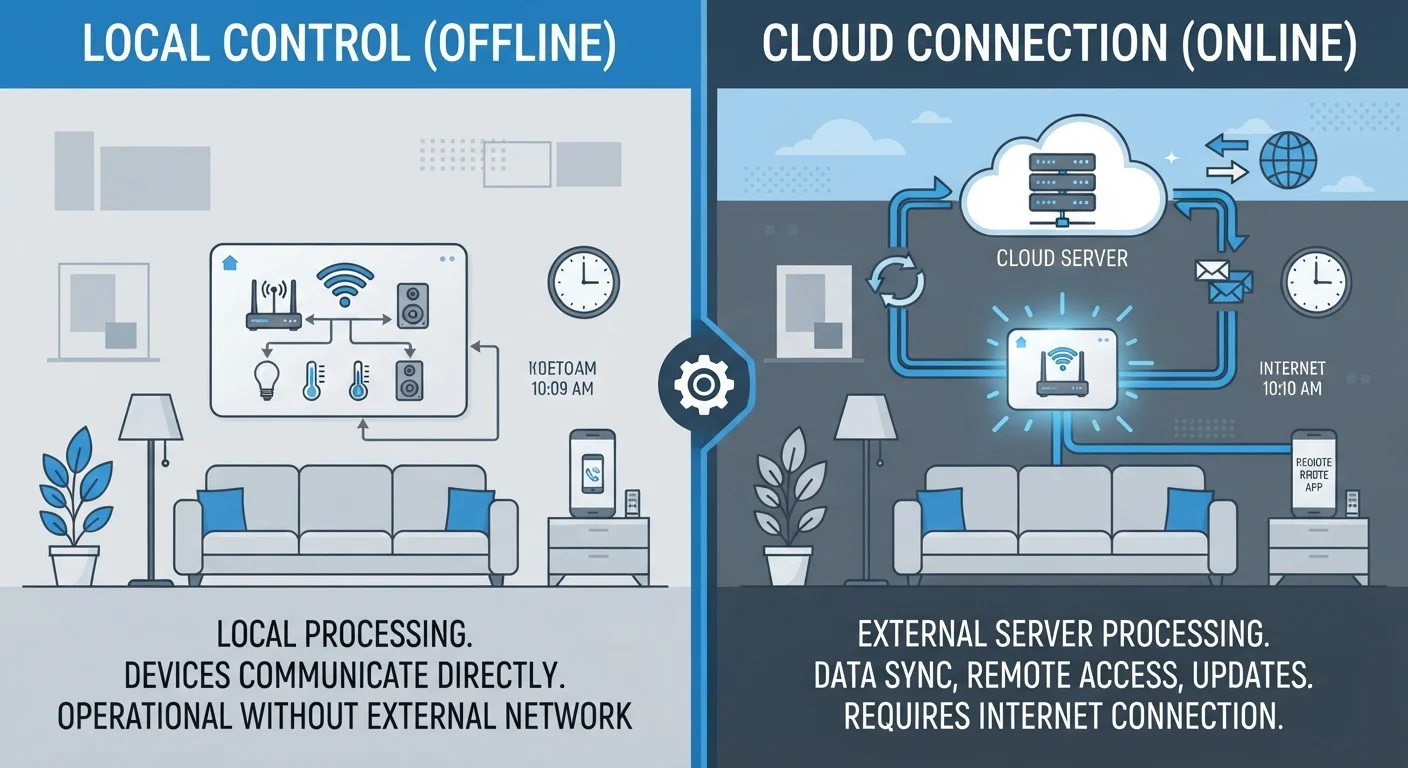
Devices that route commands through manufacturer servers stop working reliably — or entirely — during outages or when a company discontinues a product line. This is a structural risk, not a rare edge case.
Privacy exposure grows with each added device
Smart speakers, cameras, and doorbells collect behavioral data — when you're home, sleep patterns, who visits — that is stored on third-party servers and subject to each manufacturer's data policy.
Ongoing maintenance is an underestimated time cost
Firmware updates, routine reconfiguration after network changes, and troubleshooting dropped connections are recurring tasks that a traditional home doesn't require.
Privacy is a significant consideration that often gets overlooked. Every connected device — particularly cameras, microphones, and doorbells — collects data that may be stored on manufacturer servers. Understanding what your devices collect and how to limit that exposure is worth doing before expanding a setup.
There's also the question of what happens when a company discontinues a product or shuts down its cloud service. Some devices lose core functionality entirely when server support ends. The distinction between local and cloud-dependent devices is one of the more practically important things to check before buying.
Connectivity and Reliability: The Ongoing Variable
Most smart home devices are only as reliable as your home's Wi-Fi network. A crowded 2.4 GHz band, a router with limited range, or an ISP outage can render devices unresponsive at inconvenient moments. This isn't a fringe problem — it's one of the most commonly reported frustrations among everyday users.
Offline Behavior Varies Widely by Device
Not all smart devices handle a lost internet connection the same way. Some — like many smart thermostats — retain programmed schedules and operate normally offline. Others, particularly those dependent on cloud processing, may become entirely unresponsive. Before purchasing any device intended for security or comfort, check the manufacturer's documentation for its offline fallback behavior. This single step prevents a significant category of unpleasant surprises.
Some device categories handle this better than others. Smart thermostats, for example, typically retain their last-programmed schedule even when offline. Smart locks, by contrast, may fall back to keypad-only access. Knowing your device's offline behavior before you depend on it is practical due diligence. If smart lighting is a priority, understanding the most common causes of disconnection can save significant troubleshooting time.
57%
Smart home owners who report connectivity issues
A Parks Associates consumer survey found a majority of smart home device owners have experienced connectivity or reliability problems with at least one device.
3–5
Average apps managed by multi-device smart home users
Industry research consistently finds that households with devices from multiple brands manage between three and five separate control apps, contributing to usability friction.
Ecosystem Lock-In and App Sprawl
One underappreciated cost of expanding a smart home is ecosystem fragmentation. Buying devices from multiple manufacturers often means managing multiple apps, separate automations, and different voice assistant integrations that may not work consistently together. The Matter standard — a cross-platform compatibility protocol backed by major industry players — is designed to address this, but adoption across all device categories is still uneven.
Choosing devices that work within a single ecosystem reduces friction but creates dependency on that manufacturer's continued support. A hub can centralize control across brands, but adds its own layer of setup complexity. If automations are a key goal, some routines deliver genuinely practical time savings while others end up rarely used. Common misconceptions about interoperability and automatic energy savings are also worth checking — several widely held beliefs about smart homes don't hold up under scrutiny.