The Core Idea: Observing Before Automating
Traditional programmable thermostats ask you to do all the thinking upfront — you enter times, temperatures, and days of the week manually. If your routine changes, you reprogram. Most people never do, which is why many programmable thermostats run the same 1990s schedule indefinitely.
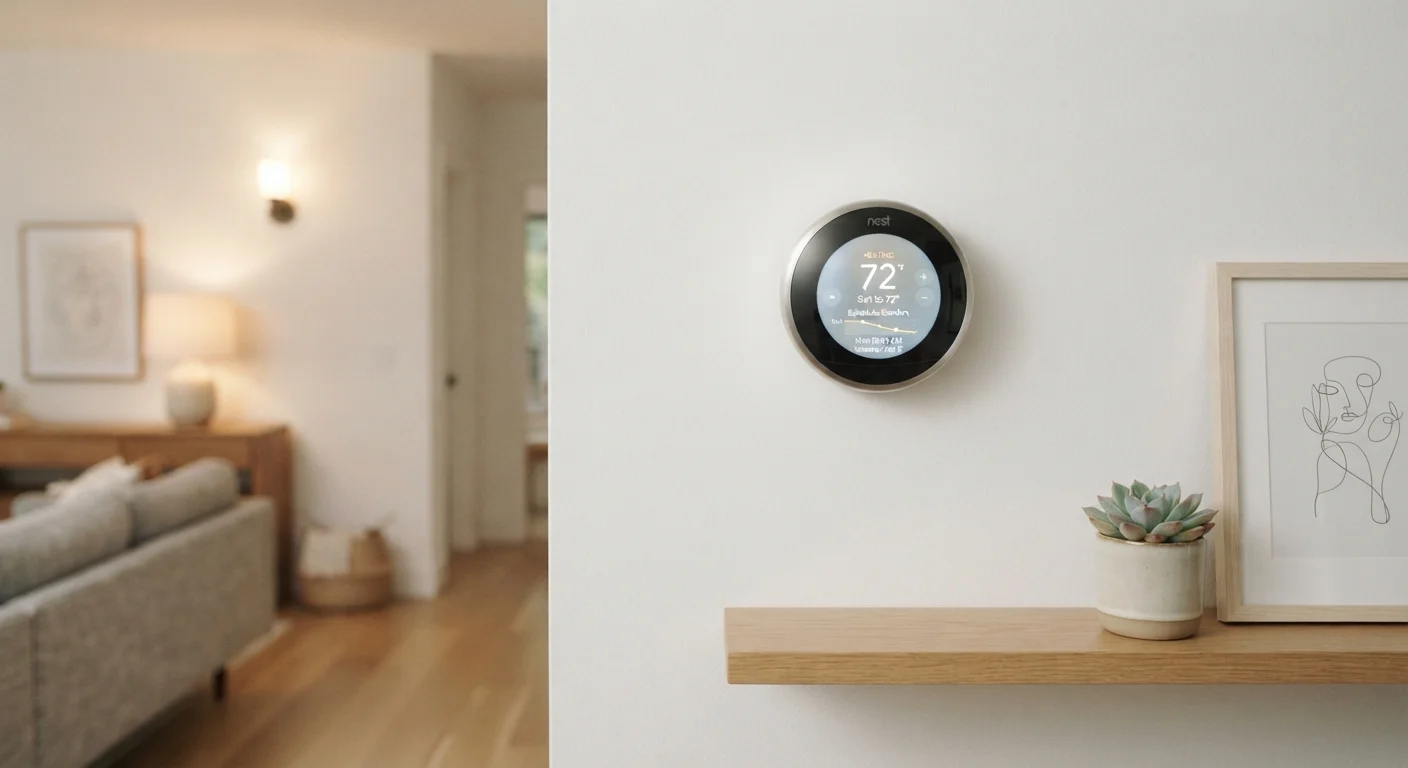
A learning thermostat flips that relationship. During an initial observation period — typically the first week or two — the device records every time you walk up to it and nudge the temperature. It notes the time, the day, the adjustment direction, and the gap between your action and the previous automated setpoint. From that stream of signals, it infers a pattern: you tend to turn it up at 6:45 a.m. on weekdays, down at 8:10 a.m., and back up around 5:30 p.m. After enough consistent data, it starts anticipating those adjustments rather than waiting for you to make them.
The result isn't magic — it's pattern recognition applied to a narrow, well-defined problem. Understanding that distinction helps you set realistic expectations and troubleshoot when the device gets it wrong.
Make Consistent Adjustments During Week One
The learning period works best when your behavior is representative of your typical routine. Avoid making unusual adjustments during the first week — like accommodating a houseguest's preferences — as these become part of the baseline the algorithm learns from. You can always fine-tune the schedule manually once the initial learning phase is complete.
How Occupancy Detection Works
Scheduling based on your past behavior only solves half the problem. Real life is irregular — vacations, sick days, early departures. This is where occupancy sensing comes in.
Most learning thermostats include a passive infrared (PIR) sensor, the same technology used in motion-activated lights. PIR sensors detect changes in infrared radiation — essentially body heat — within their field of view. When the sensor registers no movement for an extended period, the thermostat infers the home is empty and shifts into an energy-conserving away mode.
Some devices augment this with geofencing: the companion app tracks your smartphone's GPS location. When your phone leaves a defined radius around your home, the thermostat switches to away mode. When you're approaching, it starts conditioning your home in advance so it's comfortable when you arrive.
A few higher-end models go further, using humidity sensors and even ambient sound cues. The common thread is triangulating multiple signals rather than relying on a single data source — which makes the occupancy guess more reliable across different household layouts and routines.
Geofencing Requires Location Permissions
For geofencing to work, the companion app needs continuous access to your smartphone's location — a permission some users prefer not to grant. If you opt out, the thermostat relies solely on its onboard PIR sensor for occupancy detection. This is a reasonable trade-off; just be aware that response times to an empty home may be slower without geofencing active.
What the Learning Period Actually Looks Like
During the first several days, expect the device to behave somewhat like a standard thermostat with a default schedule. You'll need to correct it — and that's intentional. Each correction is a data point. If you find yourself adjusting the temperature at roughly the same time on multiple days, the device registers that as a recurring preference and folds it into the emerging schedule.
A few things that slow down accurate learning:
- Irregular routines: Shift workers or households with highly variable schedules take longer to produce stable patterns, and the learned schedule may never be as precise as for a 9-to-5 household.
- Multiple users: In a household where several people adjust the thermostat differently, the algorithm has to reconcile competing inputs. The schedule that emerges is effectively a compromise.
- Thermostat placement: A thermostat installed in a hallway near an exterior door will register more phantom occupancy signals than one in a central living area, which can skew the occupancy logic.
You don't have to wait passively. Most companion apps let you view and manually edit the learned schedule at any point, which is useful for correcting persistent errors or pre-loading a vacation period.
For readers building out a broader smart home setup, it's worth understanding how these devices connect to the rest of your system — see our explainer on smart home protocols like Matter and Z-Wave for context on compatibility. And if you're concerned about the data these devices collect, our guide on smart home privacy covers what gets logged and how to limit it.
1–2 weeks
Typical time to build a stable schedule
Most manufacturers describe this as the standard learning window, after which manual adjustments become infrequent for households with consistent routines.
~8°F
Average setback temperature for away mode
Energy guidance from the U.S. Department of Energy suggests setting back temperatures by around 7–10°F during unoccupied hours to reduce HVAC run time noticeably.
3+
Sensor types used in advanced models
Higher-end learning thermostats may combine PIR motion, humidity, ambient temperature, and geofencing signals to improve occupancy accuracy.
Getting the Most From the Learning Process
The single most effective thing you can do is be consistent during the first two weeks. Make your usual adjustments at your usual times — don't try to game the system or correct aggressively for minor deviations. Think of it as training a new assistant: the more typical your behavior during the observation window, the more accurate the resulting schedule.
After the initial learning period, revisit the schedule in the app and look for obvious errors. Common ones include an overly early morning warm-up triggered by a weekend outlier, or an away mode that activates too quickly because of a slow PIR sensor response. These are easy to edit manually and don't require the device to relearn from scratch.
If you're newer to smart home devices overall, our beginner's smart home guide covers how to plan your setup so devices like thermostats integrate cleanly from the start. It's also worth noting that some advertised benefits — like automatic energy savings — depend on your existing habits; common smart home myths addresses those kinds of overstated claims directly.
The broader takeaway is that a learning thermostat is a tool, not a fully autonomous system. It reduces friction by automating the repetitive parts of climate control, but it performs best when you understand its logic and engage with it during setup rather than expecting a hands-off experience from day one.