What Smart Home Devices Actually Collect
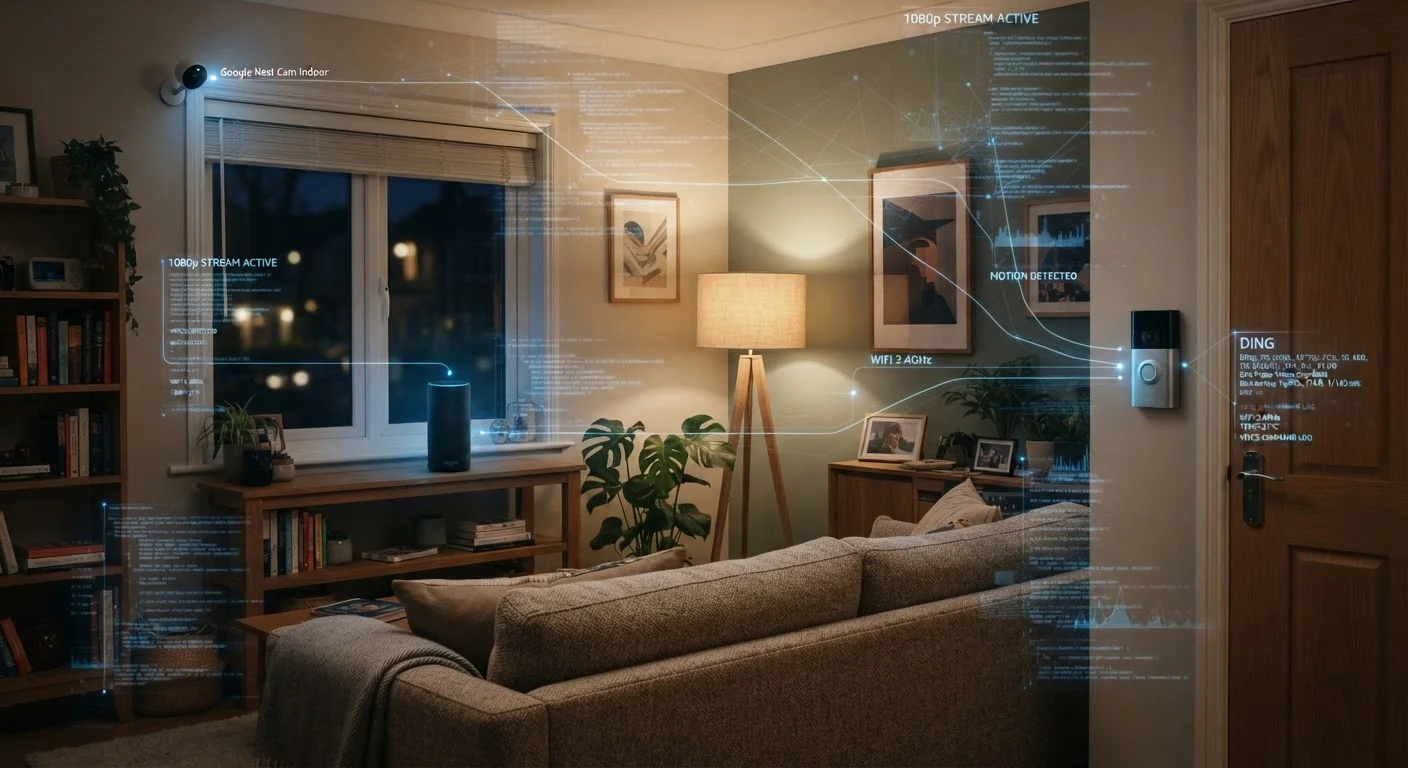
Most people buy a smart speaker for convenient music playback or a video doorbell for package security — not because they want to share data with a corporation. But these devices are designed to be always-on, and that design has real privacy implications worth understanding.
Smart speakers use a wake word (like "Hey" followed by a brand name) to begin recording, but research has shown they can activate on similar-sounding words and capture unintended audio clips. Those clips are often sent to company servers for voice recognition improvement. Some manufacturers allow employees or contractors to review a subset of recordings.
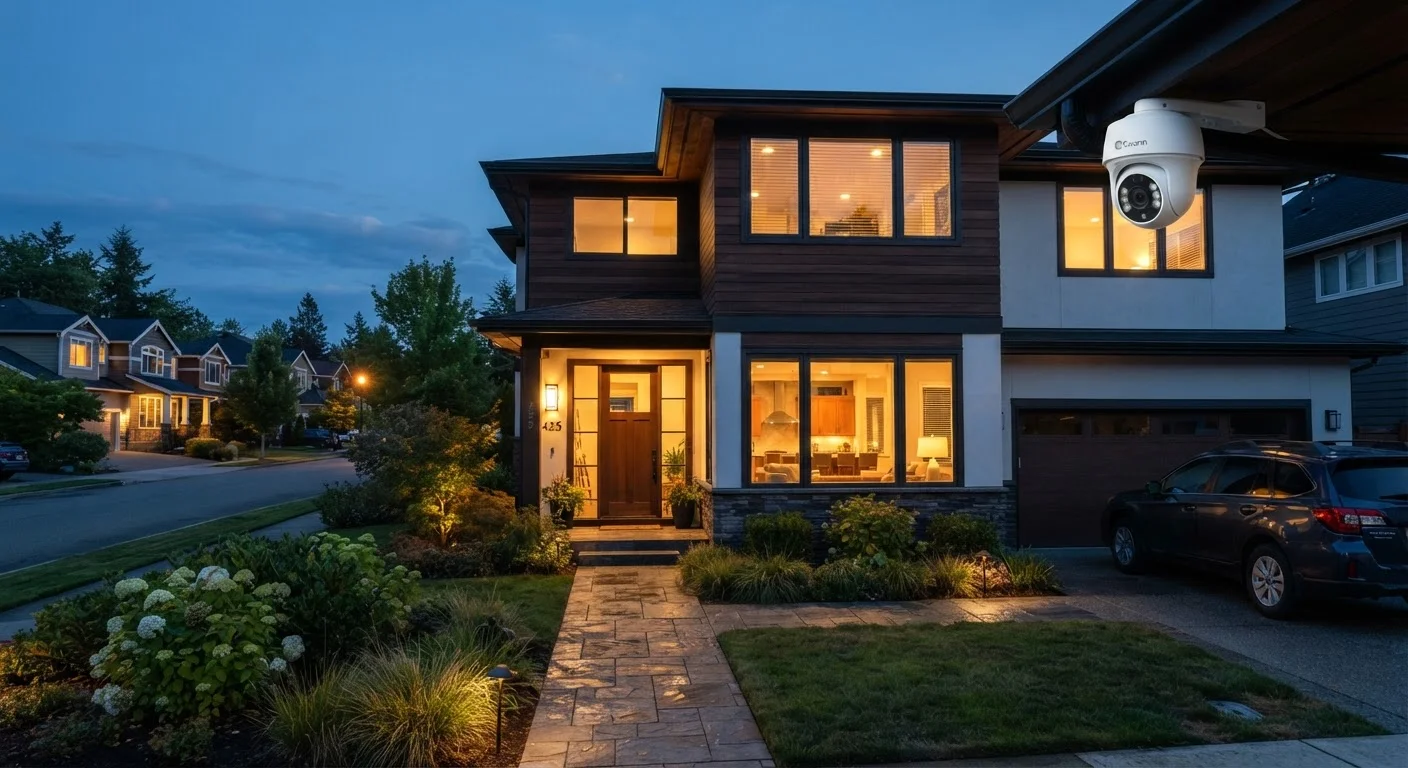
Video doorbells and security cameras record motion-triggered video that is typically stored in the cloud. Alongside video, they often collect metadata: timestamps, motion frequency, and in some cases, location data linked to your account. If you've connected your doorbell to a neighborhood-watch platform through a third-party integration, footage sharing may extend beyond your household. For a deeper look at camera setup decisions, see our home security camera setup guide.
Smart thermostats and lighting systems collect behavioral data — when you wake up, when you leave, when you go to sleep — to build automation schedules. This information is genuinely useful for the device's function, but it also creates a detailed picture of your daily routine that lives on a remote server.
72%
Smart speaker owners unaware of voice storage
A survey by NPR and Edison Research found that a majority of smart speaker owners were not aware that their voice interactions could be stored by the manufacturer.
1,000+
Data points collected per day by some smart TVs
Academic researchers studying smart TV data flows have documented devices transmitting thousands of data events daily to manufacturer and third-party advertising servers.
Where That Data Goes — and Who Can See It
Device manufacturers retain collected data under privacy policies that are often long and permissive. Common practices include storing data indefinitely unless you manually delete it, sharing anonymized (or pseudonymized) data with advertising partners, and providing data to law enforcement under valid legal process — sometimes without notifying the device owner.
Third-party integrations multiply the exposure. When you connect a smart home device to another app or platform, that third party's privacy policy now also applies to the data it receives. Each integration is a potential additional point of access.
Privacy Policies Can Change Without Notice
Manufacturers update their privacy policies periodically, and the terms you agreed to when you bought a device may no longer be the terms currently in effect. It's worth checking the privacy policy for your most-used devices once a year — most manufacturer apps have a direct link in their settings menu. If a policy change concerns you, many devices allow you to opt out of certain data uses, though the opt-out process is often buried in settings.
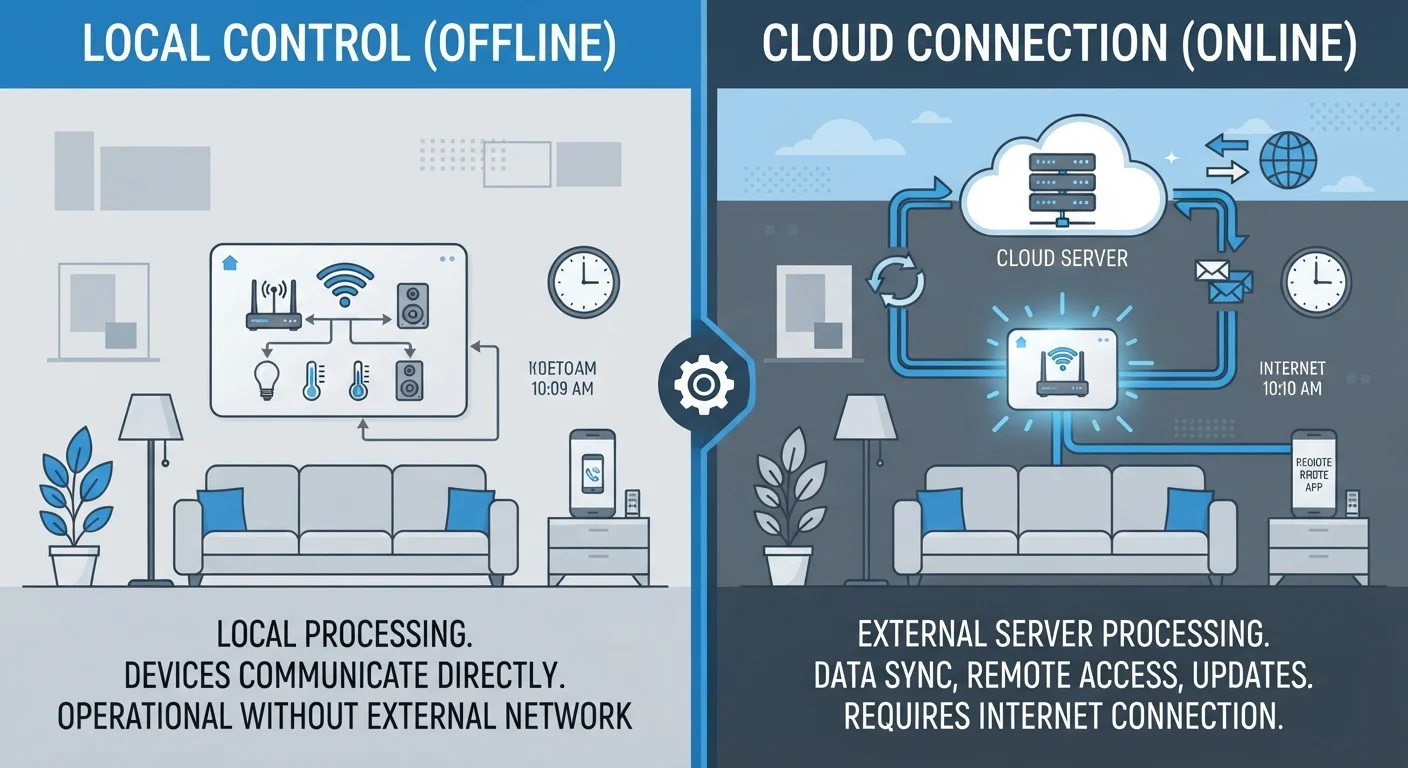
The distinction between cloud-dependent and locally processed devices matters enormously here. Devices that process data on-device or on a local hub never send that information to an external server in the first place. Our companion piece on local vs. cloud-dependent smart devices explains this trade-off in detail.
Best Practices for Reducing Your Exposure
You don't have to disconnect everything to protect your privacy. A few deliberate habits can significantly reduce the amount of data your devices collect and share.
Review and restrict app permissions on every smart home app you install.
Smart home apps frequently request access to contacts, location, microphone, and camera — often beyond what the device actually needs to function. Granting unnecessary permissions expands the data footprint without any benefit to you.
Delete your voice history regularly through each device's companion app or web dashboard.
Stored voice recordings accumulate over time and represent a detailed log of your household's conversations and queries. Most manufacturers provide a deletion tool, but it is not automatic by default.
Disable features you don't use, especially always-on microphones and third-party integrations.
Every enabled feature is a potential data collection point. If you don't use a device's voice assistant or its integration with a neighborhood-alert app, turning those features off removes them from the equation entirely.
Place smart speakers and cameras intentionally, away from bedrooms and private spaces.
Physical placement is one of the most underrated privacy controls. Devices can only capture what they're positioned to capture, and keeping them out of sleeping areas and bathrooms limits what is collected even if recording occurs.
Isolate smart home devices on a separate Wi-Fi network (a guest network or IoT VLAN).
If a smart device is compromised, network segmentation prevents an attacker from using it as a stepping stone to reach computers, phones, or other sensitive devices on your main network.
Keep device firmware updated to ensure known security vulnerabilities are patched.
Outdated firmware is one of the most common ways smart devices become entry points for unauthorized access. Manufacturers regularly release patches addressing discovered flaws, but updates often aren't applied automatically.
These habits pair well with broader digital security practices. Our guide to smartphone security habits that actually matter covers the same mindset applied to your phone.
Start Today: Quick Actions That Make a Real Difference
Privacy improvements don't require a weekend project. Several of the most impactful steps take under ten minutes and don't require any technical background.
For a structured approach to understanding every device on your network, the room-by-room device inventory checklist is a practical next step. And if you're still sorting out which smart home capabilities are genuinely useful versus overhyped, common smart home myths fact-checked is worth a read before adding more devices.