Why Routines Are the Real Payoff of a Smart Home
Smart home devices earn their keep not from individual voice commands, but from automated routines — sequences of actions that fire on their own, triggered by time, location, or a single phrase. If you've ever manually told your speaker to turn off five separate lights before bed, you've experienced exactly the friction that a well-built routine eliminates.
The major voice platforms — Amazon Alexa, Google Home, and Apple's Siri Shortcuts — all support multi-step routines through their respective apps, with no technical skills required. The real challenge isn't setup; it's identifying which automations actually match your daily life. Our Smart Home Myths article addresses why many buyers stall here: they either expect too much or don't know where to start.
Below are the routines that practical smart home users return to again and again — not novelty features, but daily workhorses.
The Morning Briefing Routine
A morning briefing routine triggers at a set time — say, 6:30 AM — and delivers a sequence: your day's calendar events, a weather summary, and any reminders you've set. On most platforms you can also have it gradually raise smart lights to simulate a natural wake, and start a preferred music playlist or news flash briefing.
What makes this useful versus a standard alarm is the information density. You start your day already oriented — no unlocking your phone, no separate weather check, no forgotten 9 AM call. The key is calibrating the briefing length; a two-minute summary is motivating; a ten-minute one becomes a chore to skip.
Starting your day already oriented removes the small friction that quietly adds up to lost time.
The Bedtime Sequence
A single phrase — "Hey Google, good night" or "Alexa, bedtime" — can simultaneously dim and switch off lights throughout the house, lower the thermostat to a sleep-friendly temperature, lock the front door, and set your alarm for the next morning. Some users add a white noise skill or a Do Not Disturb toggle on connected devices.
What turns this from a gimmick into a habit is the cognitive offload. The mental task of checking whether you locked the door or left a light on in the basement simply disappears. If you've worked on building structured pre-sleep habits, this kind of automation fits naturally into that framework.
Eliminating the "did I lock the door?" loop is one of the most underrated benefits of a bedtime routine.
Arrival and Departure Triggers
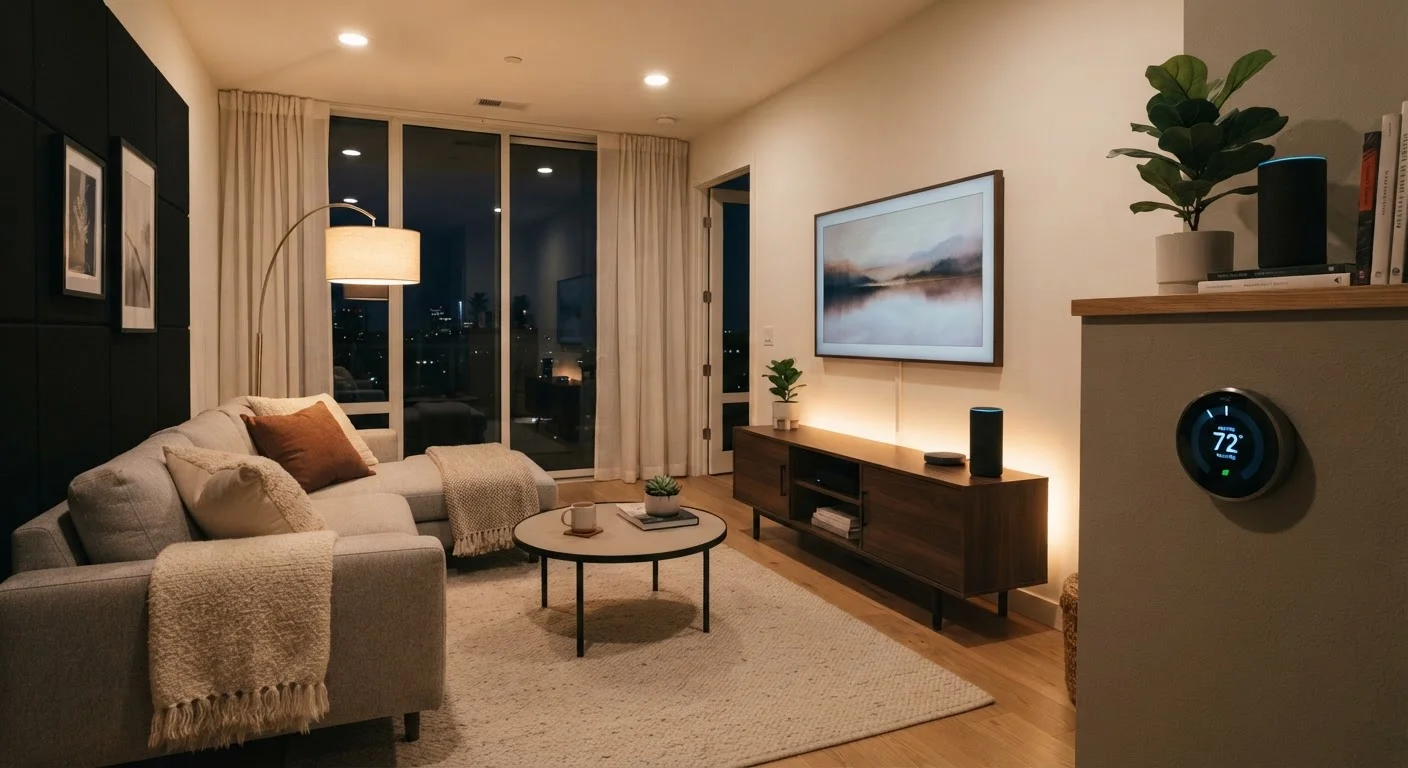
Location-based routines use your phone's GPS to detect when you arrive home or leave. On arrival: lights turn on to a preferred scene, the thermostat adjusts to your comfort setting, and a smart plug might power up a lamp. On departure: non-essential devices switch off, the thermostat enters an away mode, and locks engage.
These routines are most reliable when triggered by a single household member's phone, or configured to require all household members to be away before activating departure actions — most platforms support this with a "everyone has left" condition. Note that location triggers require background app permissions and will modestly affect phone battery life.
Arrival routines mean your home is already comfortable before you've put down your keys.
The Focus or Work Mode Routine
Triggered by a voice command like "Alexa, focus time," this routine shifts your home environment for concentration: setting lights to a cooler, brighter color temperature (which research associates with alertness), silencing non-essential notifications on linked devices, and starting an ambient sound or low-volume background playlist.
The value here isn't just the physical environment — it's the intentional signal to yourself that a focused block is beginning. Pairing a smart home action with a behavioral intention is a well-established technique in habit design. Keep this routine short and repeatable; it should take one command to enter and one to exit.
A single command that shifts your environment can be a more effective focus cue than willpower alone.
Guest or Hosting Mode
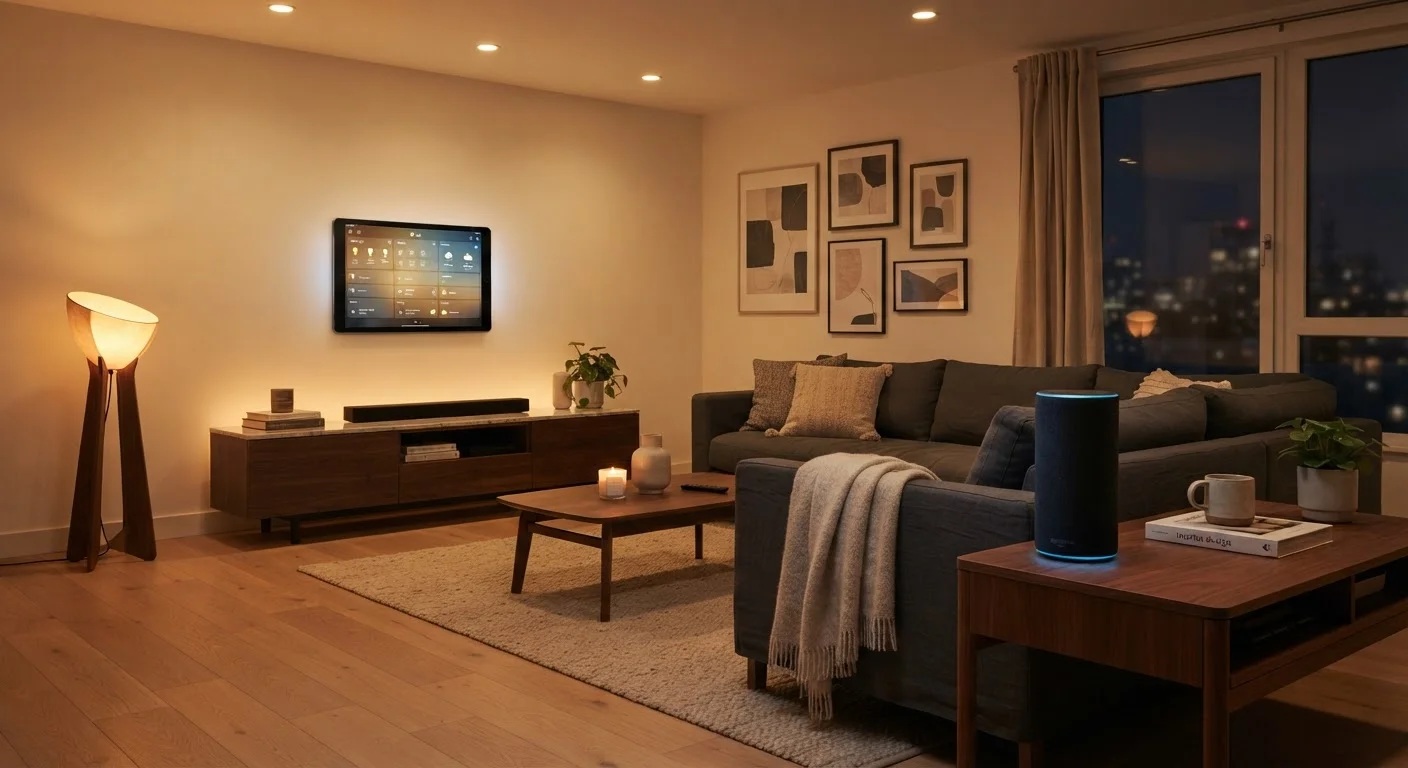
Less talked about but consistently useful: a "hosting" routine that sets your home's lighting, music, and temperature to a welcoming preset before guests arrive. A single phrase reconfigures multiple devices at once — no walking room to room adjusting settings manually while also answering the door.
The same logic applies in reverse: a post-party "reset" routine that returns everything to your defaults. Platforms like Alexa allow you to create custom scene names, so "Alexa, dinner party" and "Alexa, reset" can each carry a full stack of device instructions. This is a good example of where complexity pays off — setup time is real, but the recurring payoff justifies it.
Hosting routines replace room-by-room manual adjustments with one phrase before guests arrive.
Recurring Reminder Chains
Voice assistants handle reminders well on their own, but chaining reminders into a routine adds contextual actions. For example: a weekly Sunday evening routine that announces tomorrow's schedule, reminds you to check the week's calendar, and lowers lights to signal a wind-down — all at a set time, without prompting.
Recurring routines built around weekly rhythms (Sunday prep, Friday evening shift-down, Monday morning ramp-up) tend to stick better than daily ones, because they align with natural mental gear-shifts most people already experience. They're also easy to pause or reschedule inside the assistant app when your week deviates from the norm.
Weekly rhythm routines work with your existing mental gear-shifts rather than creating new habits from scratch.
Building Routines That Actually Stick
The routines most likely to become permanent are the ones mapped to habits you already have. A morning briefing adds zero friction if you're already reaching for your phone while coffee brews. A bedtime sequence works because you have one — even if it's informal. For a broader look at how behavioral structure supports consistency, see building a personal wind-down routine.
Start With One Routine, Not Six
It's tempting to automate everything at once once you discover how capable these platforms are. Resist that impulse. Build one routine, use it for a week, and confirm it actually fits your life before adding another. Routines that run unnoticed because they no longer match your schedule become noise — and you'll stop trusting your automations overall.
One practical test: if you'd perform those actions manually every day anyway, automate them. If you'd only do something occasionally, a routine will likely feel intrusive rather than helpful. Smart home convenience is real, but so are the trade-offs — our honest look at smart home complexity lays both sides out clearly.
Start with one or two routines, live with them for a week, and expand from there. That incremental approach consistently outperforms building out a full automation stack all at once.