The Assumption That Costs You
When a computer starts crawling, the instinct for many people is to assume it's simply too old and needs to be replaced. That conclusion is understandable — but it's often wrong. A machine that was capable two years ago doesn't lose its processing power overnight. What changes is the environment it's running in: more background processes, bloated software, clogged storage, and settings that were never optimized in the first place.
Understanding the difference between a hardware limitation and a software problem can save you real money and frustration. Before you consider an upgrade or replacement, it's worth working through the most common software-side mistakes that silently drain performance. See our guide to keeping your computer running smoothly for a longer-term maintenance perspective.
Letting too many programs launch automatically at startup.
Why it happens: Software installers frequently default to enabling startup launch without clearly disclosing it. Over time, these entries accumulate without the user's awareness.
Running a storage drive that's nearly full.
Why it happens: People rarely monitor drive capacity until they get a low-space warning — by which point performance has already suffered for some time.
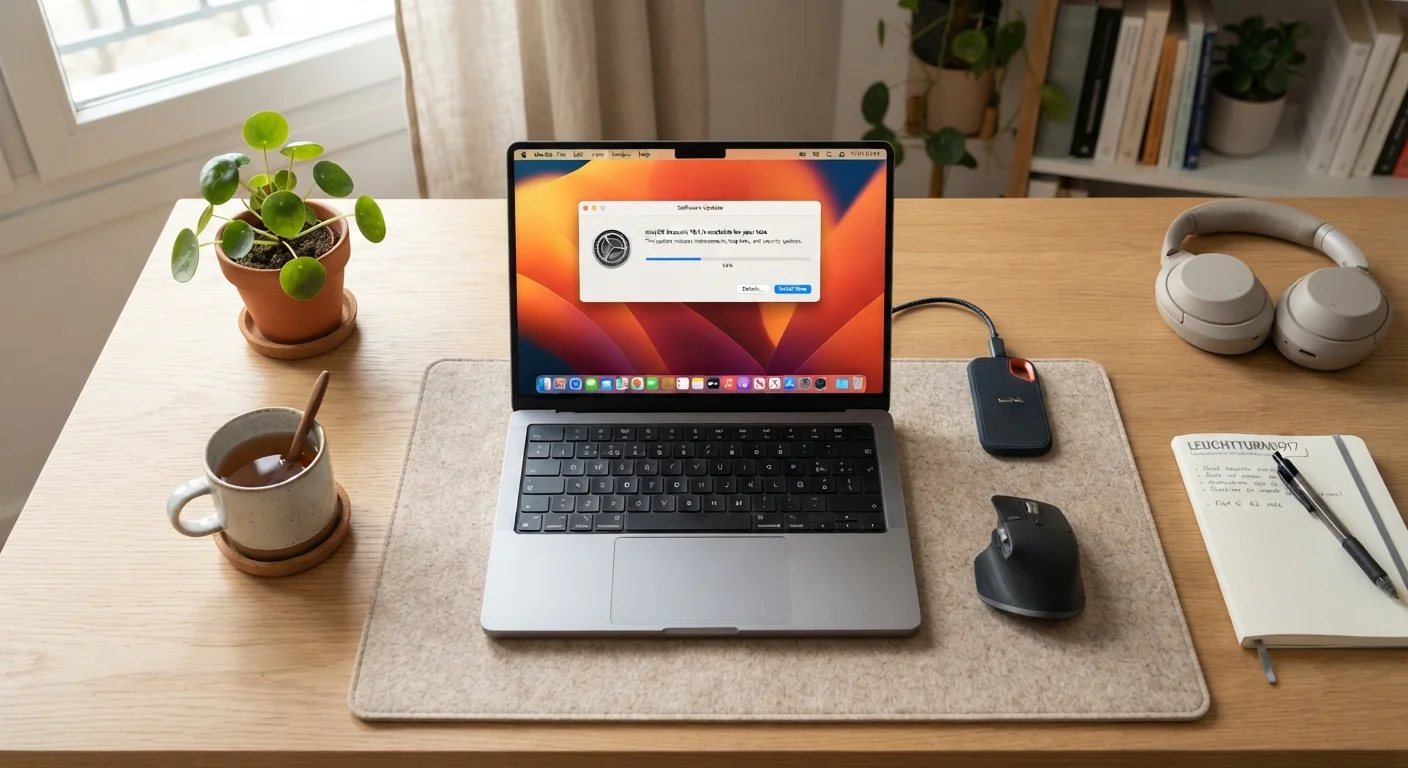
Ignoring operating system and driver updates for extended periods.
Why it happens: Updates can feel disruptive, and the prompts are easy to dismiss. Many users don't realize that updates often include performance patches alongside security fixes.
Leaving dozens of browser tabs and extensions running indefinitely.
Why it happens: Modern browsers make it easy to open tabs and forget them. Extensions are installed for a single purpose and never removed, yet they continue consuming memory and CPU cycles in the background.
Overlooking power and performance settings on laptops.
Why it happens: Default power settings often prioritize battery life over performance, and users rarely explore these options after initial setup.
Assuming slowness is uniform when it's actually app-specific.
Why it happens: A single poorly optimized or malfunctioning application can make the entire system feel slow, leading users to blame the hardware rather than the software.
Why These Mistakes Are So Easy to Make
Most of these issues develop gradually, which is exactly why they're so easy to overlook. A computer that slows down by 10% over six months rarely triggers an obvious alarm — users just adapt, assuming decline is inevitable. Meanwhile, software continues accumulating in the background, storage keeps filling up, and no one changes a default setting that's been throttling performance from day one.
10–15%
Minimum free storage recommended for stable performance
Operating systems use free drive space for temporary files and virtual memory; falling below this threshold is a well-documented cause of slowdowns.
30+
Average startup programs on a typical Windows PC
Independent performance analyses have found that many consumer PCs accumulate dozens of startup entries, each adding to boot times and background resource use.
It's also worth noting that RAM (random-access memory) and storage are two different things, and confusing them leads to misdiagnoses. If you're unclear on the distinction, the common misconceptions about computer memory are worth reviewing before drawing any conclusions about your machine's limits.
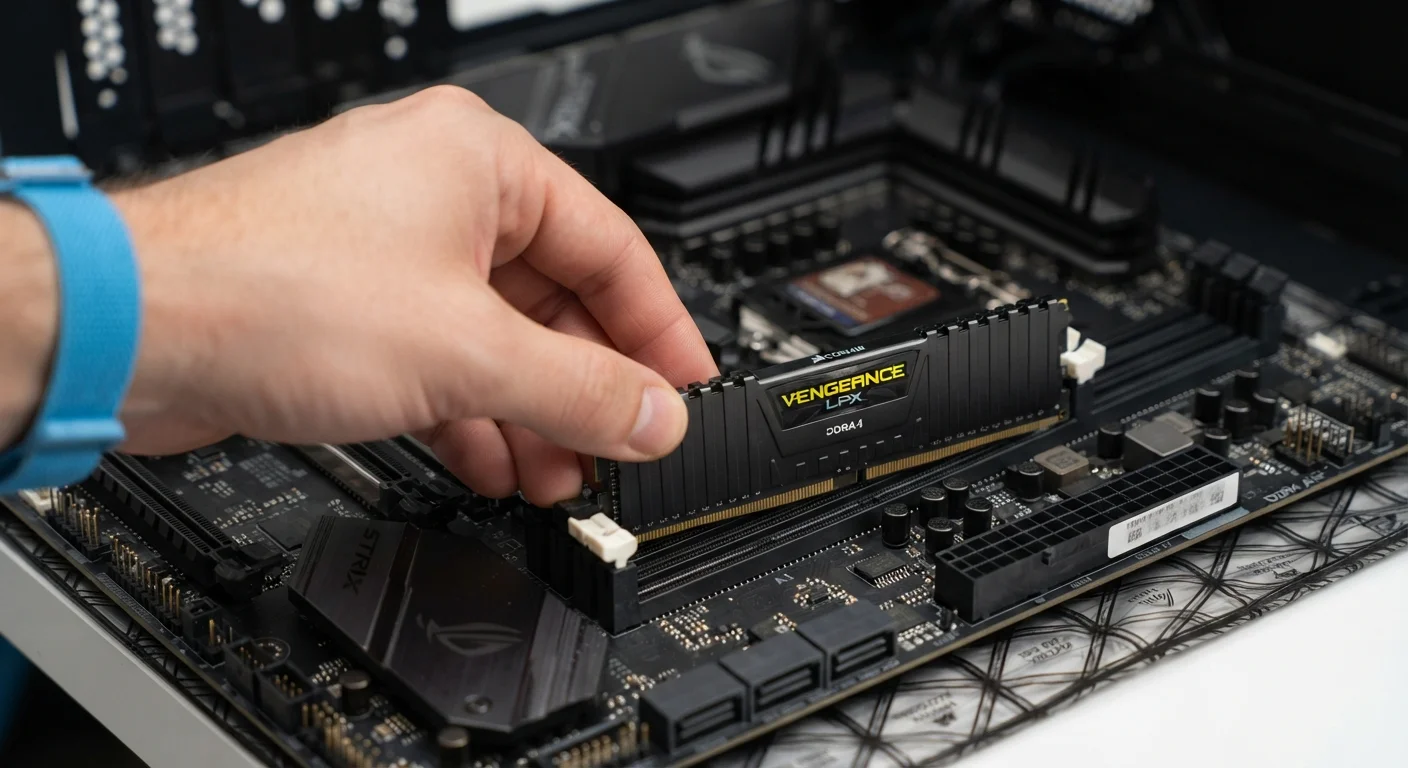
If you've worked through the software side and still find performance inadequate for your needs, that's the right time to evaluate whether a hardware upgrade or a different form factor makes sense — the trade-offs between desktop and laptop may also factor into that decision.
Don't Skip Diagnosis Before Replacing a Device
Replacing a computer that has a fixable software problem is a costly and avoidable mistake. If you do decide a device has genuinely reached the end of its useful life, the steps for safely recycling or donating an old computer are worth following carefully. Personal data should be fully wiped before any device changes hands.