What You're Actually Choosing Between
The desktop-versus-laptop decision isn't purely about hardware — it's about fitting a machine to a lifestyle. Before diving into specs, it helps to understand what each form factor fundamentally is. A desktop separates its components: a tower or all-in-one body, an external monitor, keyboard, and mouse. A laptop integrates all of those into one portable unit.
If you're new to the process entirely, the foundational guide to understanding computer form factors is a useful starting point. For everyone else, the comparison below captures the core trade-offs across the dimensions that genuinely affect everyday use.
| Desktop | Laptop | |
|---|---|---|
| Portability | Fixed location only | Fully portable, built-in battery |
| Performance per dollar | Higher at any budget tier | Lower due to thermal design limits |
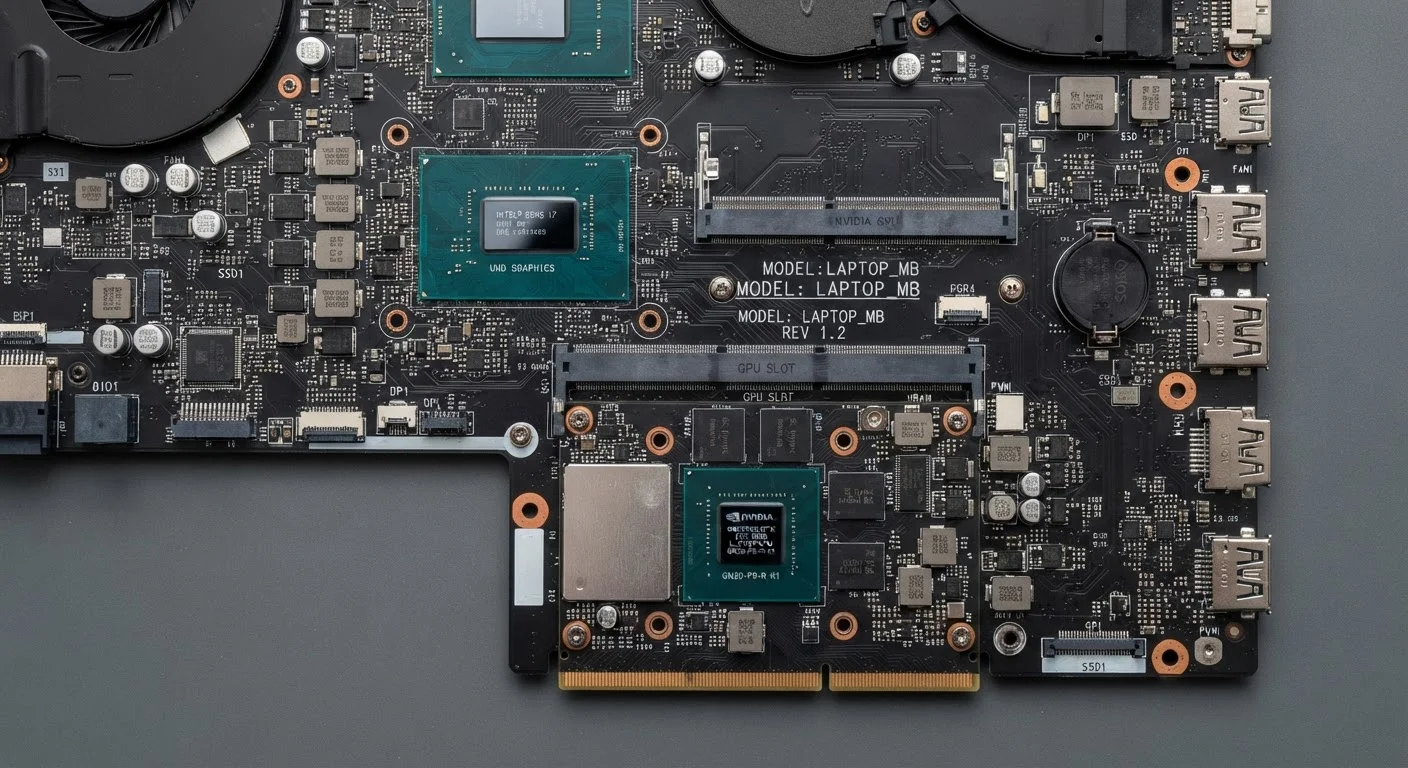
| Upgradability | RAM, storage, GPU often swappable | Usually limited; RAM often soldered |
| Setup complexity | Requires monitor, keyboard, mouse | All-in-one, ready out of the box |
| Space required | Dedicated desk space needed | Minimal; works on any surface |
| Longevity potential | High with component upgrades | Moderate; hardware fixed at purchase |
| Display flexibility | Any monitor size or count | Built-in screen; external monitors optional |
Performance and Value: Where Desktops Have the Edge
At any given price point, a desktop will generally deliver more processing power, memory capacity, and storage speed than a laptop. The reason is straightforward: laptop components are engineered to run cool and draw minimal power, which involves engineering compromises that reduce peak performance. Desktop components face fewer thermal constraints and can run faster chips without throttling — the automatic slowdown that laptops sometimes apply to manage heat.
This matters most for demanding tasks: video editing, 3D rendering, running large datasets, or gaming. For browsing, streaming, word processing, and video calls, the gap is far less meaningful. Understanding what dedicated versus integrated graphics actually means in practice helps clarify whether your workload even requires the extra headroom a desktop provides.
Stretch Your Desktop Budget With Peripherals
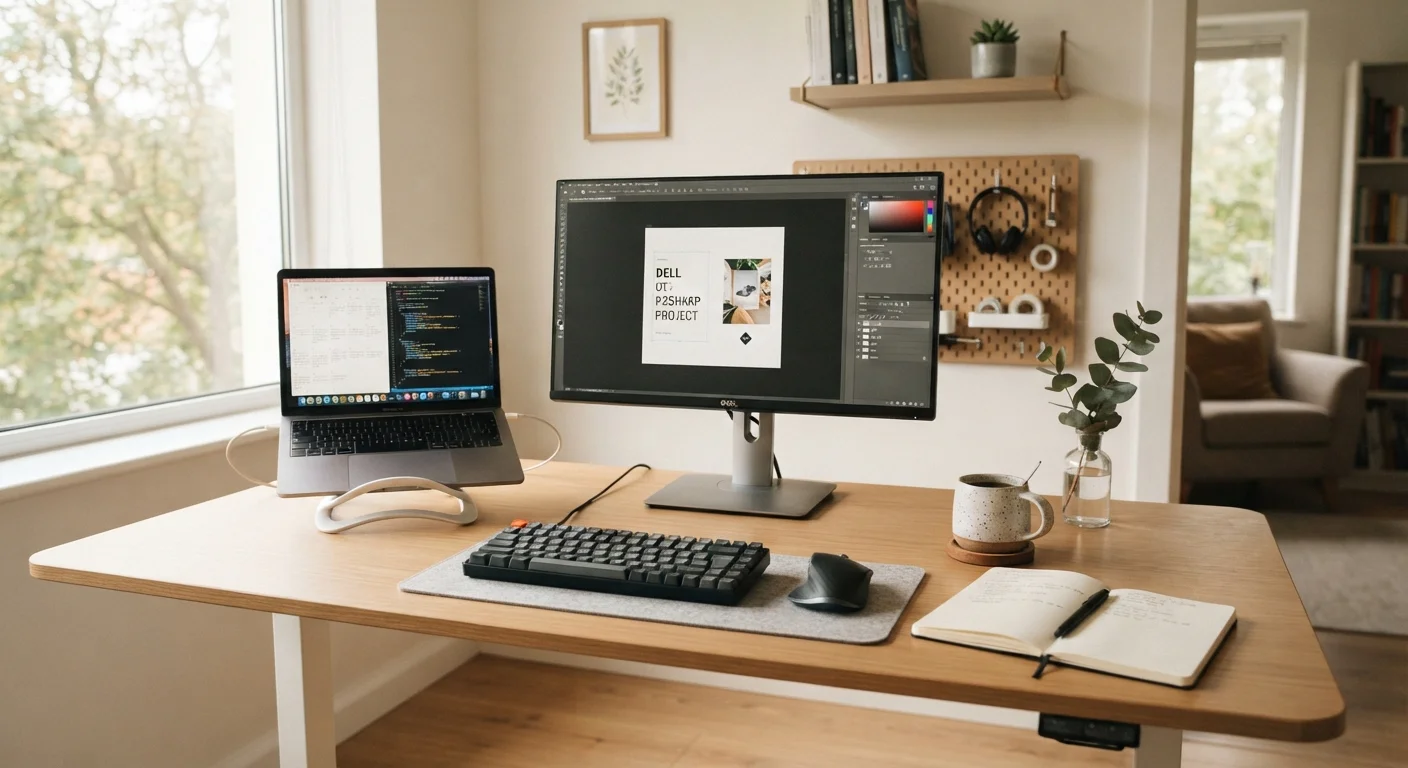
Because desktops cost less for equivalent performance, you may have budget left over for a quality monitor, mechanical keyboard, or ergonomic chair — all of which affect daily comfort more than marginal spec differences. Factor in the full setup cost, not just the tower or all-in-one unit, when comparing prices against a laptop.
Upgradability and Longevity
Desktops age more gracefully. In most tower configurations, RAM, storage, and even the graphics card can be swapped out as needs change — without replacing the whole machine. This modularity can meaningfully extend a desktop's useful life.
Laptops are largely the opposite. Most modern laptops have RAM soldered directly to the motherboard, making upgrades impossible after purchase. Storage is often upgradeable, but the process varies by model and may void warranties. The practical implication: what you buy is roughly what you'll have for the machine's lifetime. Pair that reality with the habits that help any computer stay responsive over time, and you can extend a laptop's useful life — but you can't expand its ceiling the way you can with a desktop.
Portability and Space: The Laptop's Core Strengths
A laptop's fundamental advantage is that it goes where you go. For students moving between classes, remote workers switching between home and a coworking space, or anyone without a dedicated room for a desk setup, this isn't a minor perk — it's the whole point.
Laptops also consolidate everything into one footprint. There's no monitor to position, no cable management, no separate keyboard to find space for. That simplicity has real value in smaller living situations. Students weighing this decision will find the breakdown of what students genuinely need in a laptop particularly relevant — high-end specs rarely justify themselves in academic settings.
It's also worth noting that if portability is your primary need but you find laptops limiting for productivity tasks, tablets carry their own trade-offs as work devices and rarely replace a full computer for serious tasks.
Specs to Focus On — and Ones to Ignore
Whether you end up choosing a desktop or laptop, the same principle applies: some numbers on a spec sheet matter, and others are largely noise. Processor generation and core count, RAM, and storage type (SSD versus HDD) have a noticeable real-world impact. Clock speed comparisons between different processor families, meanwhile, are often misleading.
For a deeper look at which figures actually affect daily performance, the guide to specs that matter versus ones that don't walks through this specifically for laptops. The difference between SSD and HDD storage is one area where both desktop and laptop buyers benefit from understanding the trade-offs before purchasing.
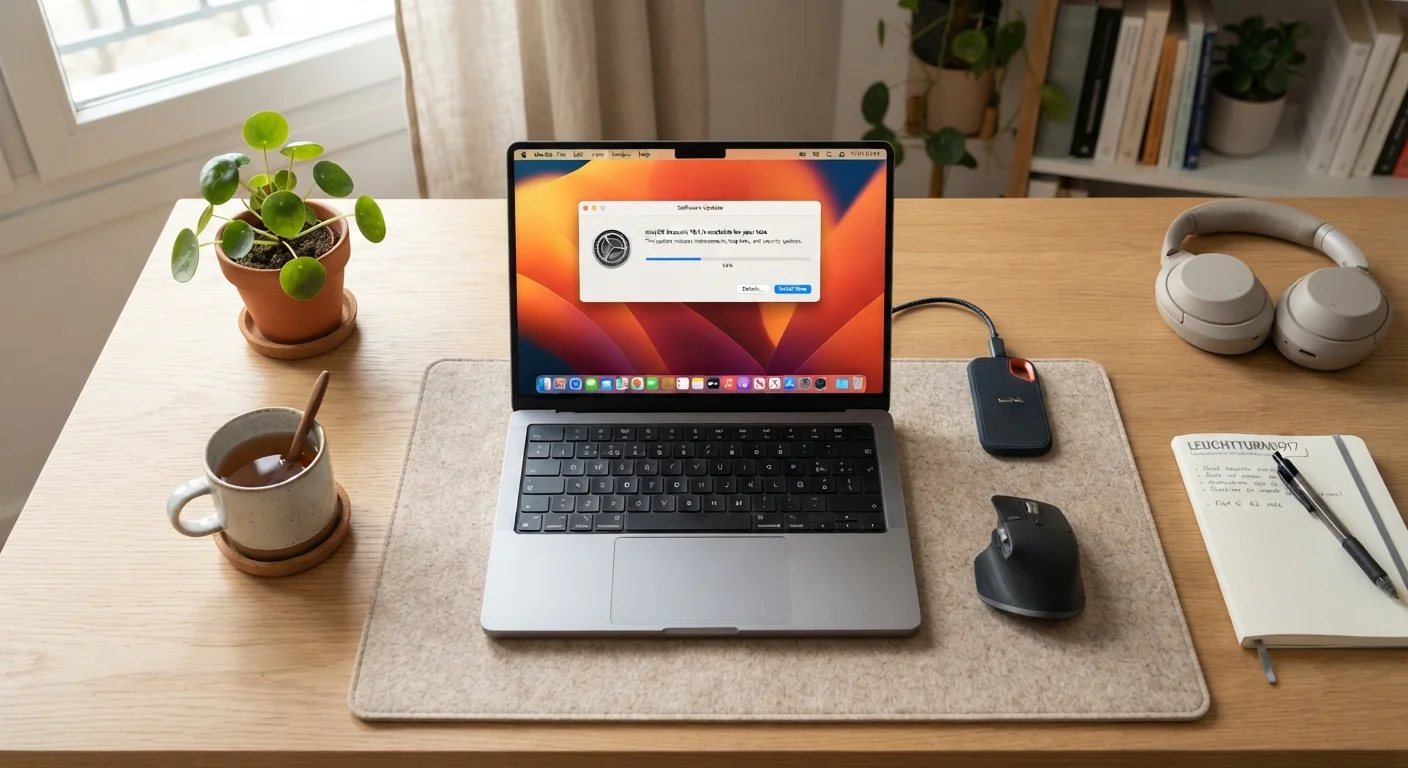
If your machine ever feels sluggish, it's also worth knowing that a slow computer isn't always a hardware problem — software and settings issues cause the same symptoms and are often fixable without buying anything new.
Practical Questions to Guide Your Decision
Rather than defaulting to whichever option sounds more capable, answer these questions honestly:
- Do you have a dedicated desk space? If not, a desktop's peripherals become a storage problem.
- Do you work or study in more than one location? If yes, portability may be non-negotiable.
- How long do you plan to keep this machine? Longer ownership timelines favor desktops for their upgradability.
- What's your primary workload? Heavy creative or technical work benefits from desktop performance; everyday tasks don't require it.
- What's your budget? The same dollars buy more capability in a desktop.
If you do choose a laptop and plan to use it at a desk regularly, a few well-chosen accessories — an external monitor, ergonomic keyboard, and USB hub — can replicate much of the desktop experience while preserving portability when you need it.