What Each Device Actually Does
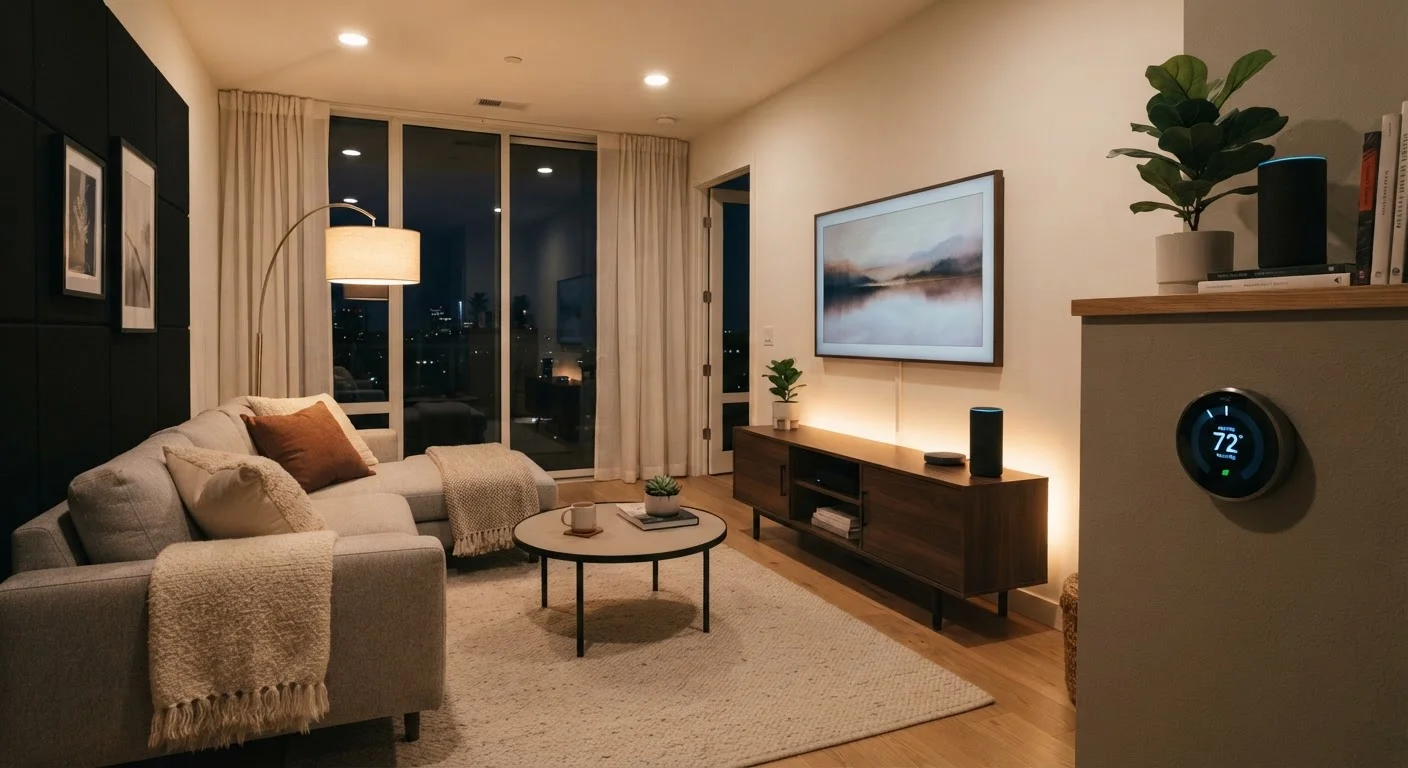
A smart speaker is a wireless audio device with a built-in voice assistant — think of it as a microphone and speaker wrapped around a cloud-connected brain. You talk to it; it responds. Core tasks include setting timers, playing music or podcasts, answering questions, and controlling compatible smart home devices through voice commands.
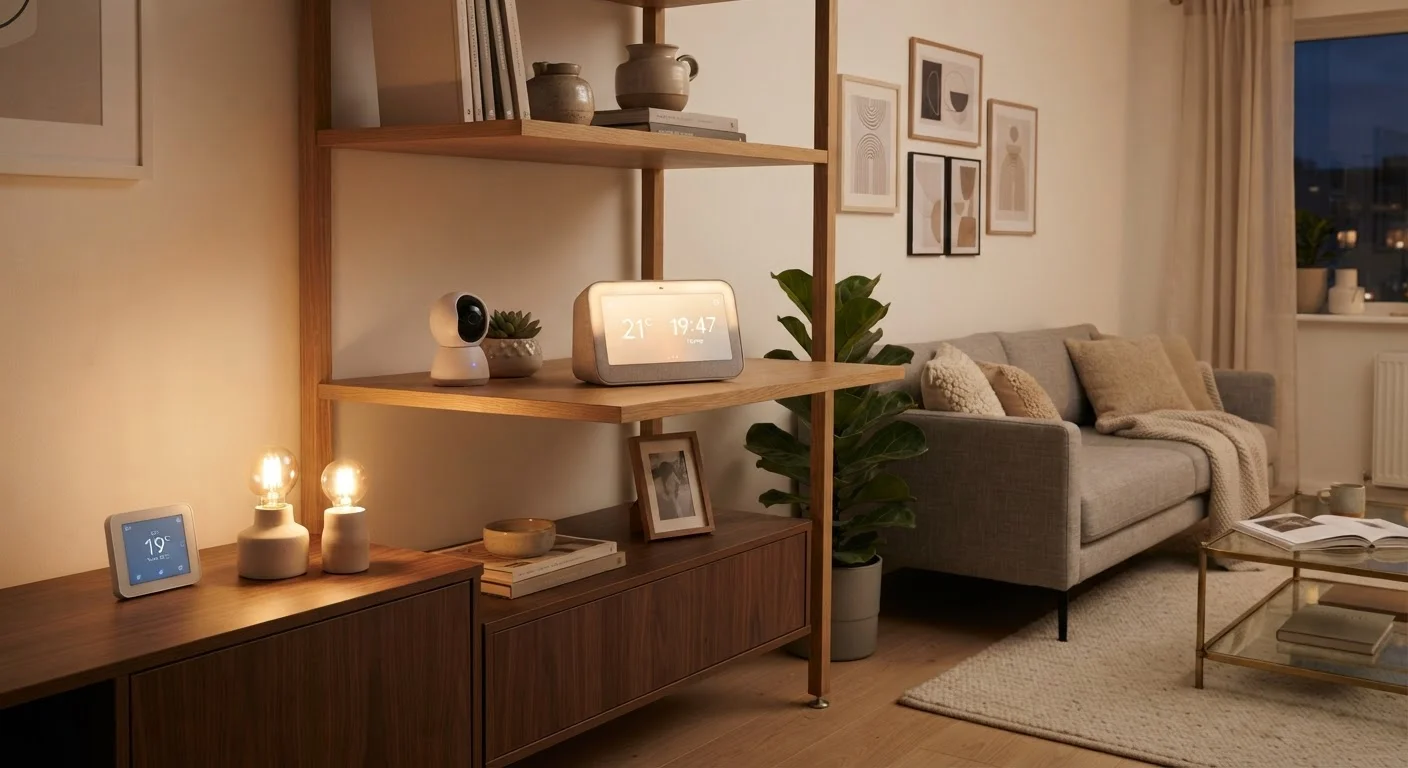
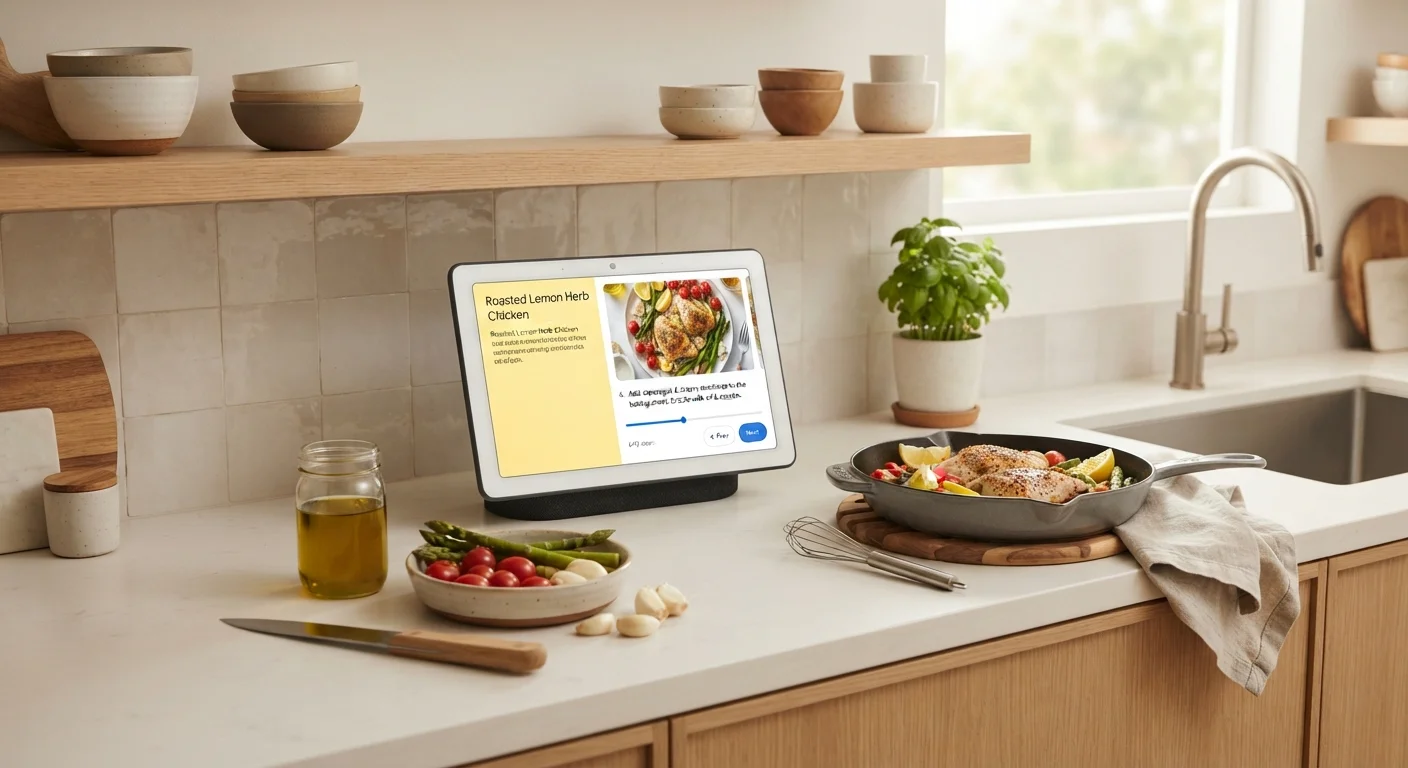
A smart display does everything a smart speaker does, but adds a touchscreen — typically ranging from 5 to 15 inches diagonally. That screen unlocks visual interactions: watching a recipe video step-by-step, making video calls, glancing at your calendar, or tapping through a smart home control panel. Most smart displays also include a camera for video calling, which is worth noting from a privacy standpoint.
For a broader look at how these devices fit into a connected home, see what a smart home hub actually does and when you might not need one at all.
Head-to-Head: Key Differences at a Glance
The table below breaks down the most meaningful points of contrast between smart speakers and smart displays for a kitchen setting.
| Criterion | Smart Speaker | Smart Display |
|---|---|---|
| Screen | None | Touchscreen (5–15 in.) |
| Camera | Not included | Built-in (for video calls) |
| Recipe guidance | Voice-only instructions | Visual step-by-step video |
| Video calls | Audio only | Full video calling |
| Typical footprint | Small, compact | Larger, screen-facing |
| Relative price range | Generally lower | Generally higher |
| Smart home dashboard | Voice control only | Visual touch + voice |
| Privacy surface | Microphone only | Microphone and camera |
Price ranges vary widely within each category depending on screen size, audio quality, and brand. A compact smart speaker can cost under $30, while a large smart display with premium speakers may exceed $200. Neither price tier automatically makes one type better — it depends on which capabilities you'll actually use daily.
The Kitchen Context: Where Each Shines
The kitchen is where most households put their first smart hub, and for good reason — it's a high-activity space where both hands are often occupied. That context shapes which device type earns its place.
Where Smart Speakers Win
- Hands-free timers and unit conversions — No touchscreen needed when your hands are covered in dough.
- Music and podcast playback — Audio quality per dollar is typically higher on speaker-focused devices.
- Compact footprint — Cylindrical or puck-shaped designs fit on narrow shelves without dominating counter space.
Where Smart Displays Win
- Step-by-step recipe guidance — Visual instructions with ingredient photos reduce errors and eliminate the need to prop up a phone.
- Video calls during meal prep — Hands-free video keeps you connected without holding a device.
- Smart home dashboards — Tap to dim lights, check who's at the door, or manage multiple routines without memorizing voice commands.
~52%
U.S. adults who own a smart speaker
According to NPR and Edison Research's Smart Audio Report, smart speaker ownership in U.S. households has grown steadily, with roughly half of adults reporting ownership.
Top 3
Kitchen uses: timers, music, shopping lists
Voicebot.ai consumer research consistently finds timers, music playback, and adding items to shopping lists as the leading smart speaker tasks in kitchen environments.
Privacy, Compatibility, and Practical Considerations
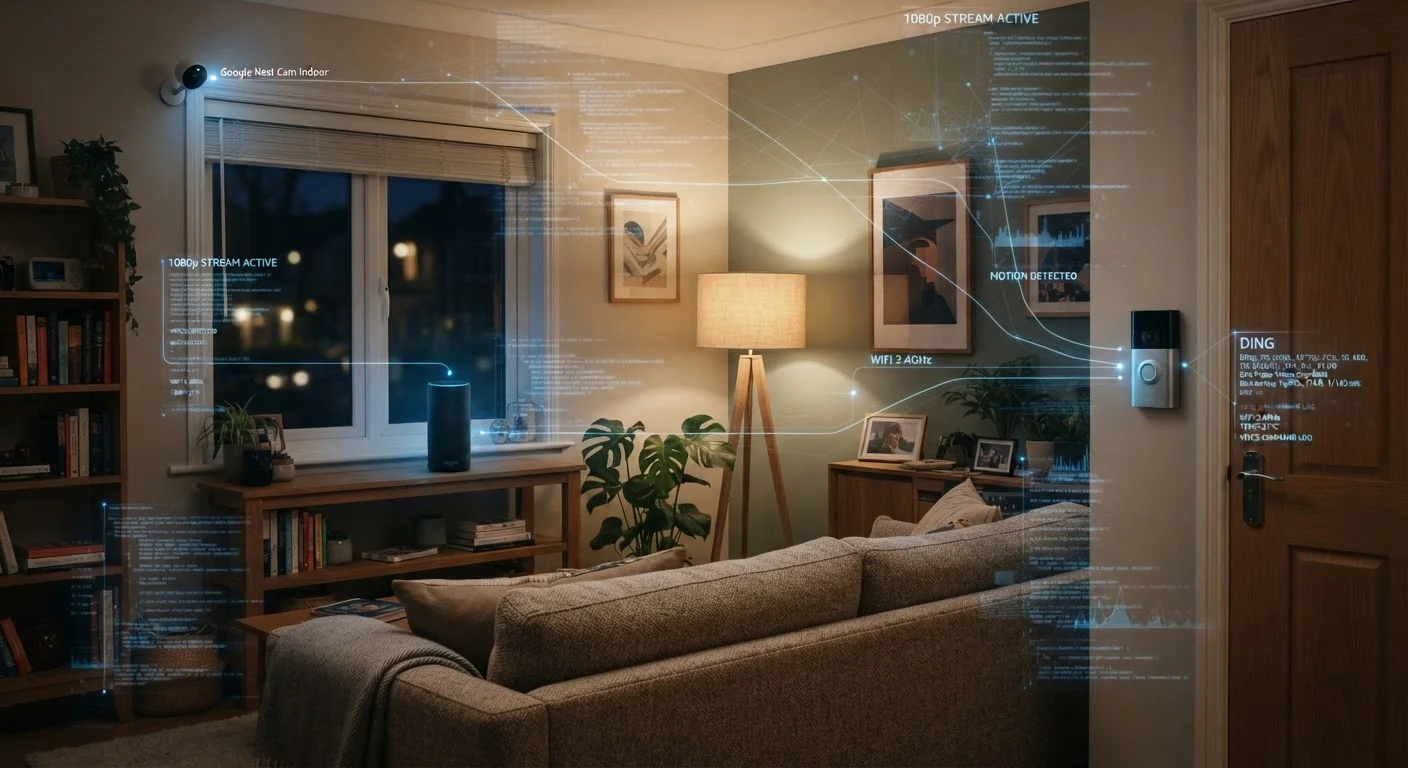
Smart displays include a camera — a meaningful difference if privacy is a household priority. Cameras expand capability but also expand data collection. Most displays offer a physical shutter or a hardware mute switch, but it's worth reading the manufacturer's data practices. For a thorough look at what these devices collect and how to limit exposure, our guide on smart home privacy and data collection covers the specifics.
Ecosystem compatibility is another real-world factor. Both device types work with major platforms — Amazon Alexa, Google Assistant, and Apple's ecosystem each have their own hardware — but not every device plays nicely across ecosystems. If you already have smart lights, locks, or a thermostat, confirm that any new hub speaks the same language before purchasing. The smart home myths that confuse new buyers addresses the common misconception that everything just works together out of the box.
Ecosystem Lock-In Is Real
Buying a smart display tied to one assistant platform — Amazon Alexa, Google Assistant, or Apple — can limit which third-party devices work seamlessly with it. Before committing, check that your existing or planned smart home devices are certified compatible with that ecosystem. Switching platforms later often means replacing hardware, not just software. The emerging Matter standard aims to improve cross-brand compatibility over time, but adoption varies by manufacturer.
If you're building from scratch rather than adding to an existing setup, planning your first smart home offers a structured starting point that helps avoid common missteps around hub and device selection.