What RAM Actually Does on Your Phone
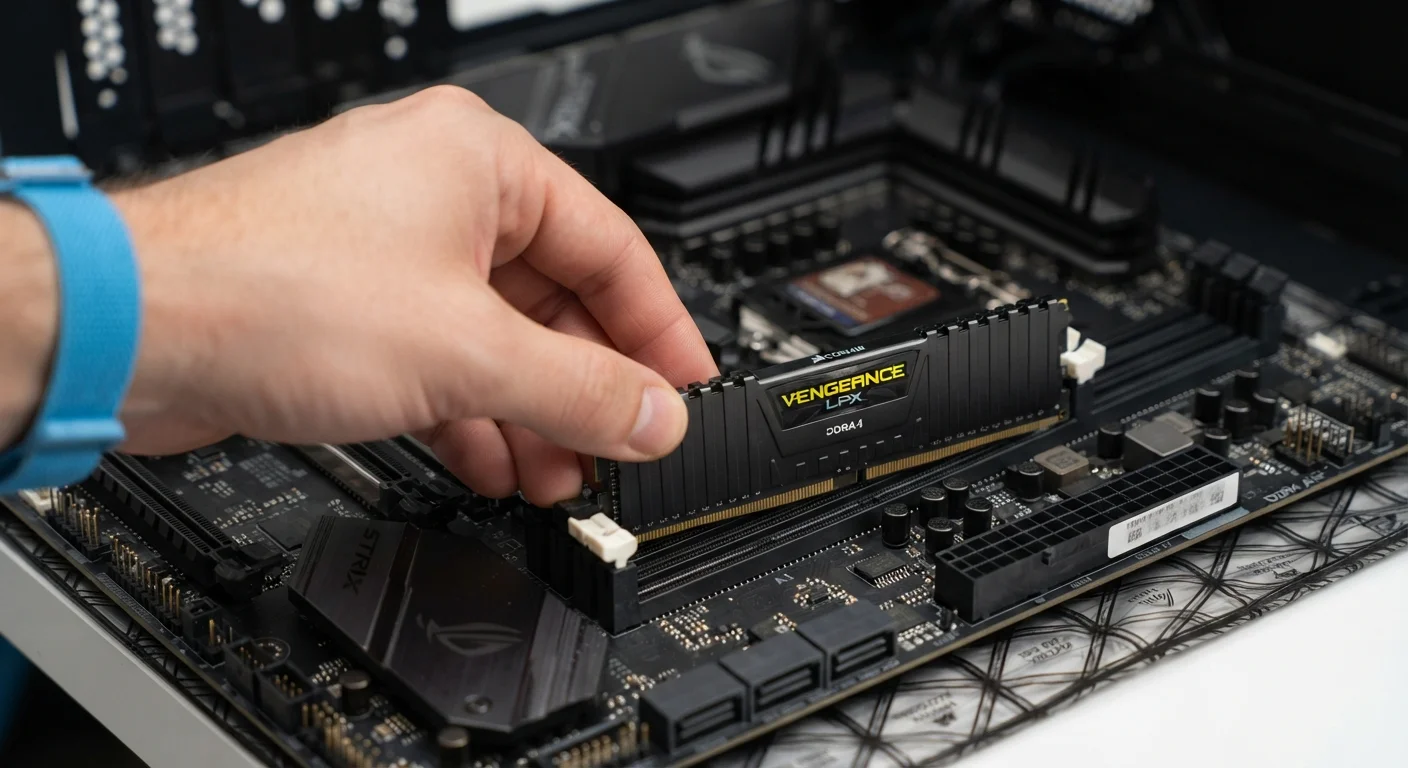
RAM stands for Random Access Memory. Think of it as your phone's short-term workspace — the surface area where active apps, browser tabs, and system processes are temporarily held while you're using them. The more RAM available, the more apps a phone can keep ready in the background without having to fully reload them when you switch back.
In practical terms, RAM affects multitasking smoothness. If you've ever switched from a navigation app back to a podcast, only to find the podcast has to restart from scratch, that's typically a sign the phone ran low on RAM and had to clear the app from memory. More RAM reduces how often this happens.
What RAM does not do is hold your photos, music, or downloaded files — that's the job of storage. A common misconception is that running out of storage affects speed in the same way as low RAM. They're separate systems with separate roles. For a deeper look at how these concepts translate to other devices, see our guide to common memory misconceptions.
RAM Figures Aren't Directly Comparable Across Platforms
iPhones historically ship with less RAM than many Android phones but perform comparably or better in multitasking benchmarks. This is because iOS manages memory differently, often more aggressively reclaiming and reusing RAM. Raw RAM figures mean different things depending on the operating system, so cross-platform comparisons based on RAM alone can be misleading.
Storage: How Much Space You Actually Have
Storage — sometimes listed as internal memory or eMMC/UFS flash storage — is the phone's long-term warehouse. Every app you install, every photo you take, every downloaded podcast episode occupies storage space. When storage fills up, you can't save new content and some apps may slow down or behave unexpectedly.
Phones commonly offer storage tiers ranging from 64 GB on entry-level models to 512 GB or more on higher-end configurations. The right amount depends entirely on how you use your phone. Heavy video shooters and offline media collectors need more; users who rely on cloud photo backups and streaming services can often get by with less.
64 GB–128 GB
Storage range most mid-tier phones ship with
Industry-standard configurations as of recent smartphone generations across major manufacturers.
~3–4 GB
Average storage used by a 1-minute 4K video clip
Approximate figure based on typical 4K 30fps compression rates on modern smartphone cameras.
6–8 GB
RAM common in mainstream Android phones
Reflects configurations across a broad range of mid-range and upper-mid-range Android devices in recent years.
One specification worth noting is storage speed, measured by the flash memory standard used. UFS (Universal Flash Storage) is faster than the older eMMC standard and can make app installs, file transfers, and camera saves feel more responsive — though most everyday users won't notice unless they're comparing devices side by side.
The Processor: The Engine Behind Everything
The processor — also called the chip, SoC (System on a Chip), or chipset — is the component that executes every instruction your phone receives. Launching an app, rendering a webpage, decoding a video stream, running a game's graphics: all of it flows through the processor.
Chip performance is often described in terms of clock speed (measured in GHz) and core count. Higher GHz suggests each core can process instructions faster; more cores allow multiple tasks to run simultaneously. In practice, these numbers are harder to compare across different chip architectures than they appear — a newer, more efficient chip can outperform an older one with a higher GHz rating.
Look at Chip Generation, Not Just Speed Numbers
When comparing processors, the generation and architecture family matter more than GHz alone. A chip released two years newer will typically outperform an older chip with a higher clock speed, because architectural improvements allow it to do more work per clock cycle. Manufacturer chip naming conventions can help identify generation — research the specific chip name rather than relying on GHz figures in isolation.
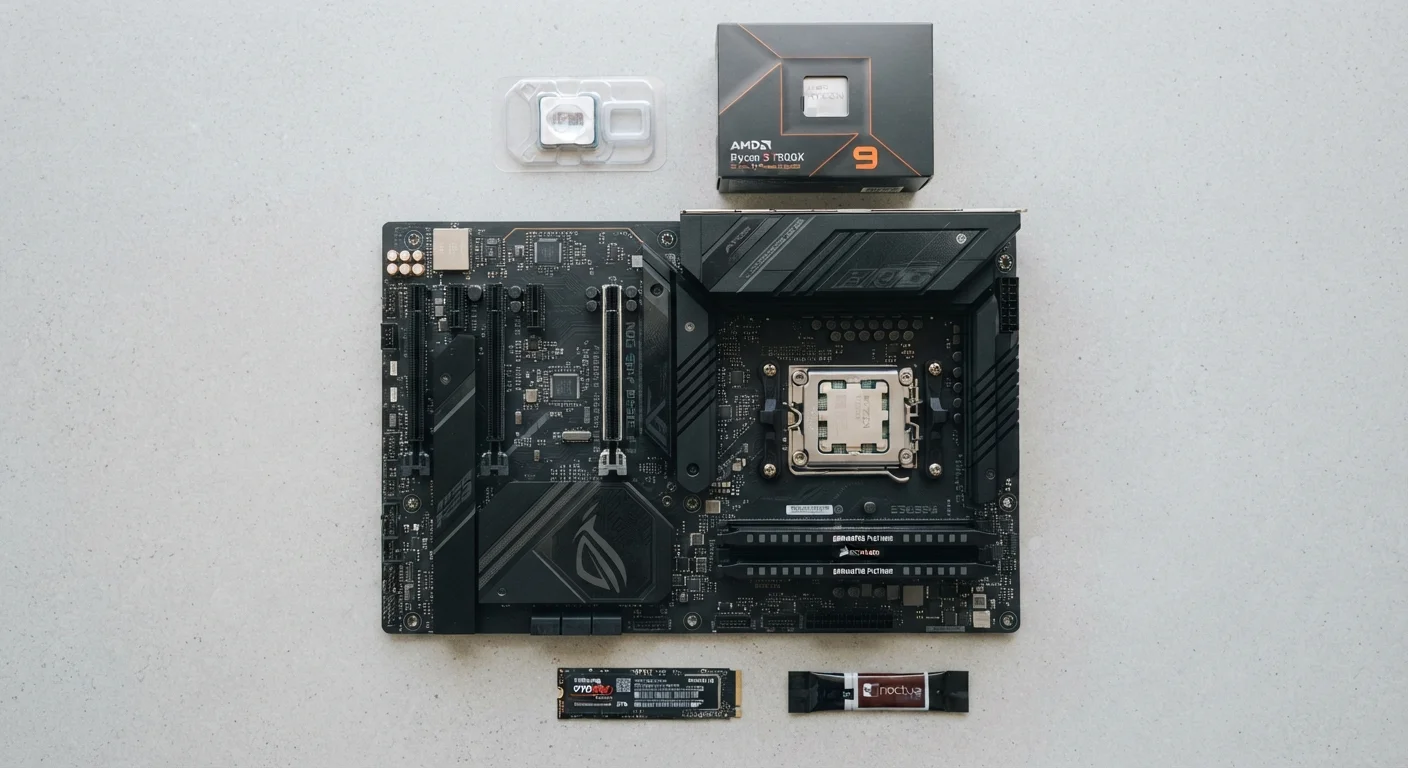
Processor generation and architecture also drive energy efficiency. A more efficient chip does the same work while drawing less power from the battery, which is why newer processors frequently extend battery life even when raw performance numbers look similar to older chips. For context on how processor specs compare across device types, our PC specs explainer covers the same concepts for laptops and desktops.
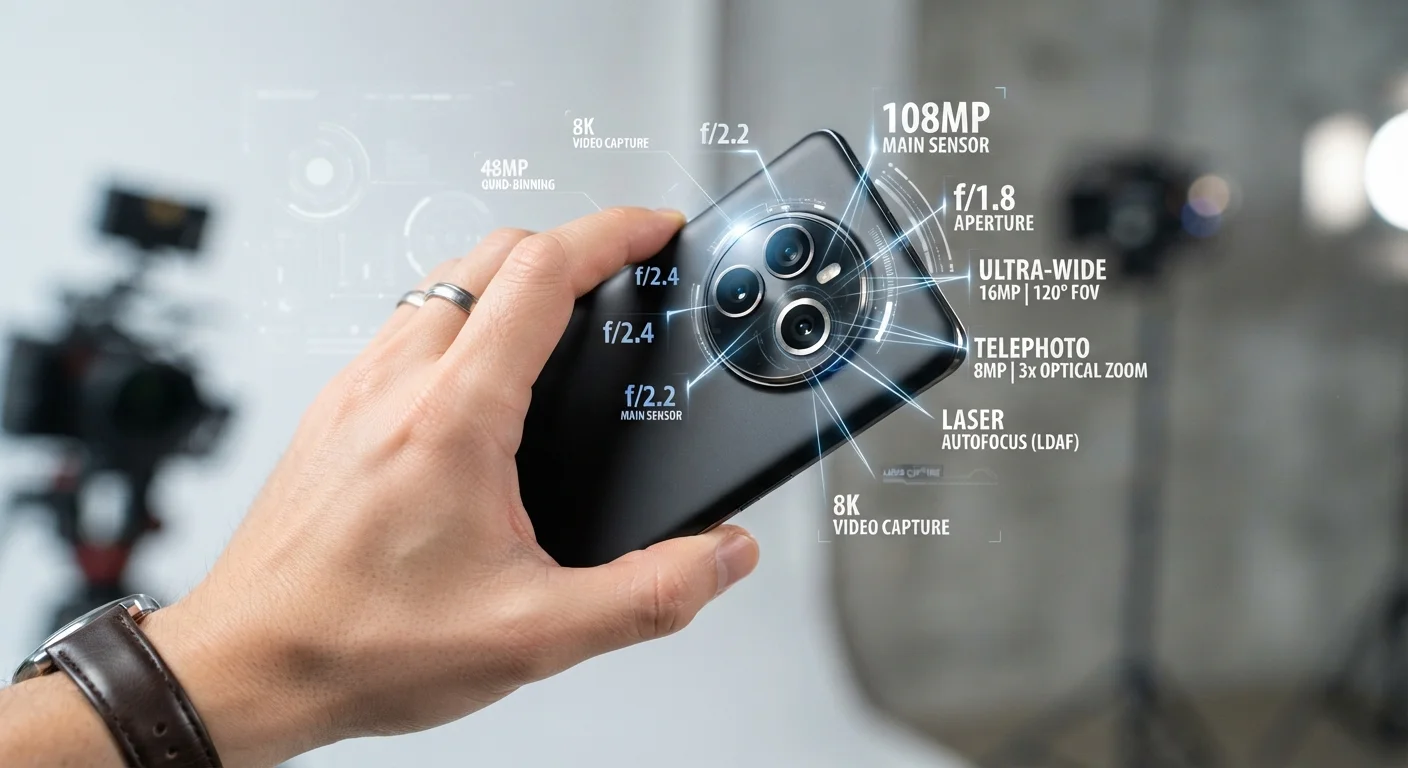
Camera processing, AI features, and even 5G connectivity are also increasingly managed by dedicated sections of the SoC. That's why the chip choice affects far more than just app speed. Speaking of cameras, camera specs like megapixels tell a similarly incomplete story on their own.
Reading a Spec Sheet Without Getting Misled
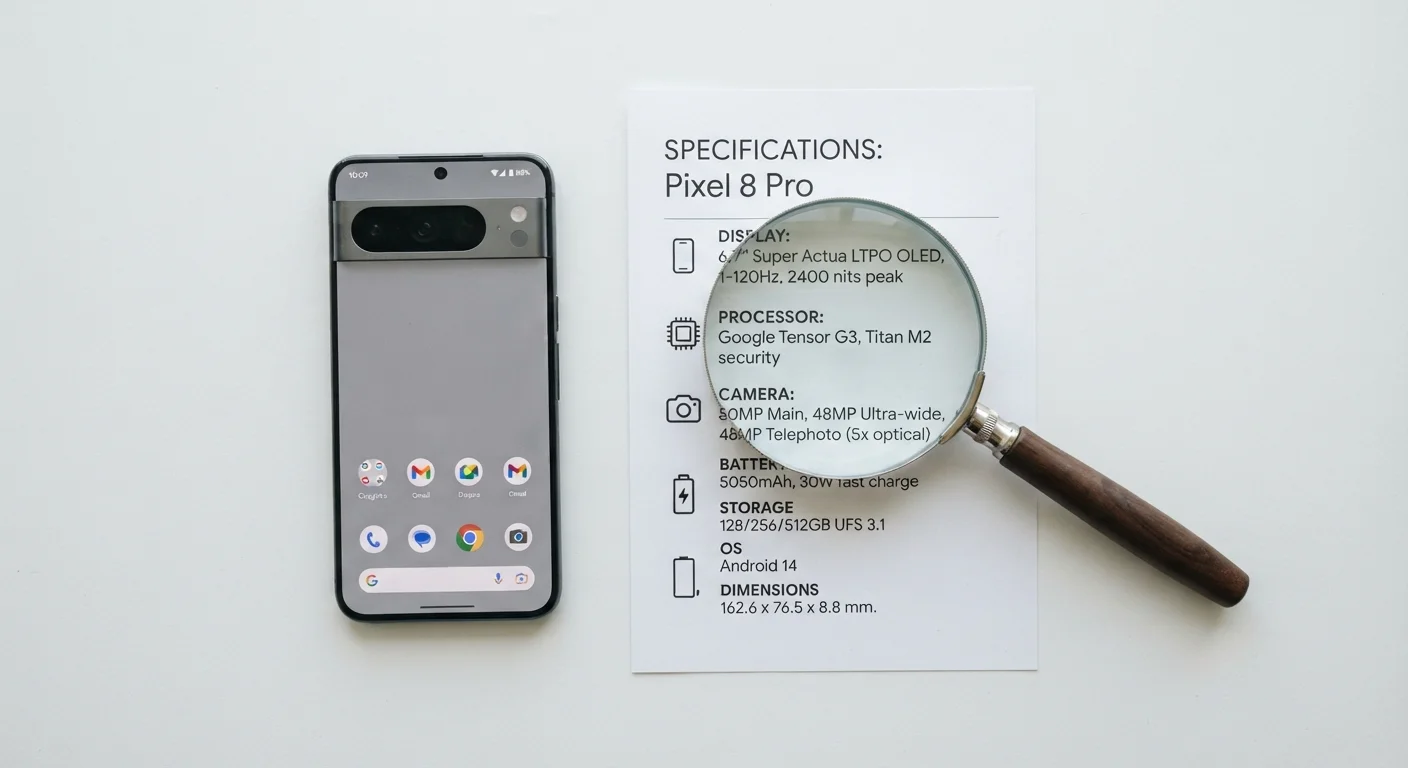
Spec sheets are useful starting points, but raw numbers can be misleading without context. Software optimization — how well the operating system and apps are tuned to work with specific hardware — has an enormous influence on real-world performance. A phone with modest specs but tightly optimized software can feel snappier than a device with higher numbers but inefficient software.
The operating system itself is a factor worth understanding alongside hardware. Android and iOS handle hardware resources differently, which is part of why direct spec comparisons between the two platforms can be misleading.
When evaluating specs, consider your actual usage patterns first. Identify the tasks you do most often — streaming, photography, gaming, navigation — and use those as your filter for how much RAM, storage, and processing power genuinely matters to you. Numbers on a page are a shortcut, not a guarantee of experience.