Why Specs Feel Confusing — And How to Fix That
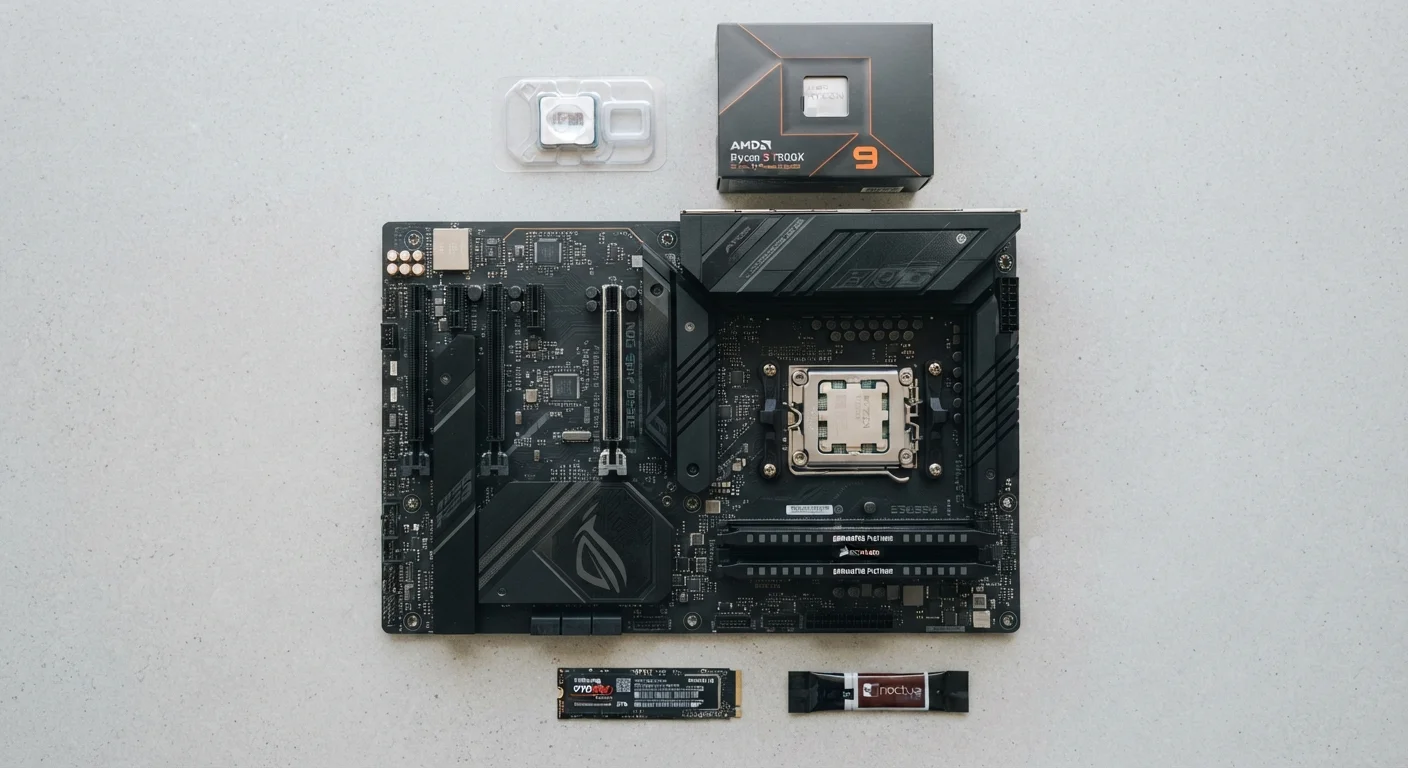
Spec sheets are written for manufacturers, not for people. When a listing says "3.2GHz, 6-core processor, 16GB DDR5 RAM, 512GB NVMe SSD," it's technically accurate — and completely opaque to most readers. The good news is that each piece of that string describes just one of three core functions: processing power, working memory, or long-term storage. Once you understand what each category does in plain terms, the numbers start to make sense.
This guide covers those three categories — processor, RAM, and storage — and explains what the numbers actually mean for everyday computing life.
The Processor: Your Computer's Decision-Maker
The processor — also called the CPU, or Central Processing Unit — is the component that actually executes instructions. Every time you open an app, load a webpage, or save a file, the processor is doing work.
Two numbers dominate processor specs:
- Clock speed (measured in GHz, or gigahertz): This is how many processing cycles the chip completes per second. A 3.5GHz processor runs 3.5 billion cycles per second. Higher numbers generally mean faster individual task execution, but this number alone doesn't tell the whole story.
- Cores: A core is essentially an independent processing lane. A quad-core processor has four lanes handling tasks simultaneously. More cores help when you're doing multiple things at once — or using software that's designed to split work across cores, like video editing applications.
Processor generation also matters significantly. A newer processor at a lower clock speed will often outperform an older one at a higher clock speed because of architectural improvements. The specific generation label (often a model number like "13th Gen" or similar) signals how modern the underlying technology is.
16GB
RAM considered a general-use baseline
Industry hardware guides and PC builders broadly recommend 16GB as a practical threshold for modern multitasking workflows.
5–10×
Speed advantage of NVMe SSDs over HDDs
Sequential read speeds for NVMe SSDs commonly reach 3,000–7,000 MB/s compared to roughly 100–200 MB/s for traditional hard drives.
512GB
Common baseline storage for modern laptops
Many mainstream laptops ship with 512GB SSDs as a starting configuration, which is sufficient for most users who don't store large local media libraries.
RAM: Short-Term Working Memory
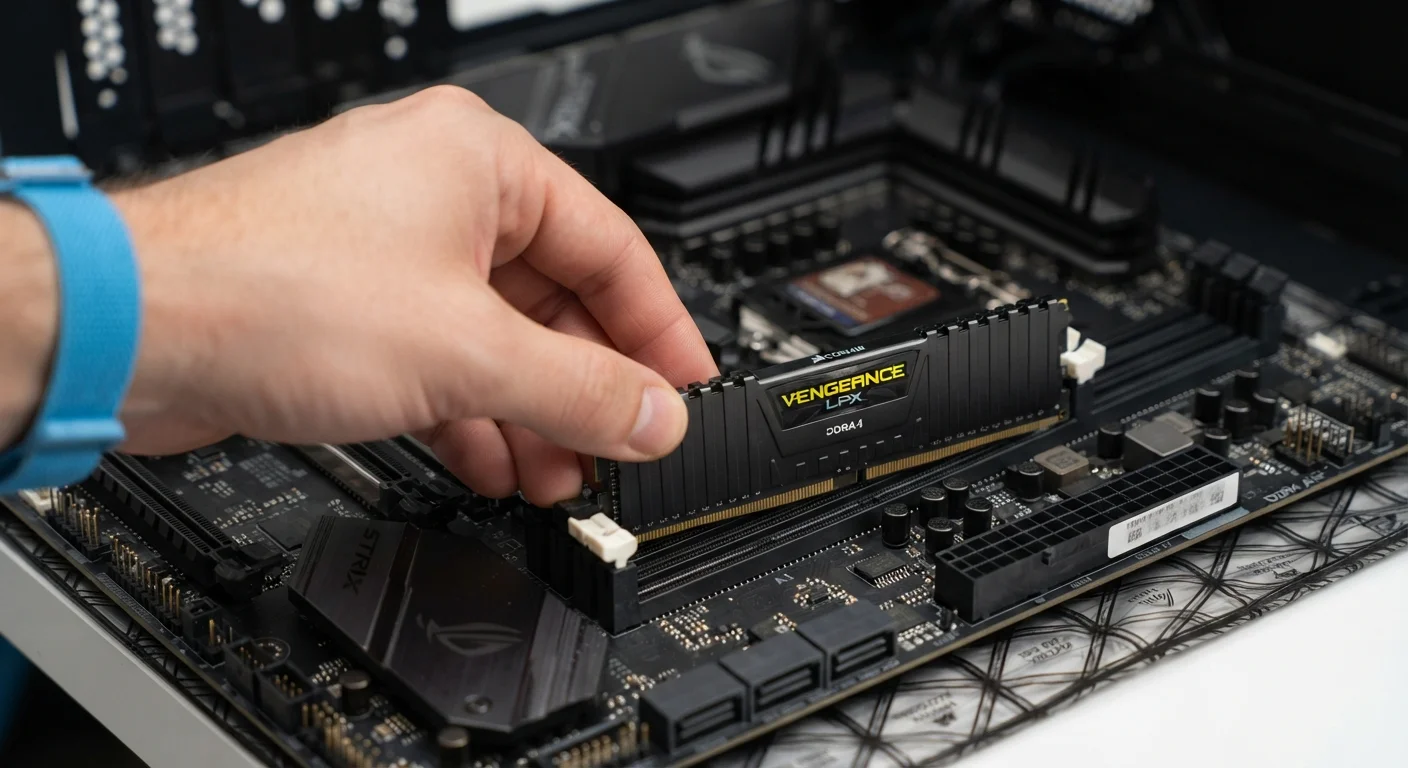
RAM — Random Access Memory — is your computer's short-term workspace. When you open a browser with a dozen tabs, a spreadsheet, and a video call simultaneously, all of that active data lives in RAM. The more RAM you have, the more the computer can keep "in hand" at once without having to retrieve data from slower storage.
RAM is measured in gigabytes (GB). When you shut down your computer, RAM clears completely — it holds nothing permanently.
Common reference points for everyday users:
- 8GB: Functional for light use — email, documents, casual web browsing.
- 16GB: A comfortable range for most users who multitask, use browser-heavy workflows, or run creative applications.
- 32GB+: Relevant for video production, professional-grade photo editing, or running virtual machines.
RAM is one of the most misunderstood specs. For a clearer picture of common misconceptions, see what people get wrong about computer memory.
RAM Speed vs. RAM Capacity
You may see RAM described with labels like DDR4 or DDR5, followed by a speed number. These describe the RAM's generation and transfer speed. For most everyday users, capacity (how many gigabytes) has a bigger impact on real-world performance than the speed rating. Prioritize getting enough RAM before chasing faster RAM.
Storage: Where Everything Lives Permanently
Storage is where your operating system, applications, and personal files reside permanently — even when the computer is off. There are two main types in modern computers:
- SSD (Solid State Drive)
- Uses flash memory with no moving parts. SSDs load apps and files significantly faster, are quieter, and more resistant to physical shock. They are the dominant choice in modern laptops and desktops.
- HDD (Hard Disk Drive)
- Uses spinning magnetic platters to read and write data. HDDs offer more storage capacity per dollar but are slower and more vulnerable to physical damage. Still common in desktop towers where cost per gigabyte matters.
Storage capacity is measured in gigabytes (GB) or terabytes (TB). A 512GB SSD is a reasonable starting point for most users. If you store large media files, consider 1TB or more.
One important distinction: an NVMe SSD (a connector and protocol type) is faster than a standard SATA SSD. The difference is most noticeable during large file transfers or application load times. For everyday documents and browsing, both are fast enough that you may not notice a difference.
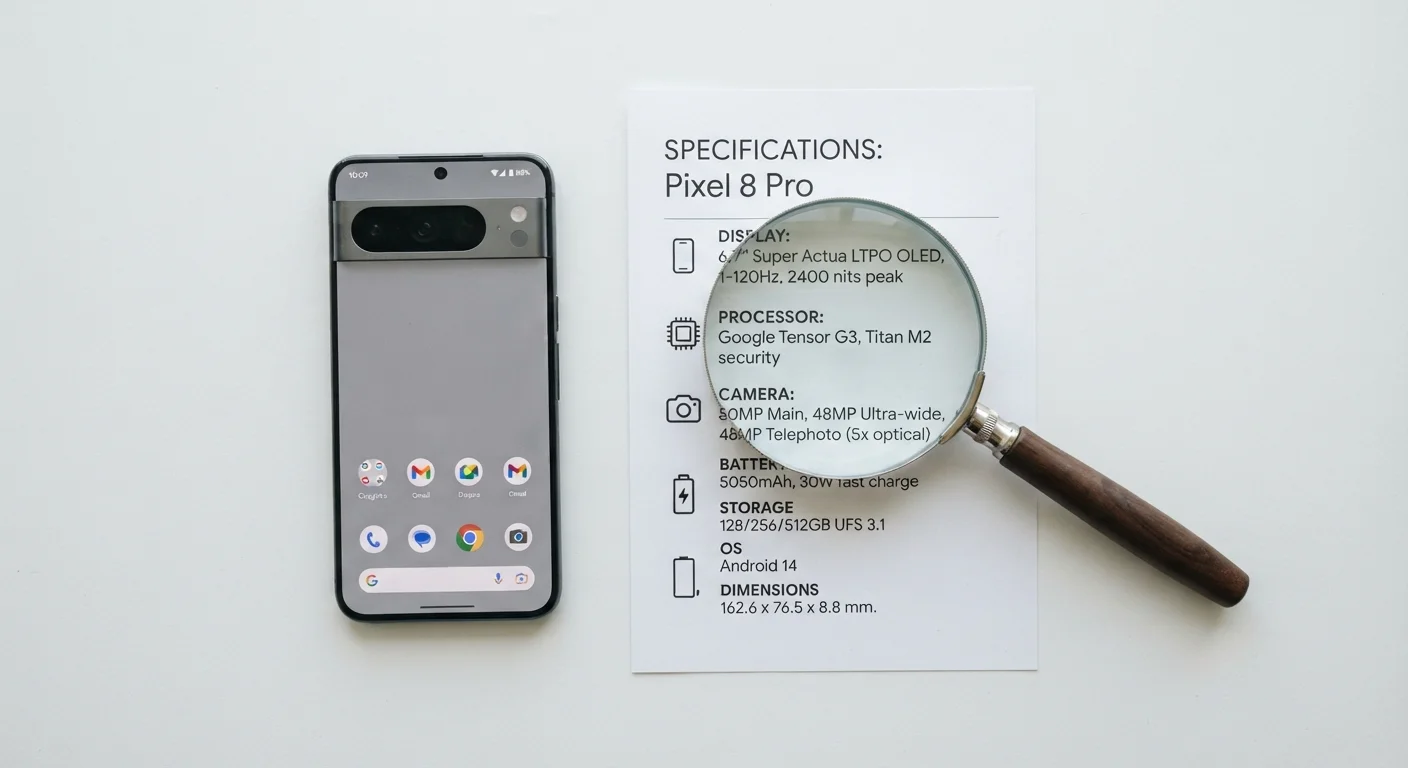
Curious how these specs translate to a smartphone? The concepts carry over — see what smartphone specs actually mean for a direct comparison.
Putting It All Together for Your Actual Needs
No single spec determines whether a computer is right for you — it's the combination that matters, matched against what you actually do.
A student writing essays and attending video calls needs a capable processor and enough RAM to keep a browser and document editor open at once — not the highest-end chip on the market. A photographer editing large RAW files will feel the difference between 8GB and 32GB of RAM. Someone storing decades of home videos needs storage capacity more than processing speed.
The most common mistake is optimizing for the wrong spec. Buying a blazing-fast processor paired with minimal RAM can leave a machine feeling sluggish the moment you open a few tabs. Storage speed affects how quickly apps open, but won't help once they're already running.
For guidance on which specs deserve your attention when evaluating a laptop, see our breakdown of the specs that matter vs. the ones that don't. If you're purchasing for a student, laptops for school: what students actually need offers targeted guidance on avoiding unnecessary upsells.
Integrated vs. Dedicated Graphics
One spec category not covered above is the GPU (Graphics Processing Unit). Many everyday computers use integrated graphics — a GPU built into the same chip as the processor — which is sufficient for standard tasks and video playback. Dedicated graphics cards (separate chips with their own memory) are relevant primarily for gaming, 3D rendering, or professional visual work. For most office and school use, integrated graphics perform adequately.