What Sets a Tablet Apart
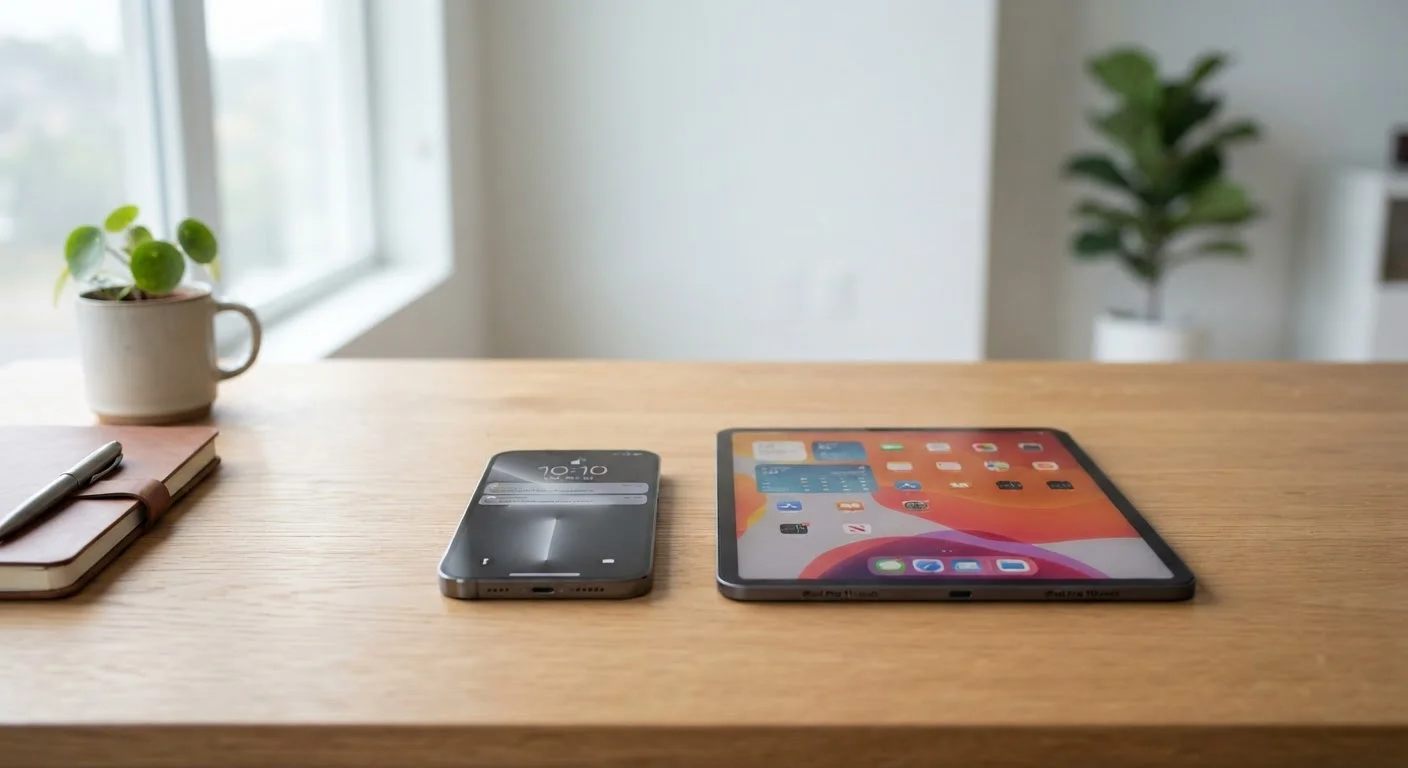
Tablets occupy a distinct middle position — larger than a smartphone, more limited than a laptop. That placement is both their appeal and their vulnerability. They're primarily designed for interacting with content: reading, streaming, video calling, and lighter creative tasks. They are not, despite how they're often marketed, a straight replacement for either the phone in your pocket or the computer on your desk.
That middle-ground positioning shapes everything about the ownership experience. The screen is the main draw; the software constraints are the main frustration. Getting clear on both before purchasing helps you decide whether a tablet genuinely fits your routine or will end up gathering dust.
For a direct comparison of how tablets and smartphones stack up across everyday tasks, our guide on smartphones versus tablets breaks down the key differences across screen size, portability, and common use cases.
The Real Advantages of Owning a Tablet
Larger screen improves media and reading comfort
Tablets typically span 8 to 13 inches diagonally, making video streaming, reading long-form content, and reviewing documents significantly more comfortable than on a smartphone display — especially during extended sessions.
Extended battery life supports all-day use
Many tablets are rated for 10 or more hours of continuous video playback, a meaningful advantage for travel, long workdays, or an evening of content without needing to stay near a charging outlet.
Natural fit for video calls and virtual meetings
A larger screen and a stable, propped-up form factor make tablets more comfortable for extended video calls than holding a smartphone at arm's length — with more of the conversation visible at a glance.
Practical as a shared household device
Multiple-user profile support on many tablets allows different family members to maintain separate apps, preferences, and parental controls on one shared device, reducing the need for everyone to have their own.
Lighter and more portable than a full laptop
Most tablets weigh between one and two pounds without accessories, making them a reasonable travel companion for reading, browsing, or video calls when a full laptop is more than the situation requires.
8–13 in
Typical tablet screen size range
Most mainstream tablets measure between 8 and 13 inches diagonally — roughly double the screen area of a standard smartphone.
10+ hrs
Common manufacturer battery rating
Many tablet manufacturers rate their devices at 10 or more hours of continuous video playback under standard brightness and connectivity conditions.
1–2 lbs
Typical tablet weight without accessories
Most mainstream tablets fall between 1 and 2 pounds without a case or keyboard — lighter than most laptops but heavier than any smartphone.
The most consistent benefit of tablet ownership is screen real estate. Watching video, reading a long document, or reviewing photos on a 10-to-12-inch display is qualitatively different from doing the same on a smartphone — particularly over extended sessions where eye strain on a smaller screen compounds over time.
Battery performance is another reliable strength. Tablets are engineered to last through prolonged use, drawing on larger battery capacities and the efficiency of touch-first operating systems. For travel, long commutes, or multi-hour content sessions, that endurance advantage makes a practical difference in daily life.
Shared household use is also a strength often underestimated at purchase time. Multiple-user profile support means a single device can serve different family members with separate apps, content preferences, and parental controls — without each person needing their own dedicated device.
The Drawbacks Worth Knowing
Cannot replace a smartphone for standard calls
Most tablets cannot be assigned a phone number or make standard cellular calls, instead relying on internet-based calling apps that require a Wi-Fi or data connection — which is a meaningful limitation for anyone expecting phone-like functionality.
Cellular models add a separate ongoing expense
Tablets with built-in cellular data require their own carrier data plan, which adds to your monthly bill without typically reducing what you already pay for your smartphone's service plan.
Software depth is limited compared to a laptop
Tablet operating systems are optimized for touch input, and many desktop applications either lack full-featured tablet versions or offer reduced functionality compared to their laptop and desktop counterparts.
Productivity often depends on additional accessories
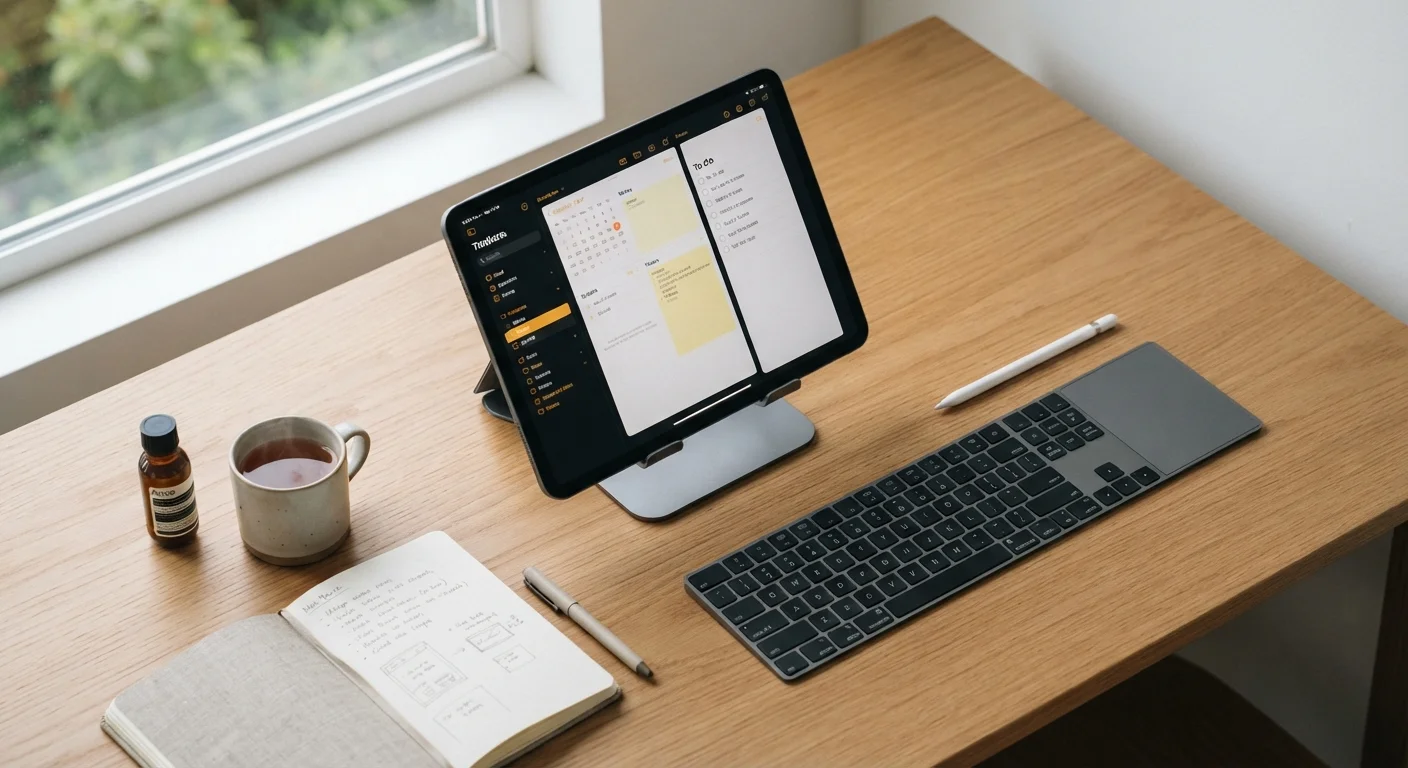
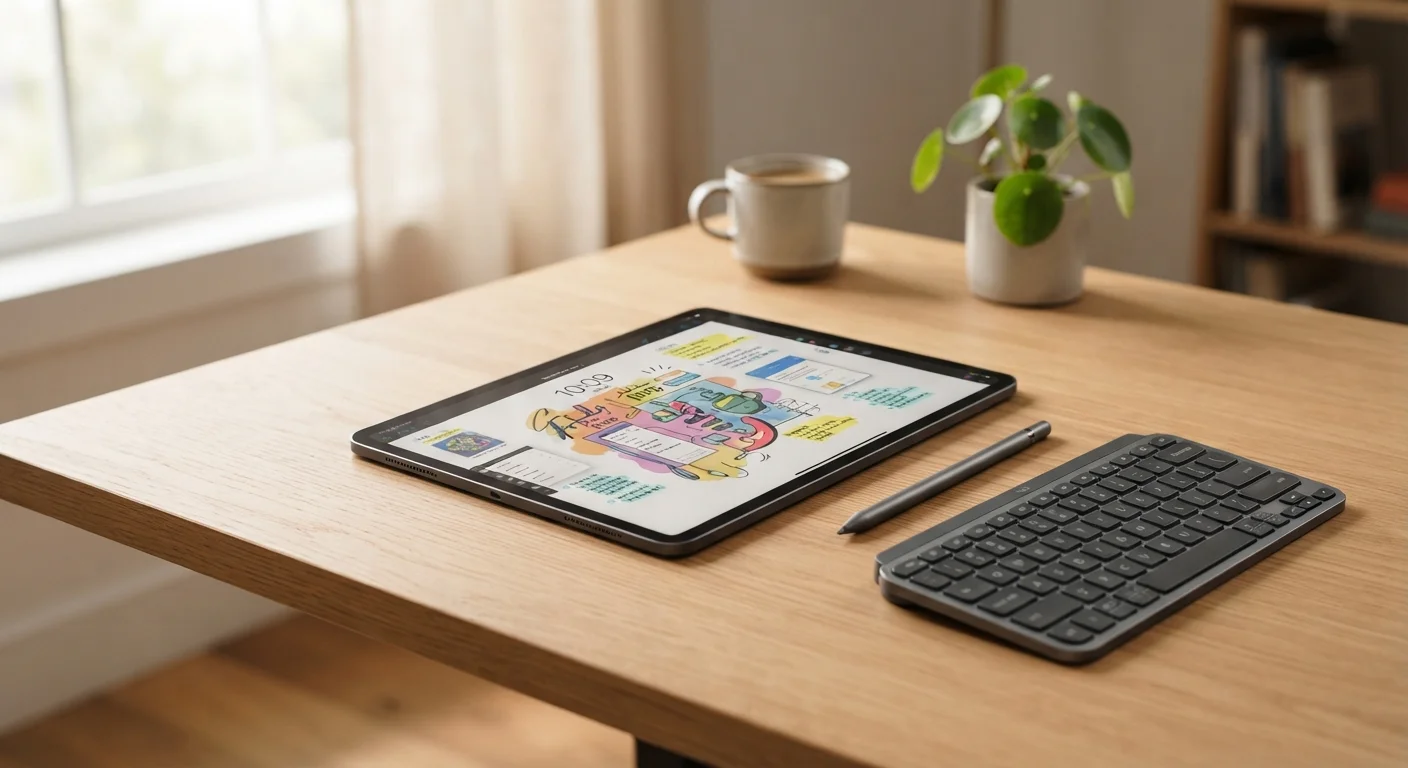
Typing extended documents or managing complex tasks typically requires a keyboard case and stand, adding meaningful cost — and partly negating the portability advantage that made the tablet appealing in the first place.
Risks overlapping with devices you already own
For people who already carry a smartphone and use a laptop regularly, a tablet often handles tasks either device already covers without offering a clear or consistent advantage over either one.
Less pocketable than a smartphone for everyday carry
A larger screen means a larger physical device that doesn't fit in a pocket and requires a bag or dedicated case to transport — unlike a smartphone that goes wherever you go without any extra effort.
Wi-Fi Only vs. Cellular: A Key Upfront Choice
Tablets are sold in two connectivity configurations: Wi-Fi only and Wi-Fi + Cellular. Wi-Fi-only models are generally less expensive but can only access the internet through a wireless network. Cellular models include a SIM card slot and connect through a mobile carrier, but require a separate data plan that adds to your ongoing monthly costs. For most people who already carry a smartphone, a Wi-Fi-only tablet is sufficient for home use and most travel scenarios.
The limitation that surprises people most after buying a tablet is how much it duplicates what they already have. If you carry a smartphone and use a laptop regularly, a tablet risks fitting awkwardly between them — not powerful enough to replace the laptop, not portable enough to replace the phone. That overlap doesn't make a tablet a bad purchase, but it does mean the value depends heavily on your actual day-to-day usage patterns.
Productivity tasks deserve careful scrutiny before you depend on a tablet for work. Writing, spreadsheets, and video calls are doable, but often require keyboard accessories, substitute apps for desktop software, and workflow adjustments a laptop handles natively without any of that overhead. Cost is a factor here too: a tablet combined with a quality keyboard case can approach the price of an entry-level laptop. Our guide on what to check before relying on a tablet for work outlines the key settings and limitations worth reviewing first.
Who Gets the Most Value from a Tablet
Tablets make the most sense for people whose digital lives center on content consumption: streaming, reading, video calling, and light browsing. They also work well as shared family devices and as supplemental screens for someone who wants a bigger display than a phone provides but doesn't need a full computer's capabilities.
They make less sense for users who need robust desktop software, extensive file management, or a reliable primary communication device. A tablet can't replace a phone plan, and most can't make standard cellular calls at all. Before purchasing, it's worth mapping out which daily tasks you'd actually use it for — and honestly assessing whether those tasks are already well-covered by devices you own. For anyone weighing whether a tablet or a full computer is the more useful investment, our desktop-versus-laptop breakdown can help frame that decision clearly.