What Actually Separates a Smartphone from a Tablet?
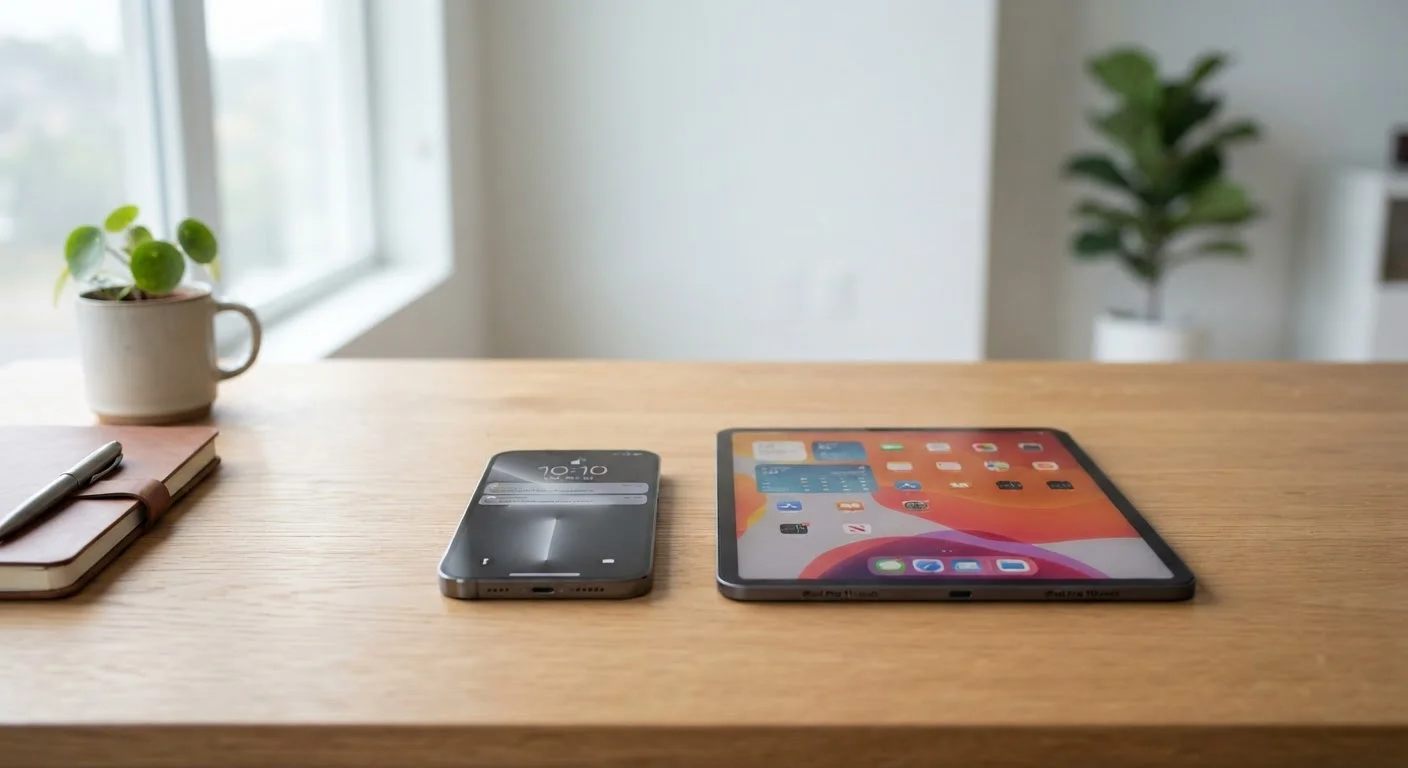
At first glance, a smartphone and a tablet look like the same device at different sizes. In practice, they're built around different assumptions about how and where you'll use them.
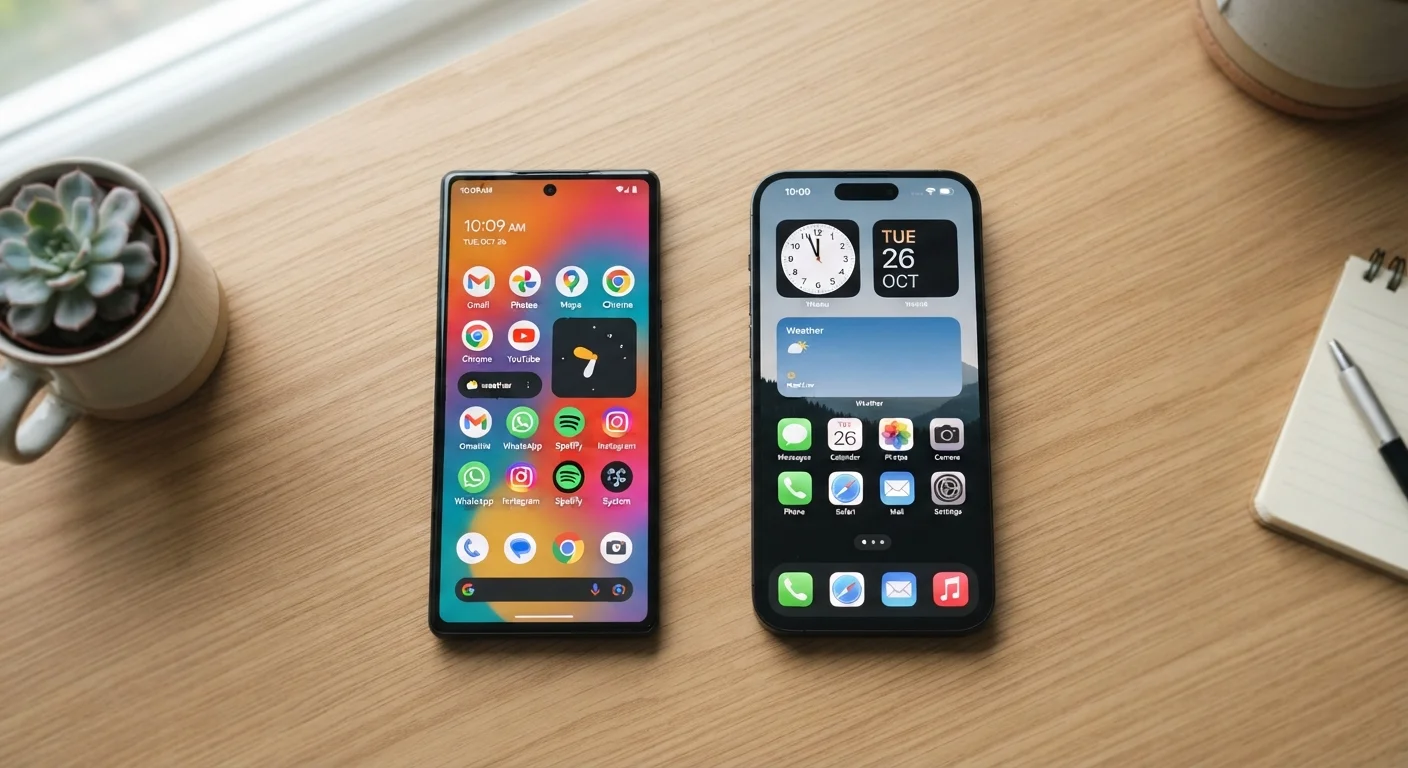
A smartphone is engineered around constant connectivity. It has a cellular radio built in, supports voice calls and texts by default, fits in a pocket, and is designed to be with you every hour of the day. Screen sizes typically range from roughly 6 to 7 inches diagonally.
A tablet trades portability for screen real estate. Most models start at around 8 inches and go well beyond 12 inches. Many consumer tablets are Wi-Fi-only, meaning they rely on a wireless network rather than a cellular plan. Some higher-end or optional configurations support cellular data — but even then, making a standard phone call usually requires workarounds like a VoIP app.
Understanding this core difference is the fastest way to figure out which one actually fits your life. For a closer look at how the operating systems running these devices compare, see our plain-language breakdown of Android vs. iOS.
Side-by-Side: Key Differences at a Glance
The comparison below covers the dimensions that matter most for everyday use — not technical specifications, but real-world considerations like how you carry it, how long it lasts, and what it costs to keep connected.
| Criterion | Smartphone | Tablet |
|---|---|---|
| Typical screen size | 6–7 inches | 8–13 inches |
| Fits in a pocket | Yes | No |
| Built-in phone calls | Yes, native | Usually no |
| Cellular data | Always included | Optional or Wi-Fi only |
| Typical battery life | 1 day average use | Up to 2 days or more |
| Comfortable for reading | Adequate | Much more comfortable |
| Keyboard accessory option | Rarely practical | Common and functional |
| Ongoing monthly cost | Cellular plan required | Often Wi-Fi only, no plan |
One dimension the table can't fully capture is comfort over time. On a smartphone, reading a long article or watching a full episode of a show can feel cramped. On a tablet, checking a quick notification or dashing off a text can feel unnecessarily bulky. Neither device is objectively better — they're optimized for different rhythms.
Everyday Scenarios: Which Device Wins Where?
Rather than thinking in the abstract, it helps to walk through the moments that define your average day.
Commuting and travel
If you're on public transit, walking between appointments, or traveling frequently, a smartphone is almost always the practical choice. It handles navigation, mobile payments, boarding passes, and quick communication without requiring a bag. Tablets, even compact ones, are less convenient to pull out in tight spaces.
Reading and streaming at home
For long reading sessions — news, e-books, articles — or for watching video content, a tablet's larger display genuinely reduces eye fatigue. Text is bigger, images have room to breathe, and you're less likely to find yourself squinting. Our article on tablet ownership trade-offs goes deeper into what that larger screen gains and gives up.
Productivity and light work
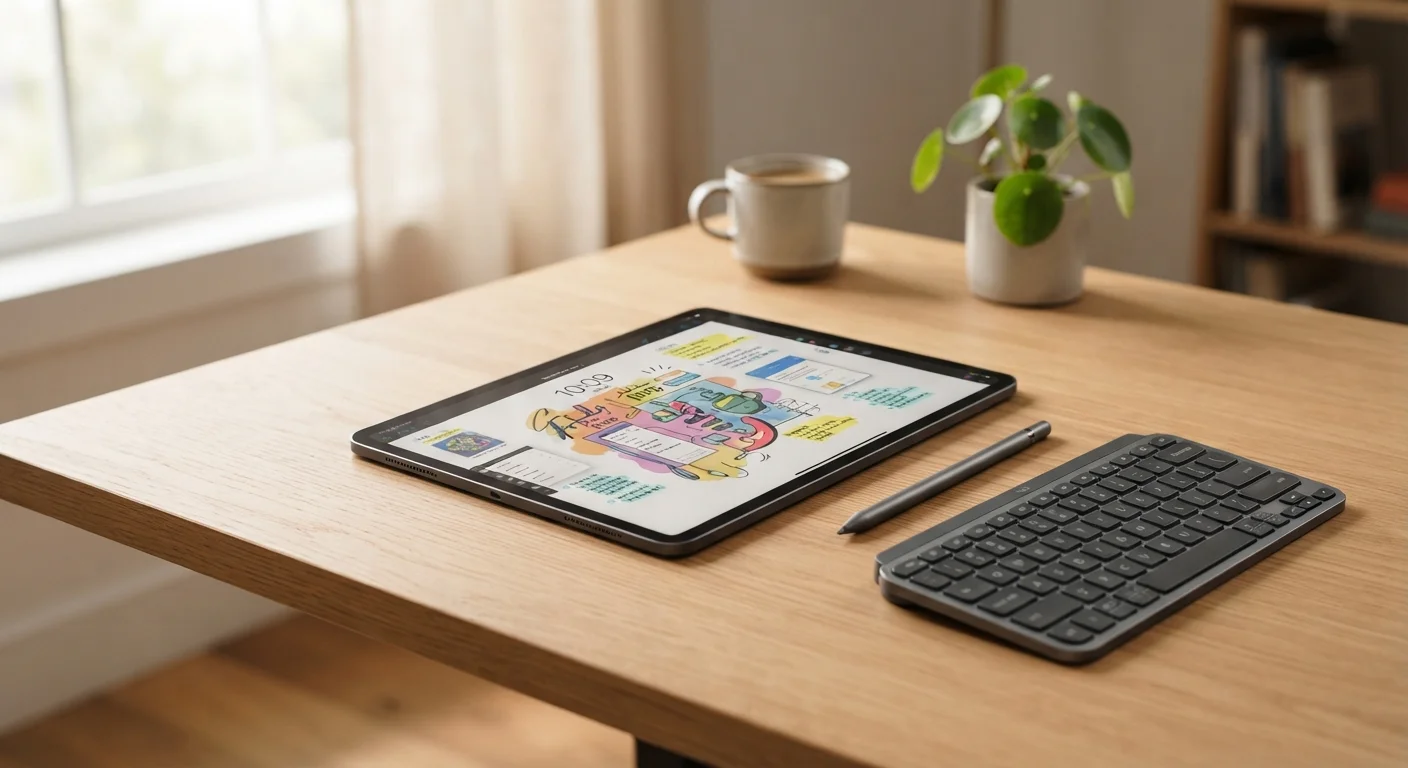
Tablets paired with a Bluetooth keyboard can handle email, documents, video calls, and spreadsheets reasonably well for many users. If your work tasks are occasional rather than intensive, this may be enough. For heavier or more specialized work, a laptop is usually the better fit — something worth weighing if you're also considering that desktop vs. laptop decision. Before relying on a tablet for work, it's worth reviewing key settings and limitations to understand first.
~90%
U.S. adults who own a smartphone
According to Pew Research Center survey data, smartphone ownership among American adults has reached roughly 90 percent.
~53%
U.S. adults who own a tablet
Pew Research Center data indicates that roughly half of American adults own a tablet, making it a common but less universal device than smartphones.
Security and privacy habits
Both devices benefit from the same security fundamentals — strong PINs, careful app permissions, and keeping software updated. For a practical rundown, our guide on smartphone security habits that actually matter applies broadly to tablets as well.
Cost and Long-Term Ownership
Upfront price is only part of the picture. Smartphones typically carry ongoing costs that tablets don't: a monthly cellular plan, potential carrier financing, and the expectation of more frequent upgrades driven by carrier incentive programs. Our detailed guide on the true cost of smartphone ownership breaks down what those recurring expenses actually add up to over time.
Tablets, by contrast, often have lower monthly overhead — especially Wi-Fi-only models that need no cellular plan. However, accessories like keyboard cases or styluses can add meaningful cost. For households that already pay for a smartphone plan, adding a Wi-Fi tablet is often a relatively affordable way to expand screen real estate at home without a second monthly bill.
Do You Need Both?
Many households own both a smartphone and a tablet, using each where it excels. This pairing is especially common in homes with children, where a tablet serves as a shared screen for younger users while adults maintain their own smartphones. If budget is a concern, a smartphone alone covers the essentials — a tablet is a convenience addition, not a necessity for most people.
Neither device is a permanent decision. Many people find that a smartphone handles the vast majority of their needs, with a tablet as a useful complement rather than a replacement. Fewer people find a tablet alone sufficient — primarily those who work primarily from home and rely on another device or landline for calls.