What Each Type of Graphics Actually Does
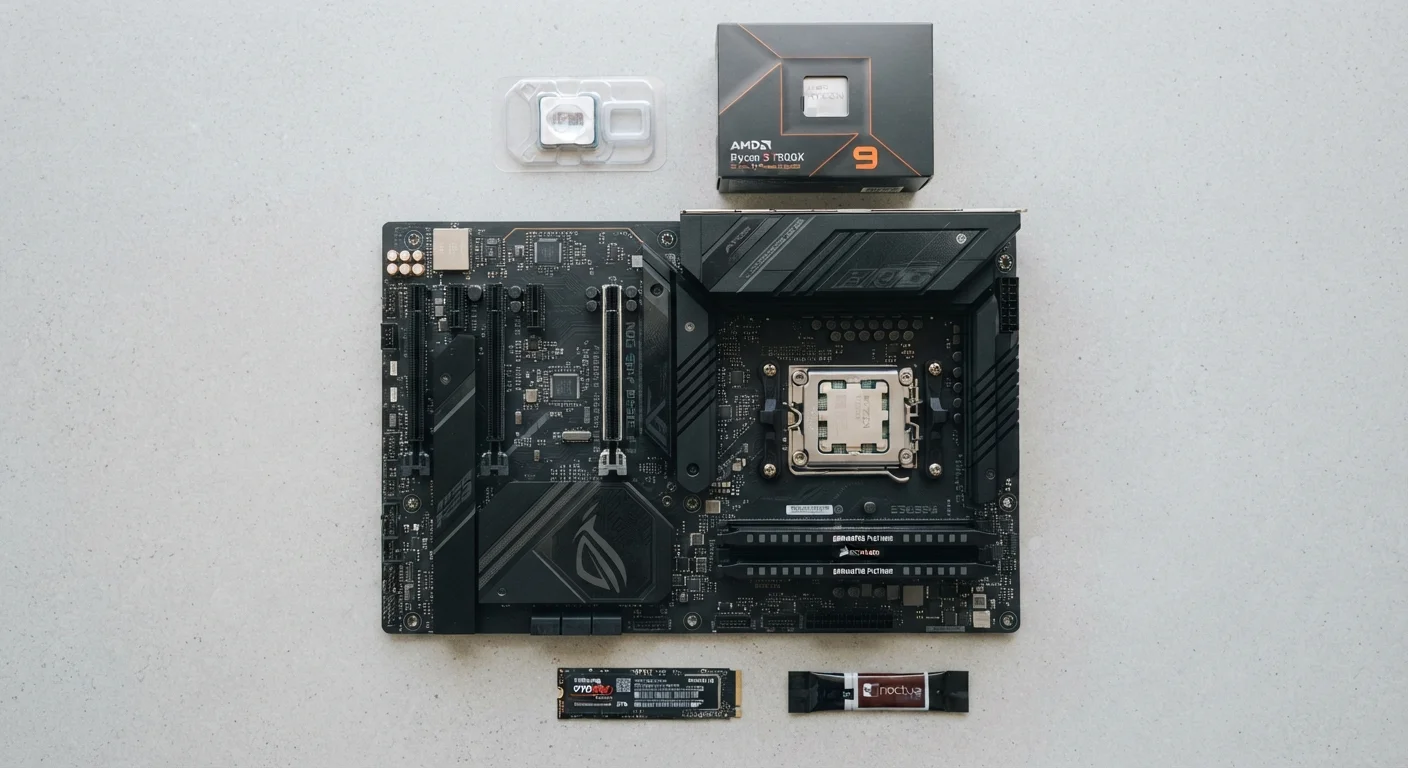
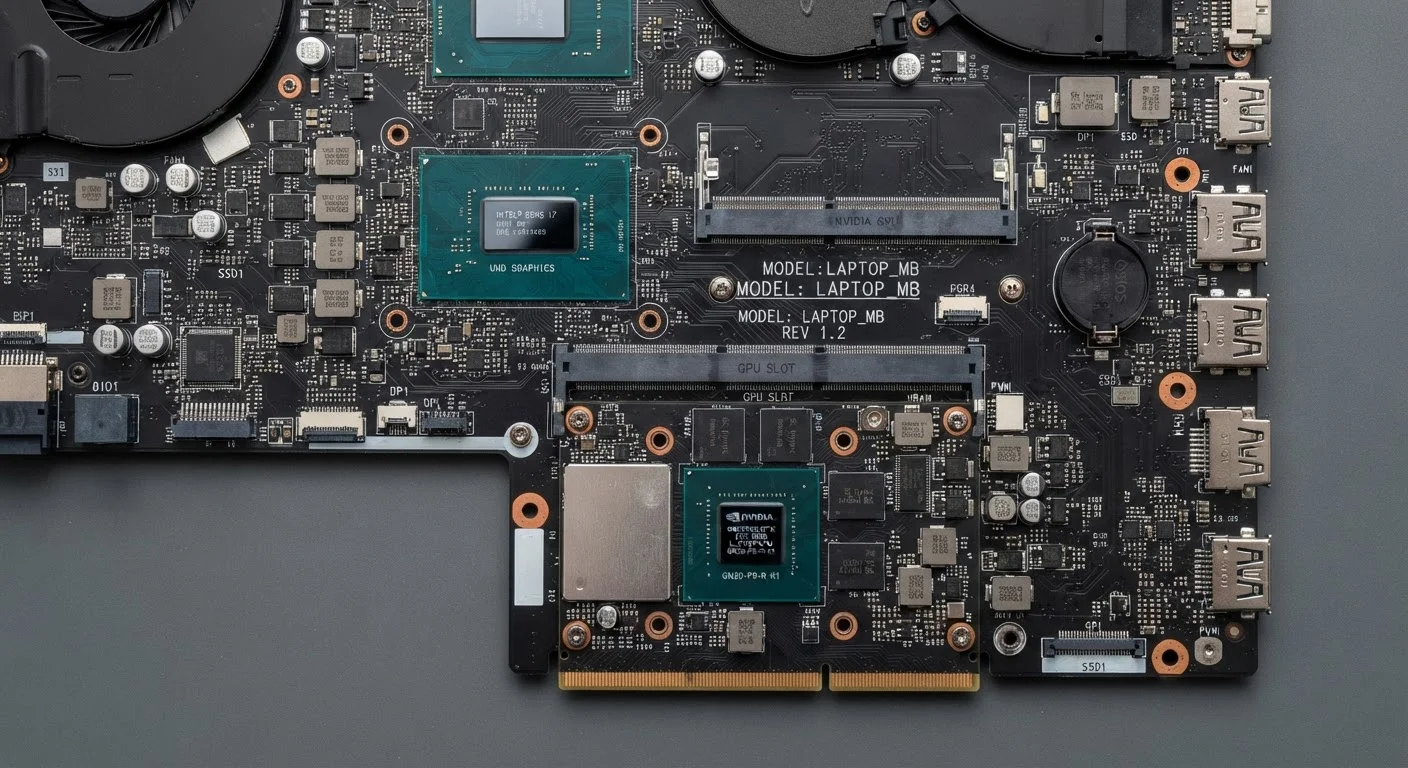
A GPU — graphics processing unit — is the component responsible for rendering everything you see on screen, from web page layouts to video frames to game environments. The core distinction is physical: integrated graphics are built directly into the same chip as the CPU, while dedicated graphics are a separate component with their own processor and memory.
Integrated GPUs use a portion of your computer's regular RAM to handle graphics tasks. This sharing arrangement keeps manufacturing costs low and power draw minimal, but it also means the graphics chip is competing with the rest of the system for memory bandwidth. Dedicated GPUs, by contrast, come with their own high-speed video memory (VRAM), which can move visual data far faster than standard RAM — a critical advantage for demanding workloads.
For context on how graphics processing fits within the broader picture of your machine, the plain-language guide to PC specs explains how CPU, RAM, and GPU interact as a system.
| Criterion | Integrated Graphics | Dedicated Graphics |
|---|---|---|
| Physical location | Built into the CPU chip | Separate card or module |
| Memory type | Shares system RAM | Own dedicated VRAM |
| Power consumption | Low — better battery life | High — shorter battery life |
| Gaming performance | Light or older games only | Modern games at high settings |
| 4K video editing | Slow; limited real-time preview | Smooth with GPU acceleration |
| Typical cost impact | Lower overall system cost | Adds meaningful cost premium |
| Heat and fan noise | Minimal under normal tasks | Noticeable under heavy load |
Where the Difference Shows Up in Real Use
For the majority of everyday computing — loading websites, editing spreadsheets, watching Netflix, joining video calls — integrated graphics performs without any meaningful limitation. These tasks simply don't require large volumes of parallel visual processing, so the shared-memory approach isn't a bottleneck.
The gap becomes apparent in three specific scenarios:
- Gaming: Modern games push millions of polygons and shader effects per frame. Integrated chips can handle older or less demanding titles at reduced settings, but they'll struggle — or fail entirely — with recent releases at standard quality levels.
- Video editing and colour grading: Scrubbing through 4K footage, applying effects in real time, and exporting large files all benefit substantially from dedicated VRAM and GPU-accelerated rendering pipelines found in dedicated cards.
- 3D modelling and rendering: Applications like Blender or CAD tools offload complex calculations to the GPU. Integrated graphics can technically run these programs, but render times increase dramatically.
If you're evaluating a laptop's display alongside its GPU tier, the monitor resolution and panel type breakdown explains how screen specs interact with graphics output.
~10W
Typical integrated GPU power draw
Modern integrated graphics in laptop CPUs commonly operate within a 10–15W total chip envelope, compared to 75–150W or more for mid-range to high-end dedicated laptop GPUs.
4–16GB
VRAM range on mainstream dedicated GPUs
Most mid-range dedicated graphics cards ship with 4 to 16 gigabytes of dedicated video memory, while integrated graphics allocate a dynamic portion — often 512MB to 2GB — from shared system RAM.
Hybrid Graphics and What to Look For on a Spec Sheet
Many laptops now ship with hybrid graphics — a combination of integrated and dedicated GPUs that switch automatically depending on what the system is doing. When you're writing an email, the integrated chip handles display duties to save battery. Launch a game, and the system hands off to the dedicated card. This approach delivers flexibility, though it introduces complexity: some external monitor configurations or software tools interact only with one GPU or the other.
When reading specifications, look for these indicators:
- "Intel Iris Xe Graphics" or "AMD Radeon Graphics" — these are integrated options built into modern CPUs.
- "NVIDIA GeForce RTX/GTX" or "AMD Radeon RX" followed by a model number — these indicate a dedicated GPU.
- VRAM listed separately (e.g., "4GB GDDR6") — VRAM only exists on dedicated cards; integrated graphics don't list this figure separately.
Understanding display terms alongside GPU specs helps complete the picture. The screen size and resolution vocabulary guide covers related display terminology you'll encounter on the same spec sheets.
The right choice depends entirely on what you intend to do with the machine. Knowing which workloads push graphics hardware — and which don't — is the practical knowledge that makes spec sheets readable rather than intimidating.