Why Display Specs Feel Confusing
Spec sheets for smartphones and tablets are packed with numbers — 6.7 inches, 2400×1080, 120Hz, AMOLED — and manufacturers rarely stop to explain what any of it means for everyday use. That information gap can make purchasing decisions feel like guesswork.
This guide defines the core display vocabulary you'll encounter on any spec sheet, so you can read those numbers with confidence. For a parallel look at how other hardware specs work, see our plain-language breakdown of RAM and processing power.
| Screen size measurement | Diagonal inches, corner to corner |
| Common smartphone resolutions | FHD+ (2400×1080) to QHD+ (3200×1440) |
| Standard refresh rate | 60Hz (most entry/mid-range devices) |
| High refresh rate | 90Hz, 120Hz, or 144Hz (premium devices) |
| Typical PPI threshold for sharp text | ~300 PPI at normal hand-held distance |
| Main panel types | LCD, OLED, AMOLED |
Core Display Terms Defined
Every display spec tells you something specific about how a screen looks and behaves. Here are the terms you'll see most often, and what they actually mean:
Screen Size
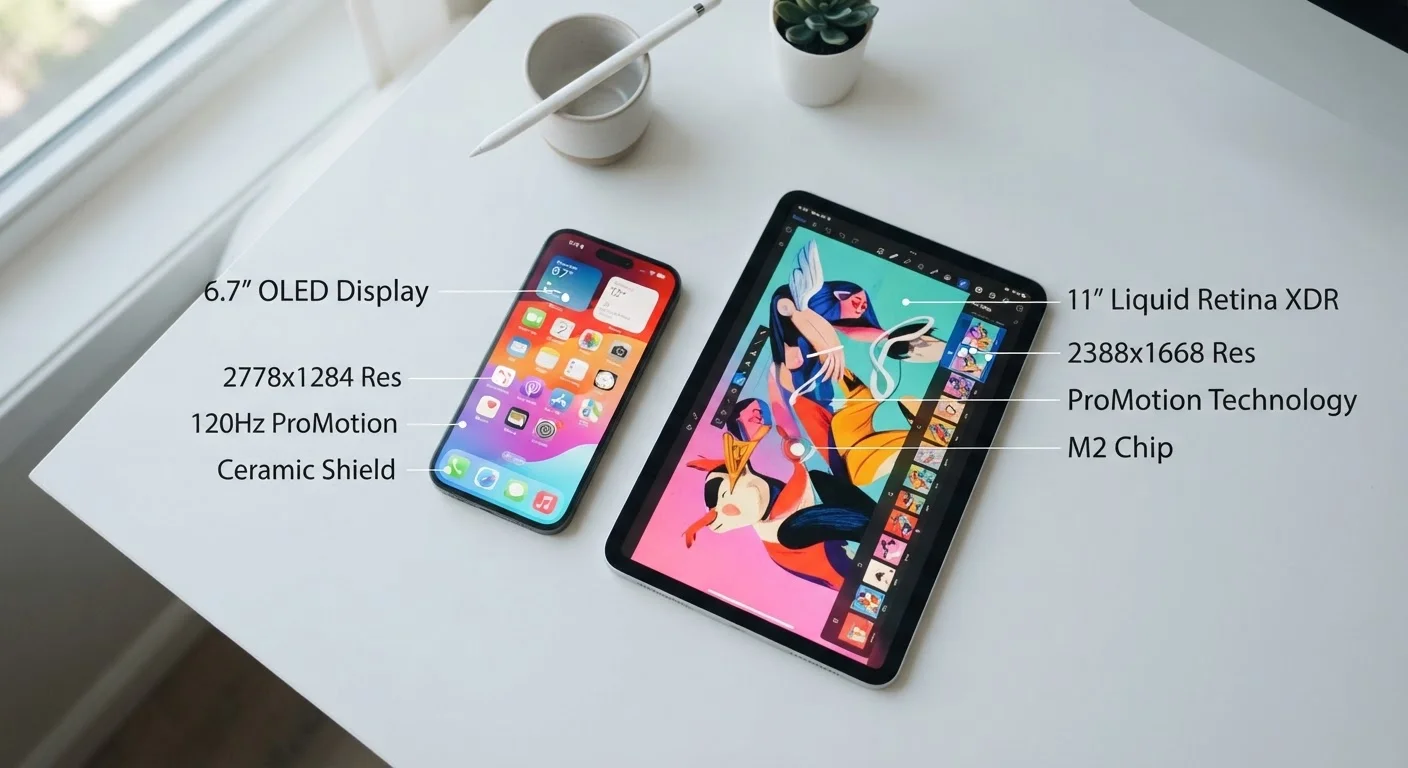
Measured diagonally in inches from one corner of the display to the opposite corner. A larger number means more visible screen area — but size alone says nothing about sharpness or quality. A 6.1-inch screen and a 6.7-inch screen can look very different in hand, so it's worth checking physical dimensions too.
Resolution
The total number of pixels on a screen, expressed as width × height (e.g., 2400×1080). More pixels generally means more detail, but resolution only becomes meaningful alongside screen size. The same 1080p resolution looks sharper on a 5-inch phone than on a 10-inch tablet because the pixels are packed closer together.
PPI (Pixels Per Inch)
This is the real sharpness metric. PPI divides the total pixel count by the physical screen area. A higher PPI means finer detail and text that looks cleaner at normal viewing distances. Most people stop noticing improvements above roughly 300 PPI when holding a phone at arm's length.
Refresh Rate
Measured in hertz (Hz), refresh rate is how many times per second the screen redraws its image. A standard 60Hz screen updates 60 times per second; a 120Hz screen updates 120 times. Higher refresh rates make scrolling, animations, and fast motion look noticeably smoother. Many devices now offer adaptive refresh rates that drop lower to conserve battery when you're reading static content.
Panel Type
The underlying display technology. LCD (Liquid Crystal Display) uses a backlight and is common in mid-range devices — reliable and power-efficient. OLED (Organic Light-Emitting Diode) lights each pixel independently, producing deeper blacks and more vibrant colors since pixels simply turn off to show true black. AMOLED is Samsung's branded version of OLED with thin-film transistors that allow for flexible and curved displays. For a deeper comparison of panel types in monitors, the monitor panel type breakdown covers the same concepts in a desktop context.
Brightness (Nits)
Measured in nits, this tells you how much light the display can produce. Higher nit ratings — especially peak brightness above 1,000 nits — help visibility in direct sunlight. For indoor use, 400–600 nits is typically sufficient.
Aspect Ratio
The proportional relationship between a screen's width and height (e.g., 16:9, 20:9). Taller aspect ratios like 20:9 are common on modern smartphones because they feel comfortable to hold in one hand while still offering a tall viewing area for video and apps.
Resolution
The total number of pixels displayed on a screen, written as width × height (e.g., 1920×1080). Higher resolution means more detail is available, but sharpness also depends on how large the screen is.
PPI (Pixels Per Inch)
A measure of pixel density — how many pixels fit into one linear inch of screen. Higher PPI generally means sharper, crisper images and text at normal viewing distances.
Refresh Rate
How many times per second the screen redraws its image, measured in hertz (Hz). A 120Hz display refreshes twice as often as a 60Hz display, making motion and scrolling appear smoother.
OLED
Organic Light-Emitting Diode — a display technology where each pixel produces its own light. This enables true blacks (pixels simply turn off), high contrast ratios, and vivid color reproduction.
LCD
Liquid Crystal Display — a screen type that uses a backlight behind a layer of liquid crystals to produce images. Generally power-efficient and widely used across mid-range and budget devices.
Nits
The unit of measurement for screen brightness. One nit equals one candela per square meter. Higher nit ratings make a screen more legible in bright or outdoor environments.
Aspect Ratio
The proportional width-to-height relationship of a screen (e.g., 16:9 or 20:9). It determines the shape of the display and how content fills the screen.
Adaptive Refresh Rate
A feature that automatically adjusts the screen's refresh rate up or down depending on what's being displayed. This balances smooth performance with battery efficiency.
Putting It Together When Reading a Spec Sheet
No single spec tells the whole story. A useful mental checklist: start with screen size to understand form factor, check resolution and PPI together to judge sharpness, look at refresh rate if smooth motion matters to you, and then consider panel type if color accuracy or battery life is a priority.
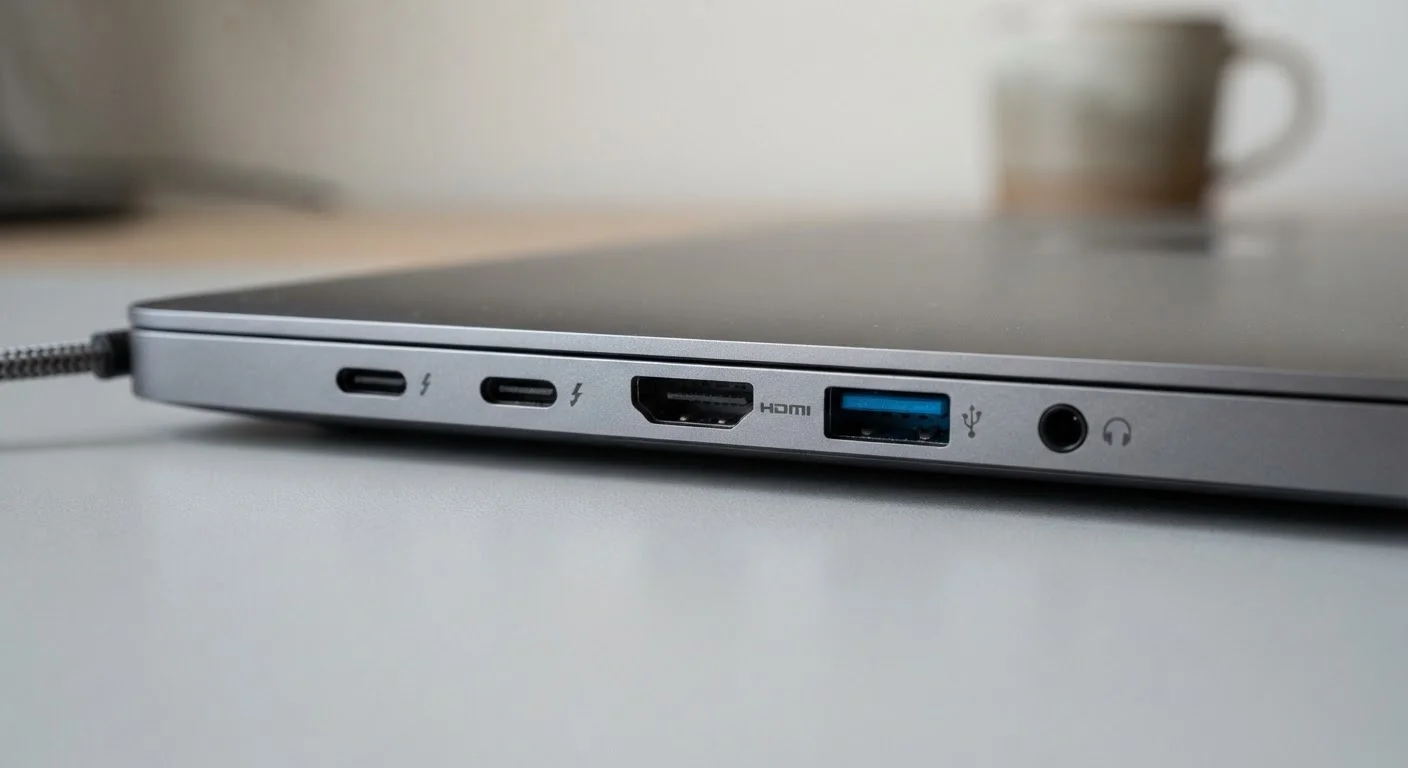
If you're comparing tablets or laptops rather than phones, the same logic applies — and our guide on which laptop specs actually matter walks through how to prioritize these numbers in practice. Understanding display terms also pairs well with knowing your ports and connectors, especially when connecting a device to an external screen.
This article is for general informational and educational purposes only. Specifications vary by manufacturer, device, and production batch; always verify current specs directly with the manufacturer or retailer before making a purchase decision.