Why School Laptops Get Oversold
Back-to-school season reliably produces a wave of marketing that frames expensive, high-performance laptops as essential academic tools. In practice, the average college or high school workload — writing papers, browsing research databases, joining video lectures, and managing spreadsheets — places very modest demands on hardware. Understanding the gap between marketing language and actual classroom use is the first step toward a smarter purchase.
Before diving into specific specs, it helps to have a solid foundation on what different components actually do. Our introductory computer guide walks through the key concepts in plain language for anyone new to this process.
Handles all standard academic tasks with ease
Writing, research, spreadsheets, and video calls are genuinely light workloads. A correctly spec'd mid-range laptop manages them without lag or frustration.
Strong battery life supports full classroom days
Laptops chosen with battery life as a priority let students work through back-to-back classes and study sessions without hunting for an outlet.
Lighter weight improves portability and reduces fatigue
Carrying a laptop across campus daily adds up. Mid-range machines tend to be thinner and lighter than performance-focused models loaded with cooling hardware.
SSD storage makes everyday tasks noticeably faster
Boot times, file saves, and app launches all benefit directly from solid-state storage — a practical upgrade that affects every single use.
Lower cost leaves budget for accessories and software
Not overspending on raw specs frees up money for genuinely useful additions like a laptop sleeve, an external mouse, or required course software.
Specs That Genuinely Help Students
Two hardware figures have an outsized, immediate impact on the student experience: RAM (Random Access Memory) and storage type. RAM determines how many applications and browser tabs a laptop can hold open simultaneously without slowing down. For most students, 8 GB is a workable floor; 16 GB provides comfortable headroom for heavier multitasking. Storage type matters because a SSD — which stores data on chips rather than a spinning disk — makes a laptop feel dramatically faster when opening files, launching apps, and booting up.
Battery life is arguably the most underrated spec for students. A laptop that dies mid-lecture defeats its own purpose. Aim for a manufacturer-rated battery life well above eight hours; real-world use typically runs shorter than advertised figures. Keyboard quality is equally practical: students type thousands of words per semester, and a keyboard with good travel and consistent key response reduces fatigue significantly.
8 GB
Minimum RAM for comfortable student multitasking
Technology educators and hardware reviewers broadly treat 8 GB of RAM as the practical baseline for running a browser, a word processor, and a video call concurrently.
~20%
Typical real-world battery life shortfall vs. rated figures
Independent hardware testing consistently shows real-world battery life running noticeably below manufacturer-rated figures, making high-rated capacity especially important when shopping.
What Gets Oversold — and Why
Dedicated graphics cards (GPUs) are among the most common upsells aimed at students. Unless a student is enrolled in a video production, 3D modelling, or game-design program, a dedicated GPU adds cost, weight, and battery drain without contributing anything to typical coursework. Similarly, the top tier of processors is rarely justified — mid-range chips from current processor generations handle document editing, web browsing, and video conferencing without breaking a sweat.
High-resolution displays beyond standard 1080p, excessive storage capacity (1 TB or more for most students), and premium audio hardware are further examples of specs that sound impressive but rarely improve academic outcomes. For a deeper look at which numbers on a spec sheet actually translate to real-world performance differences, see our guide to meaningful laptop specs.
Budget models may underdeliver on RAM
Entry-level laptops sometimes ship with only 4 GB of RAM, which can cause noticeable slowdowns when multiple browser tabs and applications are open simultaneously.
Display quality varies widely at mid-range price points
Some affordable laptops use lower-quality panels with poor brightness or color accuracy, which causes eye strain during long reading or study sessions.
Build quality may not survive four years of daily use
Cheaper chassis materials are more prone to cracking or hinge failure. Inspecting build quality in person — or reading detailed durability assessments — matters before committing.
Some programs genuinely do require more power
Engineering simulation, video production, and advanced data science coursework can legitimately demand higher-spec hardware; students in those fields should verify requirements with their program.
Making a School Laptop Last
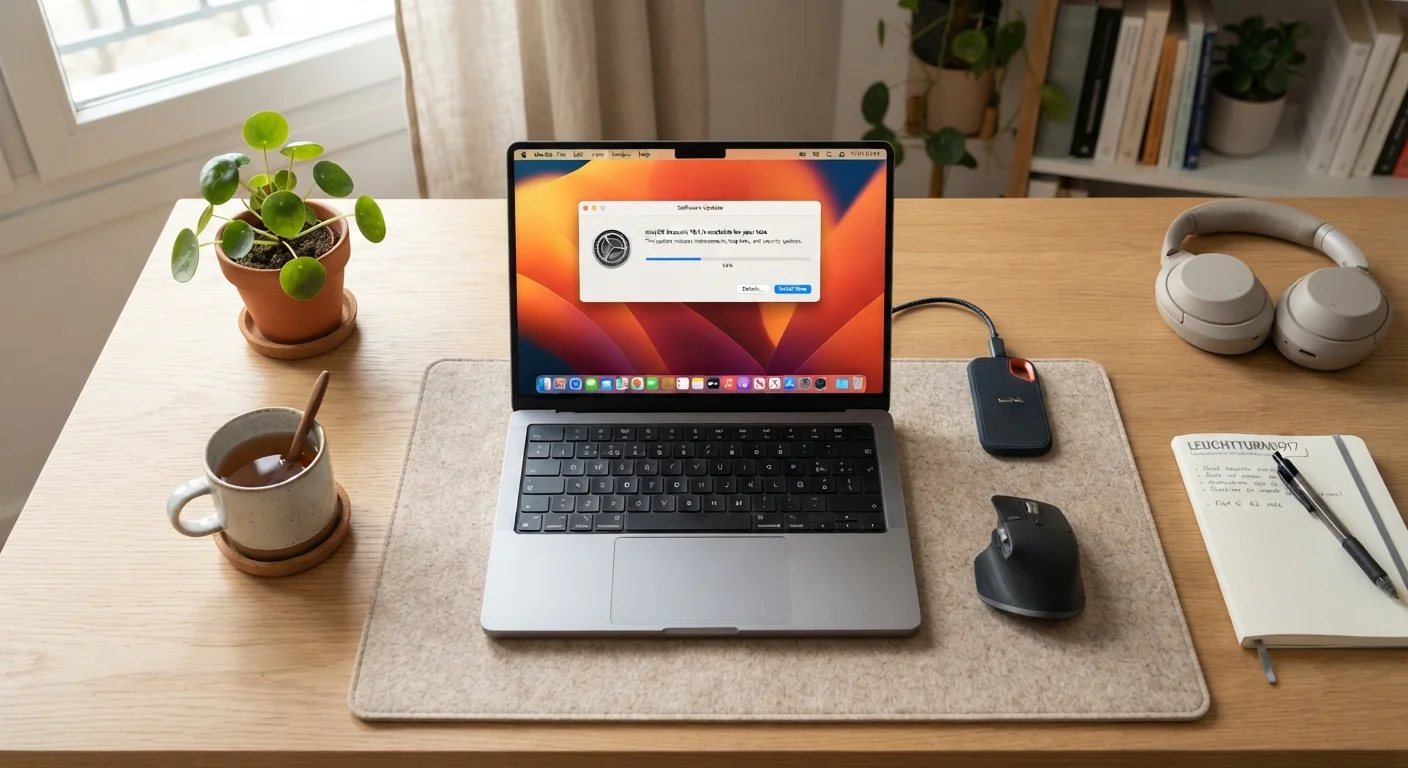
Longevity is part of the value equation. A laptop that holds up for four years costs less per year than one replaced after two — regardless of original price. Practical habits like keeping the operating system updated, managing storage so the drive doesn't fill completely, and using a protective sleeve significantly extend usable life. Our guide on keeping your computer running smoothly covers these habits in detail.
Students also worth considering whether a laptop is the right form factor at all. Some workflows — especially those requiring a lot of typing in a fixed location — might be better served differently. The desktop vs. laptop trade-off guide lays out those considerations clearly.
Check Your Program's Requirements First
Some academic departments publish minimum or recommended hardware specifications for enrolled students — particularly in engineering, architecture, media production, and data science programs. Before finalising any laptop purchase, check your school or department's website for any official hardware guidance. Those requirements, when they exist, should take priority over general recommendations.