Why Spec Sheets Can Mislead You
Every laptop listing comes with a column of numbers: processor clock speeds, RAM amounts, storage capacities, display resolutions. Manufacturers know these figures influence purchasing decisions, so they optimize how those numbers look — not always how they perform in everyday use.
The result is that two laptops with similar spec sheets can feel dramatically different in practice, while a machine with a modest-looking list can outperform a seemingly superior one for common tasks like web browsing, document editing, video calls, and media playback.
Understanding which specs drive real performance — and which are mostly decorative — puts you in control. For a plain-language foundation on what core components actually do, see our guide to RAM, storage, and processing power.
Specs That Genuinely Matter
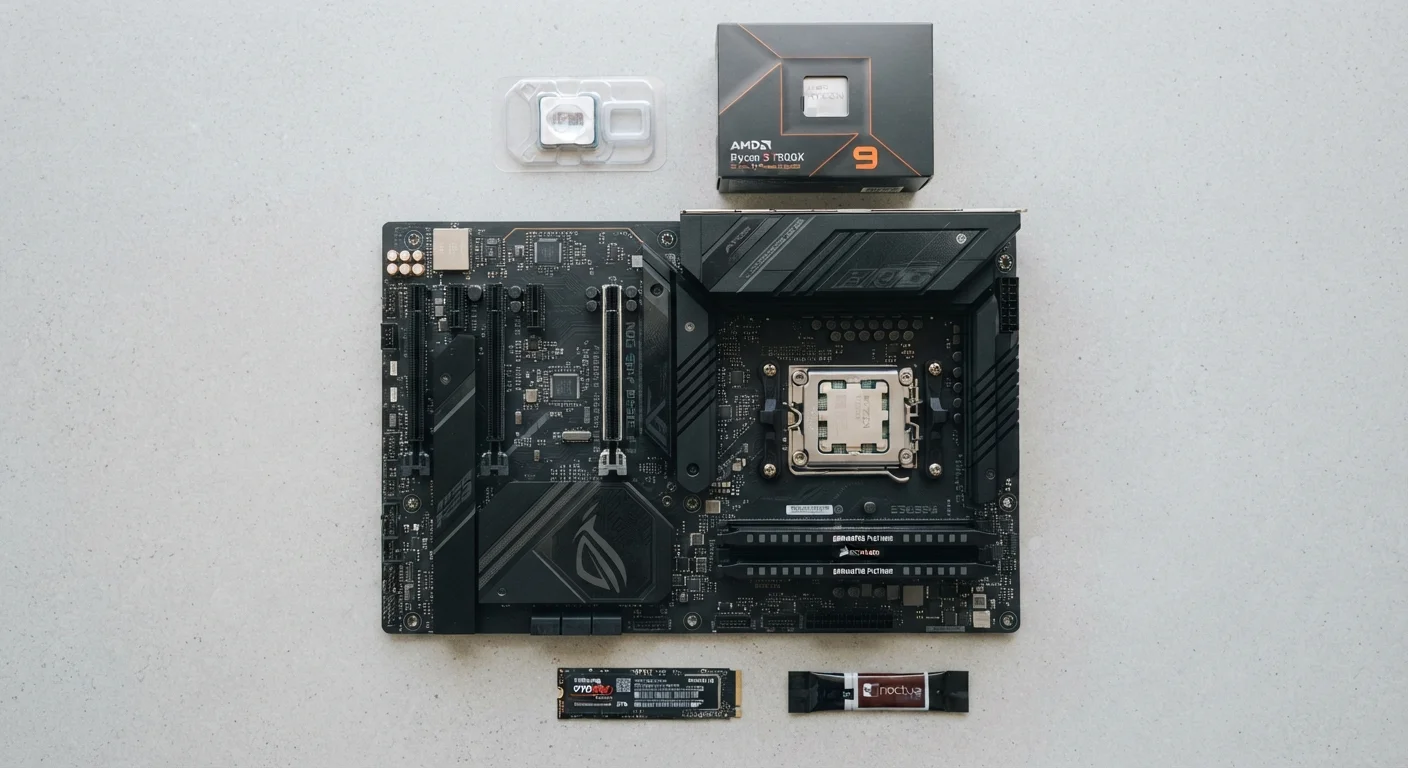
Processor (CPU) Generation and Architecture
The processor generation matters more than raw clock speed. A newer-generation chip running at 2.4 GHz will typically outperform an older chip at 3.2 GHz because newer architectures are more efficient per cycle. Pay attention to the generation number in the chip name rather than focusing solely on GHz.
RAM Amount and Type
For most everyday users, 8 GB of RAM is a workable minimum, but 16 GB gives meaningful headroom for multitasking, browser-heavy workflows, and future-proofing. Beyond that, diminishing returns set in quickly unless you're running memory-intensive applications. Also note whether RAM is soldered to the motherboard — if it is, you cannot upgrade it later.
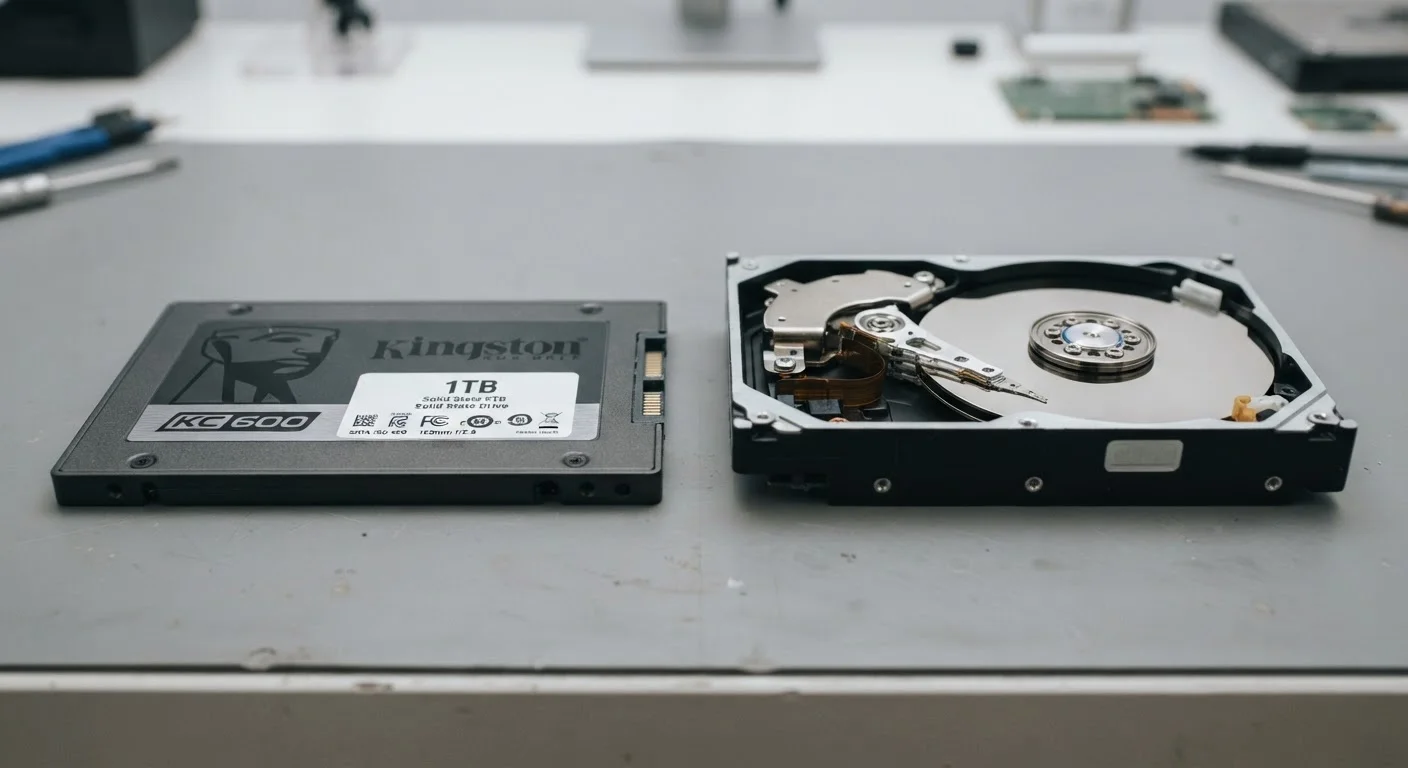
Storage Type: SSD vs. HDD
Whether your laptop uses a solid-state drive (SSD) or a traditional hard disk drive (HDD) has an enormous impact on how responsive the machine feels day to day. Boot times, app launches, and file access are all dramatically faster on an SSD. Our SSD vs. HDD breakdown covers this in detail. An older processor paired with an SSD will often feel snappier than a newer chip burdened by an HDD.
Display Panel Type and Resolution
For most tasks, a 1080p (Full HD) display is sufficient. The panel technology — IPS, OLED, or TN — affects color accuracy, viewing angles, and contrast far more than resolution alone. An IPS panel at 1080p will serve most users better than a lower-quality TN panel at higher resolution. Our display spec guide explains these distinctions in practical terms.
Battery Capacity (Watt-Hours)
Manufacturers frequently cite battery life in hours, but that figure is typically measured under light-use conditions. The watt-hour (Wh) rating of the battery cell is a more consistent comparison point. Combined with processor efficiency, this gives a truer picture of real-world longevity.
Specs That Are Often Overstated
Maximum Processor Boost Speed
Boost clock speeds — the highest frequency a chip can reach briefly under load — look impressive on paper but are rarely sustained. Thermal throttling (when a chip slows itself to avoid overheating) limits how long a laptop maintains peak speeds, especially in thin chassis with limited cooling. The base clock speed and the chip's overall efficiency rating are more reliable indicators.
Storage Capacity Beyond Your Actual Needs
A 1 TB drive sounds appealing, but if it's an HDD inside a budget machine, a 256 GB SSD will serve most users far better. Prioritize storage type over raw size unless you routinely work with large video files or extensive local libraries.
RAM Speed (MHz)
RAM frequency — measured in MHz — is frequently highlighted in gaming and enthusiast marketing. For typical productivity and everyday use, the difference between common RAM speeds is rarely perceptible. The total amount of RAM matters far more than how fast it runs.
High-Megapixel Webcams
A webcam listed as "5 MP" or "8 MP" sounds superior to a "2 MP" one, but sensor quality, lens glass, and software processing have a much larger effect on video call quality than the megapixel count. This pattern parallels what we cover in phone camera specs that don't tell the whole story.
Specs Look Different in Practice
Benchmark scores and spec-sheet figures are measured in controlled conditions. Real-world performance depends on how a manufacturer implements cooling, software optimization, and chassis design. When possible, look for hands-on reviews that test under sustained workloads rather than relying on peak figures alone.
For students evaluating these trade-offs in the context of school use, our student laptop guide separates genuine needs from common upsells.