How Each Power Method Actually Works
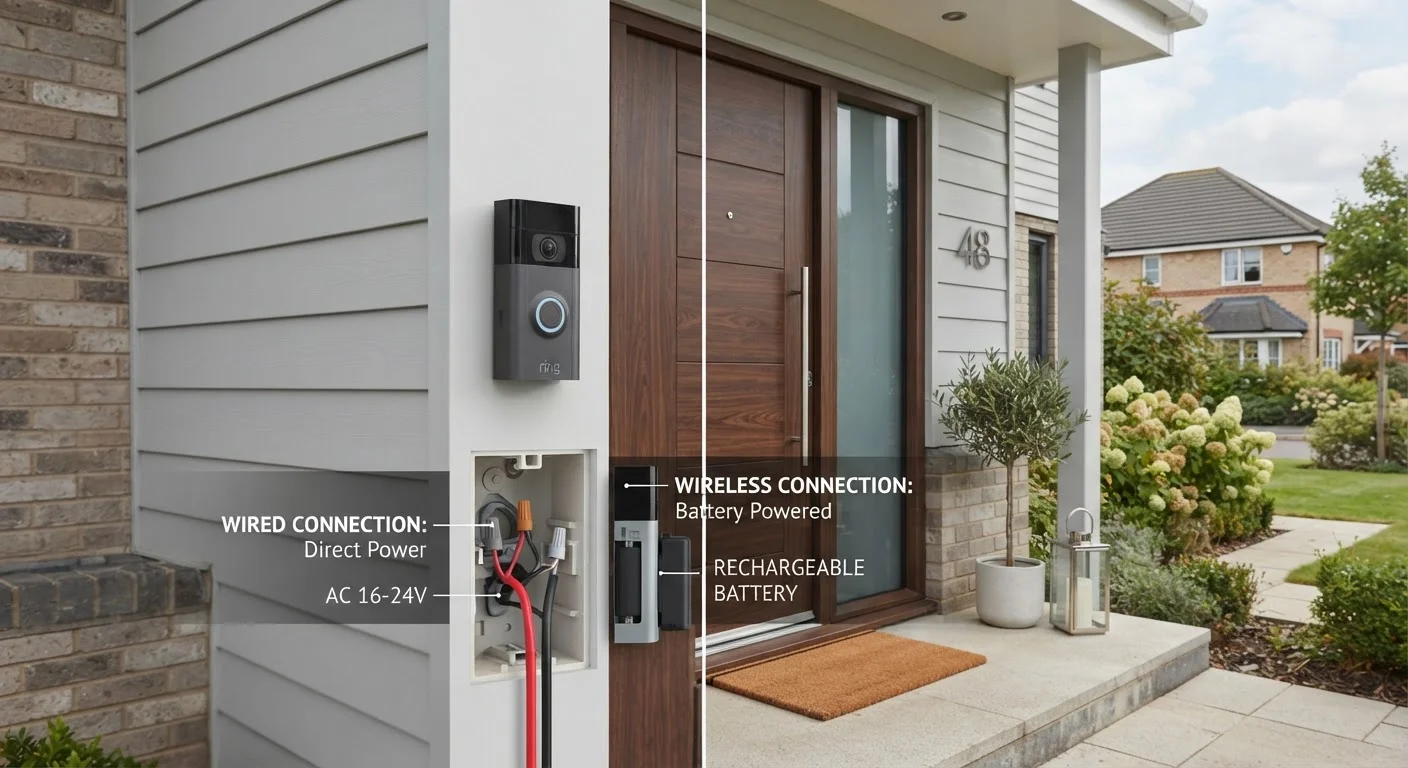
A wired smart doorbell connects to your home's existing low-voltage doorbell circuit — typically 16–24 volts AC — using the same two wires that powered a traditional mechanical chime. That circuit feeds power continuously, so the camera, processor, and Wi-Fi radio are always on. Many wired models still include an internal battery as a short-term buffer, but it's kept topped up by the wiring rather than requiring manual charging.
A wireless smart doorbell (often called a battery-powered doorbell) is entirely self-contained. It runs on a rechargeable lithium-ion battery pack or, in some models, standard replaceable batteries. Because the device must conserve energy, wireless models often use motion-triggered wake cycles rather than staying fully active around the clock — meaning the camera and processor power up when motion is detected rather than running continuously.
That fundamental difference in power delivery ripples into video performance, response latency, and long-term ownership experience in ways that specs sheets don't always make obvious. See our breakdown of common smart home misconceptions for more on how spec language can mislead buyers.
Installation: What You're Actually Taking On
Installing a wired doorbell requires confirming that your existing wiring is compatible — most smart doorbells specify a minimum transformer voltage, often 16V. If your transformer is undersized or your home has no existing doorbell at all, you may need an electrician to install one, which adds cost and time. Beyond that, the physical swap is straightforward: disconnect the old doorbell, attach the new wires, mount the unit.
Wireless doorbells skip all of that. They mount with screws (or even adhesive brackets in some designs) and pair with your Wi-Fi network through a smartphone app. For renters, apartment dwellers, or anyone in a home built without a doorbell circuit, this is a meaningful advantage. The trade-off surfaces later: battery life varies widely depending on motion frequency, video resolution settings, and ambient temperature, with many users finding they recharge every one to three months under typical conditions.
Check Your Wi-Fi Signal First
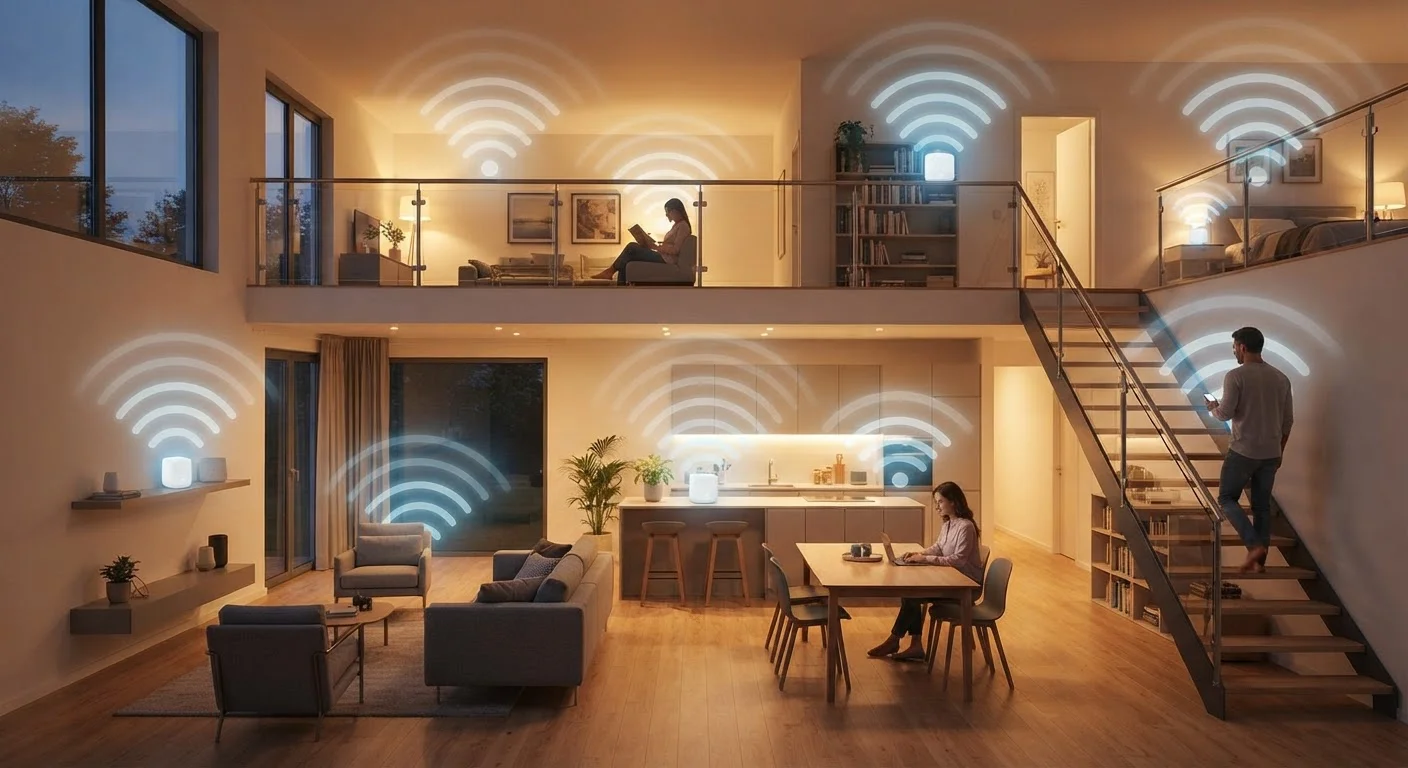
Before committing to either doorbell type, test Wi-Fi signal strength at your front door using your phone. Both wired and wireless models need a reliable connection to function well. If the signal is weak, a mesh network node or Wi-Fi extender near the entry point can make a meaningful difference in performance — and may save you from blaming the doorbell for a coverage problem.
Before purchasing either type, check whether your front door area has reliable Wi-Fi coverage. Both wired and wireless models depend on a strong signal. If your router is far from the front door, consider a Wi-Fi extender or mesh node — our guide to mesh networking explains how to evaluate your coverage.
Performance and Reliability Differences
Because wired doorbells receive constant power, they can maintain a continuous live feed and tend to have lower latency when alerting your phone. Features like pre-roll video — capturing a few seconds before motion is detected — are more commonly found on wired models because they require continuous recording capability that battery life constraints make difficult to sustain wirelessly.
Wireless doorbells have improved substantially and most offer responsive alerts and solid 1080p or higher video quality. However, extreme cold weather can reduce battery capacity noticeably, which matters in northern climates during winter months. Power interruptions from tripped breakers can affect wired units, though this is an infrequent concern for most households.
| Wired Smart Doorbell | Wireless (Battery-Powered) Doorbell | |
|---|---|---|
| Power source | Continuous low-voltage home wiring | Rechargeable or replaceable battery |
| Installation complexity | Moderate — requires existing wiring or electrician | Low — mounts and pairs via app |
| Ongoing maintenance | Minimal after installation | Periodic recharging every 1–3 months typically |
| Pre-roll video capability | Common — enabled by continuous power | Rare — limited by battery constraints |
| Cold weather performance | Unaffected by temperature | Battery capacity can drop in cold climates |
| Rental/no-wiring suitability | Poor — wiring required | Excellent — no wiring needed |
| Response latency | Generally lower — always-on | Slightly higher — wake-cycle activation |
Privacy is a consideration for both types equally. Regardless of power source, smart doorbells continuously interact with cloud servers. Our article on what smart home devices collect and how to limit it walks through practical ways to reduce data exposure across all connected home devices.
Long-Term Ownership Considerations
Over a span of several years, the ownership experience diverges in predictable ways. Wired doorbell owners largely forget about the power supply — the device works or it doesn't, and troubleshooting points to Wi-Fi or the device itself rather than battery state. Wireless owners develop a rhythm of recharging, which some find negligible and others find genuinely annoying depending on how often the doorbell activates.
Subscription costs for cloud video storage are a separate question that applies to both types equally and should factor into your total cost assessment. For a broader look at how smart home convenience stacks up against its real costs, our honest look at smart home trade-offs offers useful framing. The core question — wired or wireless — is really a question about which set of compromises fits your home, your habits, and your willingness to involve an electrician upfront versus maintaining a battery over time.
16–24V
Typical doorbell transformer voltage range
Most wired smart doorbells specify a minimum of 16 volts AC; older transformers may need replacement.
1–3 months
Typical wireless doorbell battery interval
Battery life varies significantly with motion frequency, video resolution settings, and ambient temperature.